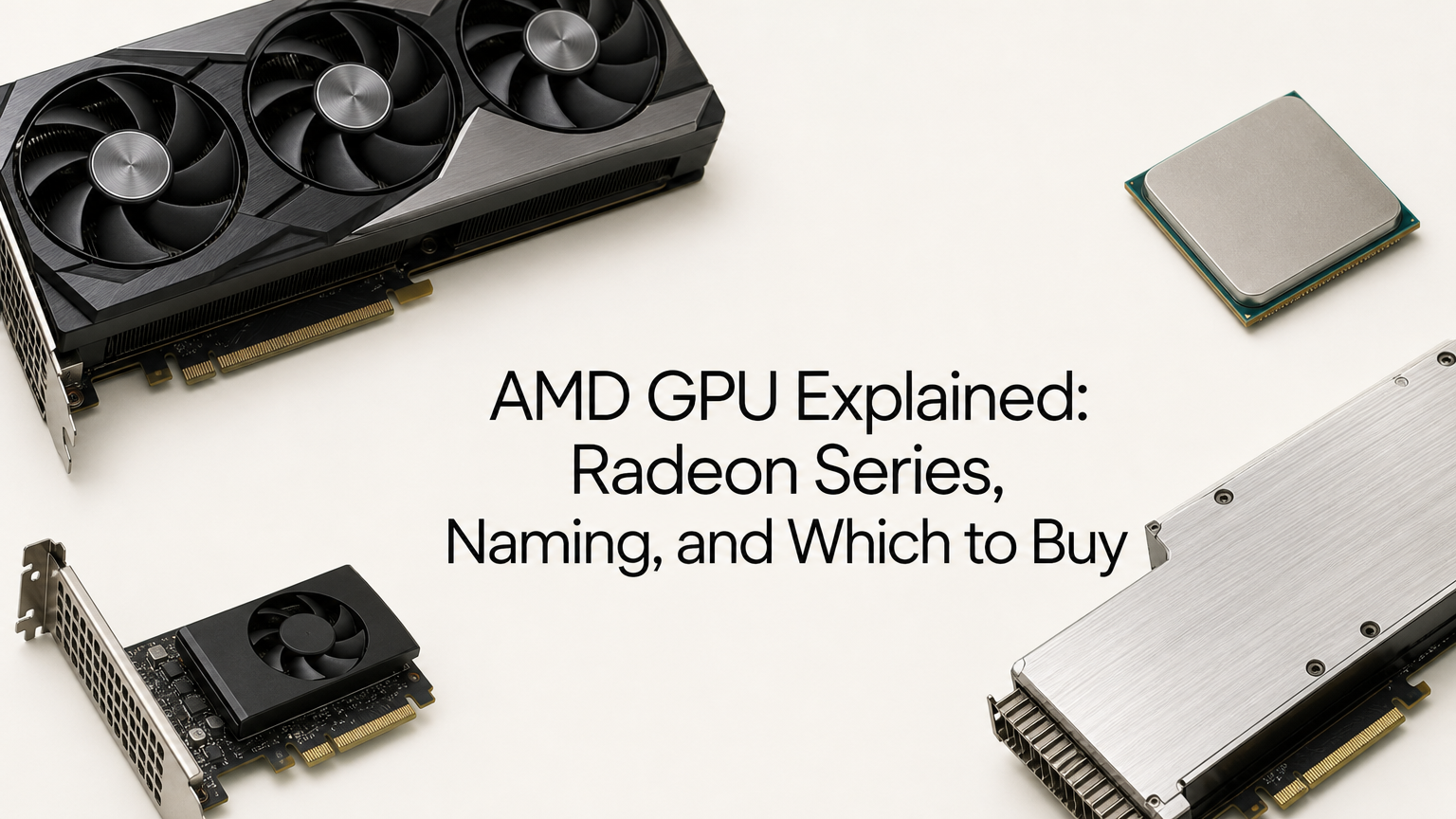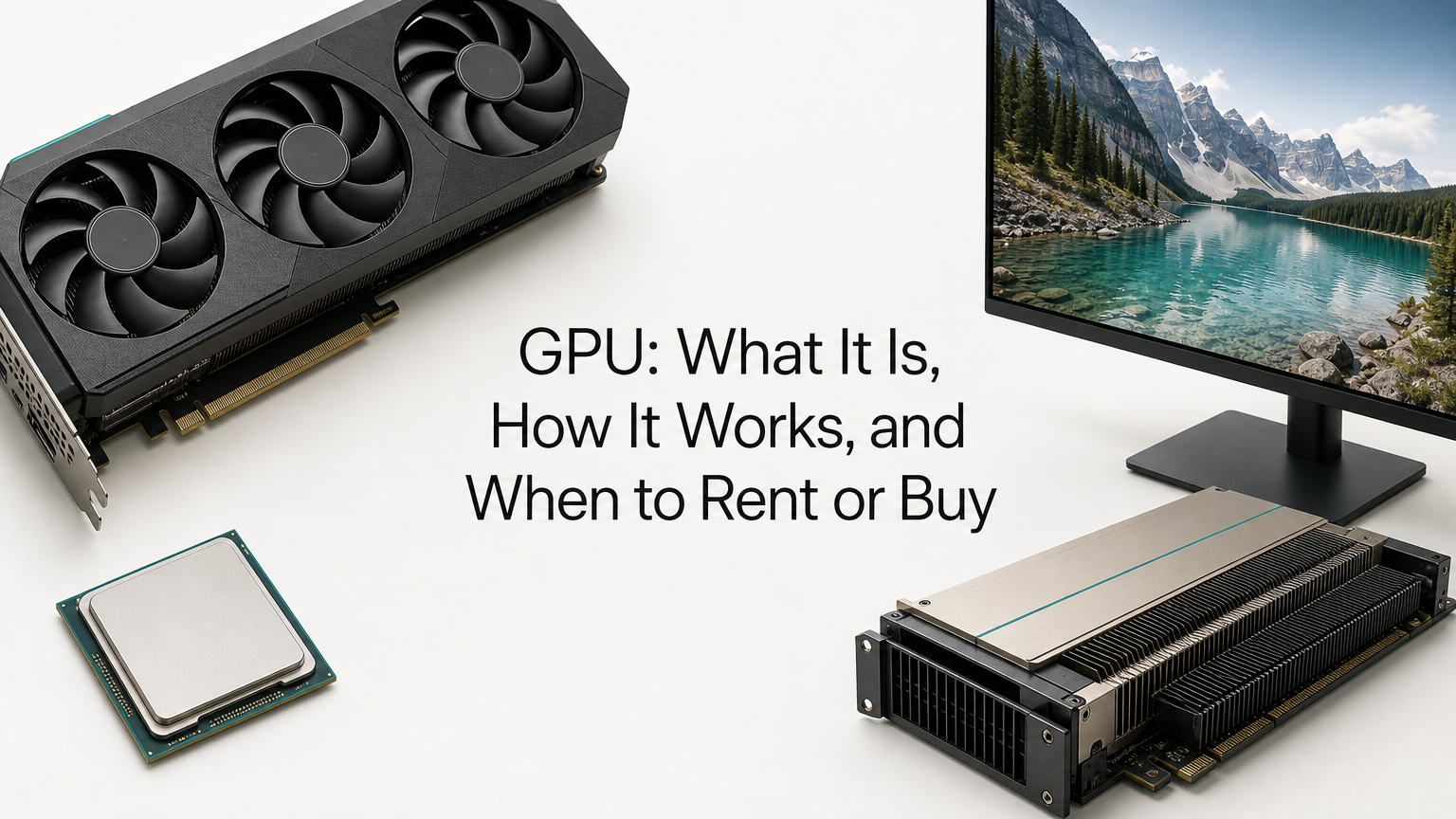
A GPU (graphics processing unit) is a processor built to run thousands of small calculations at the same time. It began as the chip that draws images on your screen. Today it also renders video, trains and runs AI models, and powers cloud servers. A CPU handles a few varied tasks very flexibly, while a GPU repeats the same kind of math across huge amounts of data. For most people the choice is simple: buy a GPU for gaming and creative work at your desk, and rent one by the hour when your workload is large or occasional.
This article covers why GPUs matter, how to choose between integrated, discrete, and cloud options, and where GPUs are used. It also explains how GPU as a service works, with real hourly rates and a worked cost example.
Geodd is an AI inference company that has operated since 2023 and rents dedicated GPUs by the hour. The rental figures below come from our own published rates.
Why the GPU matters for graphics, AI, and speed
A GPU matters because it does parallel work far faster than a CPU, and a growing share of modern software is parallel work. Games, video editing, and AI models all depend on it.
What a GPU actually does
Every frame in a game contains millions of pixels, and each pixel needs its color calculated. The math is nearly identical for each one, so a chip with thousands of small cores finishes the job far faster than a chip with a handful of large cores. Early GPUs did only this.
Engineers later noticed that AI workloads rely on the same kind of math. Neural networks multiply enormous grids of numbers, and matrix multiplication maps almost perfectly onto GPU hardware. That is why the chip in your gaming PC and the chip in an AI data center are close relatives.
A CPU decides what to do next, and a GPU does the same math thousands of times at once.
GPU vs CPU
The two chips do different jobs and work as a team. The CPU runs your operating system and applications and sends heavy parallel work to the GPU.
| Feature | CPU | GPU |
|---|---|---|
| Core design | A few powerful, flexible cores | Thousands of simpler cores |
| Best at | Varied tasks done in sequence | Repetitive math on large data sets |
| Typical jobs | Operating system, browsers, spreadsheets | Rendering, video encoding, AI training and inference |
| Can run alone? | Yes | No, it needs a CPU to direct it |
Brand names cause some confusion here. Nvidia is best known for its GPUs, such as the GeForce line. AMD and Intel make both CPUs and GPUs.
How to choose between integrated, discrete, and cloud GPUs
Choose an integrated GPU for office work and light media, a discrete GPU for gaming and creative work, and a cloud GPU when you need more memory or power than a desk machine offers.
Integrated vs discrete
An integrated GPU sits on the same chip as the CPU. It uses less power, keeps laptops thin, and lowers system cost. Most GPUs in the world are integrated. A MacBook works this way: Apple's M-series chips put the CPU and GPU on one piece of silicon that shares memory.
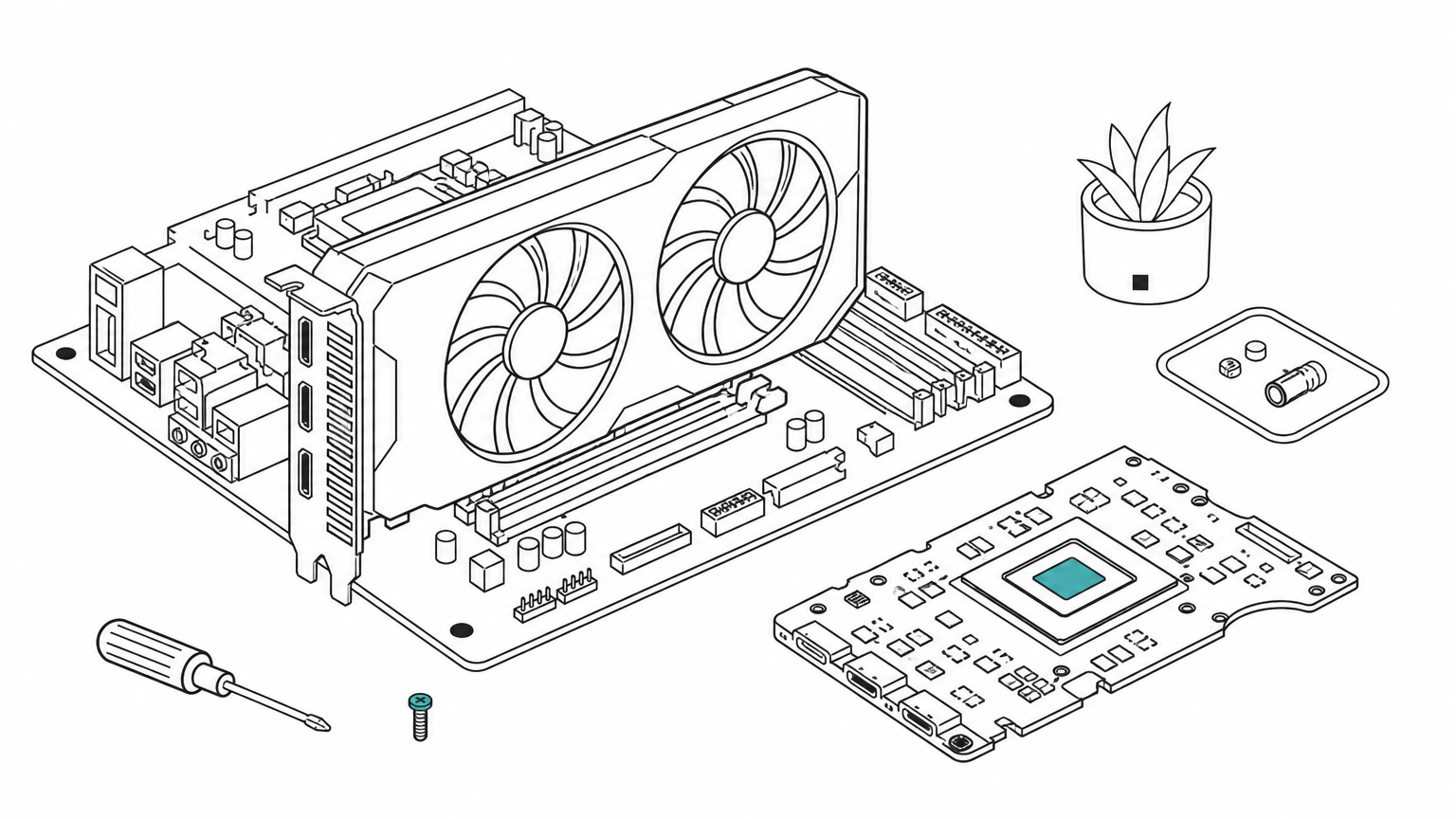
A discrete GPU is a separate chip on its own circuit board, usually plugged into a PCI Express slot. It adds power and heat, so it needs dedicated cooling.
People often say "GPU" and "graphics card" as if they were the same thing. The graphics card is the board, and the GPU is the chip on it, alongside its memory and power circuitry.
What to check before you buy
Use this checklist for a desktop card:
- VRAM: Current gaming cards carry 8GB to 16GB. Higher resolutions and heavy textures need more.
- Target resolution: Match the card to your monitor, not to a benchmark chart.
- Power and size: Check your power supply wattage, the connectors, and the physical clearance in your case.
- Slot: Current cards use PCIe 5.0 and generally work in older slots at reduced bandwidth.
For 1080p gaming, an entry or mid-range card such as an RTX 5060 or Radeon RX 9060 XT handles most current titles. For 1440p and 4K, look at the RTX 5070 Ti or Radeon RX 9070 XT tier. Retail prices for current cards run from about $450 for an RTX 5060 to more than $2,100 for an RTX 5080, and they shift often, so check before you commit.
The best GPU for gaming is the one that matches your monitor's resolution and your budget, not the fastest card on the shelf.
Where GPUs are used today
GPUs now work in four main areas: gaming, creative production, AI, and scientific computing. What you should look for in a GPU depends on which one you care about.
The main workloads
| Use | What the GPU does | What matters most |
|---|---|---|
| Gaming | Renders frames, lighting, and ray tracing | Raw speed and VRAM |
| Video and 3D work | Accelerates rendering and encoding | VRAM and media engines |
| AI training | Runs matrix math over large data sets | Memory size and bandwidth |
| AI inference | Generates answers from a trained model | VRAM capacity |
| Scientific computing | Simulates physics and analyzes data | Memory and numeric precision |
Gaming remains the best-known use. Better GPUs let you play at higher resolution, at faster frame rates, or both. Video editors and 3D artists benefit too, because renders that once tied up a machine for hours finish much faster.
GPUs in AI and data centers
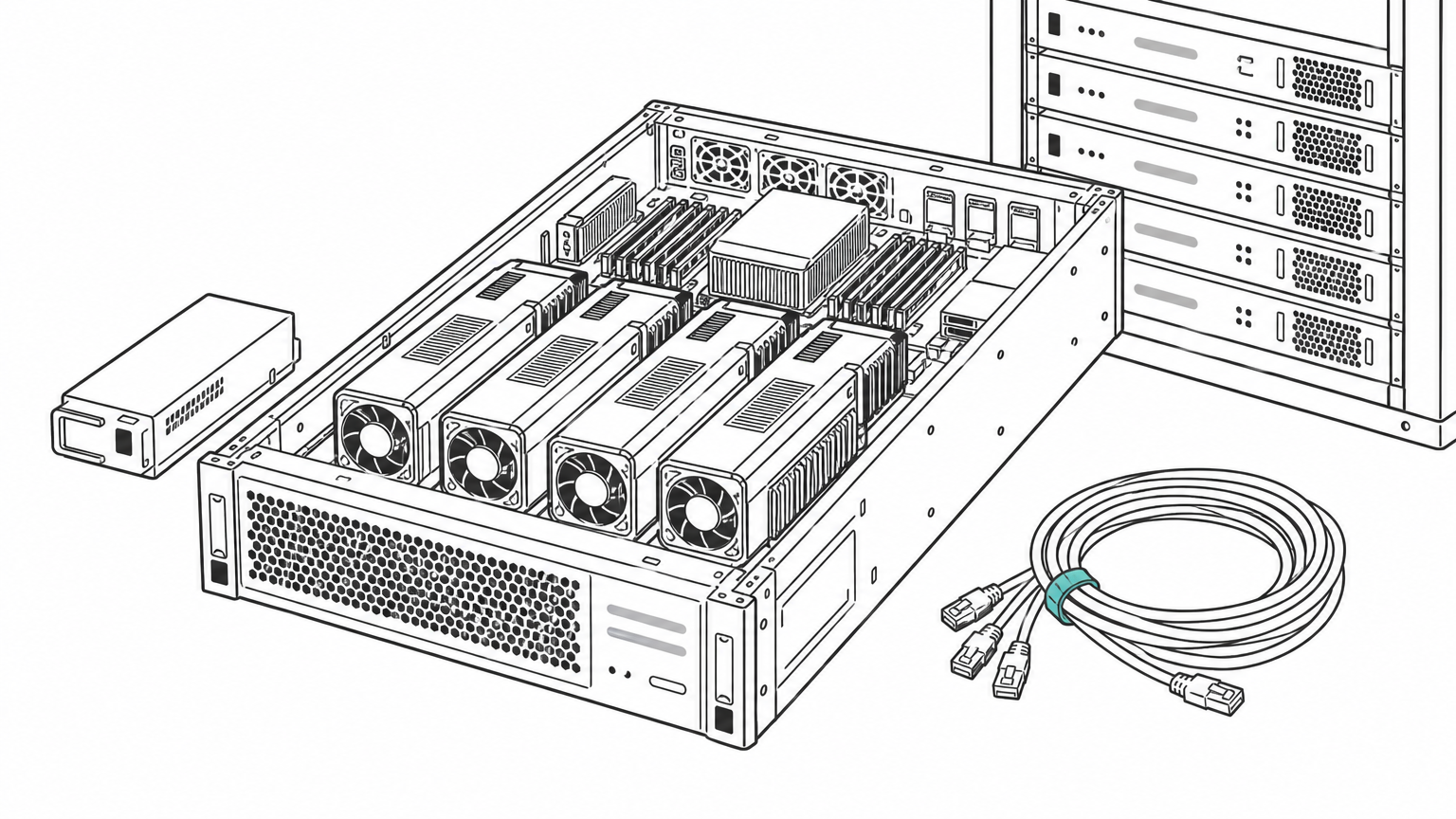
Data center GPUs are built differently from gaming cards. An H100 carries 80GB of HBM3 memory and an H200 carries 141GB of HBM3e, compared with 8GB to 16GB on most gaming cards. That memory is the point. A model has to fit in GPU memory to run efficiently, so data center parts are sold on memory as much as on speed.
Inference means running a trained model to produce answers for users. It is the workload behind chatbots, coding assistants, and AI agents, and it is where most commercial GPU demand now sits.
In AI work, GPU memory decides which models you can run at all, and speed decides how fast.
GPU as a service: renting instead of buying
GPU as a service means renting GPU capacity from a provider over the internet and paying by the hour or by usage, instead of buying hardware. It suits work that is large, bursty, or needs more memory than a desktop card has.
The three ways to rent
On-demand rental gives you a GPU or a server with several GPUs, billed hourly, which you can stop at any time. Reserved capacity commits you to a cluster for a longer period at lower rates, and Geodd's enterprise reservations cover 128 to 500 GPUs with deployment within 7 weeks. Serverless inference skips the GPU entirely and bills per token, which is the right choice if you only need a model's output.
Geodd's dedicated GPU access is bare metal and single tenant. You get SSH access with full control of the operating system and runtime, hosted in a Tier III facility, and it deploys in about 60 seconds. No orchestration or runtime layer is included, so you bring your own software stack. Non-enterprise accounts need an eligible auto top-up and a confirmed card before launching a GPU.
What rental costs
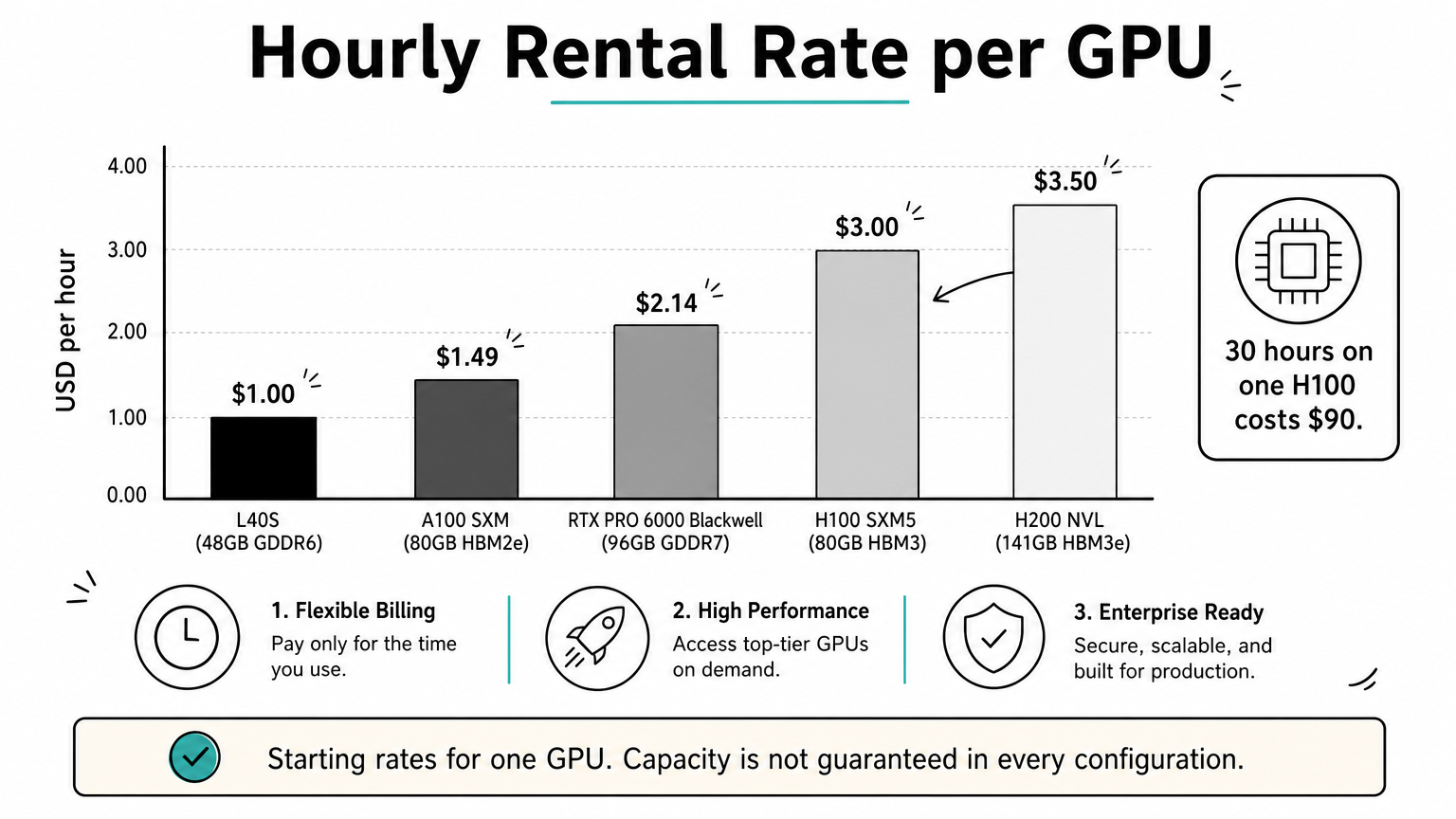
These are Geodd's published starting rates for one GPU. Capacity is not guaranteed in every configuration.
| GPU | Memory per GPU | Rate per hour |
|---|---|---|
| L40S | 48GB GDDR6 | $1.00 |
| A100 SXM | 80GB HBM2e | $1.49 |
| RTX PRO 6000 Blackwell | 96GB GDDR7 | $2.14 |
| H100 SXM5 | 80GB HBM3 | $3.00 |
| H200 NVL | 141GB HBM3e | $3.50 |
A worked example: a 30-hour fine-tuning job on one H100 costs 30 × $3.00 = $90. You pay only for those hours and own nothing afterward.
When to rent and when to buy
Buy when you use the GPU daily for gaming, design, or local development. Rent when your use is occasional or your memory needs are large.
Break-even math helps. A $2,000 desktop card equals 2,000 hours of an L40S at $1.00 an hour. At 20 hours a week, that is about 100 weeks, before power and resale value. The two are not equal hardware, since the L40S has 48GB against 16GB on a gaming card, but the comparison shows how long a purchase takes to pay off.
Memory is the other deciding factor. A 7-billion-parameter model needs about 14GB for its weights at 16-bit precision. A 120-billion-parameter model at 4-bit precision needs roughly 60GB, which fits on one 80GB H100 but not on any gaming card.
Buy a GPU for work you do every day, and rent one for work that needs more memory than you will ever use daily.
Buy for your desk, rent for the heavy lifting
A GPU is a parallel processor that began with graphics and now drives games, creative software, and AI. It works alongside the CPU, not instead of it. For desktop use, match the card to your monitor and budget. For AI and other memory-hungry work, calculate the hours you will actually use and compare the rental rate to a purchase.
If your workload fits that second case, you can rent a GPU by the hour from Geodd and compare H100, H200, A100, L40S, and RTX PRO 6000 options before you commit to hardware.