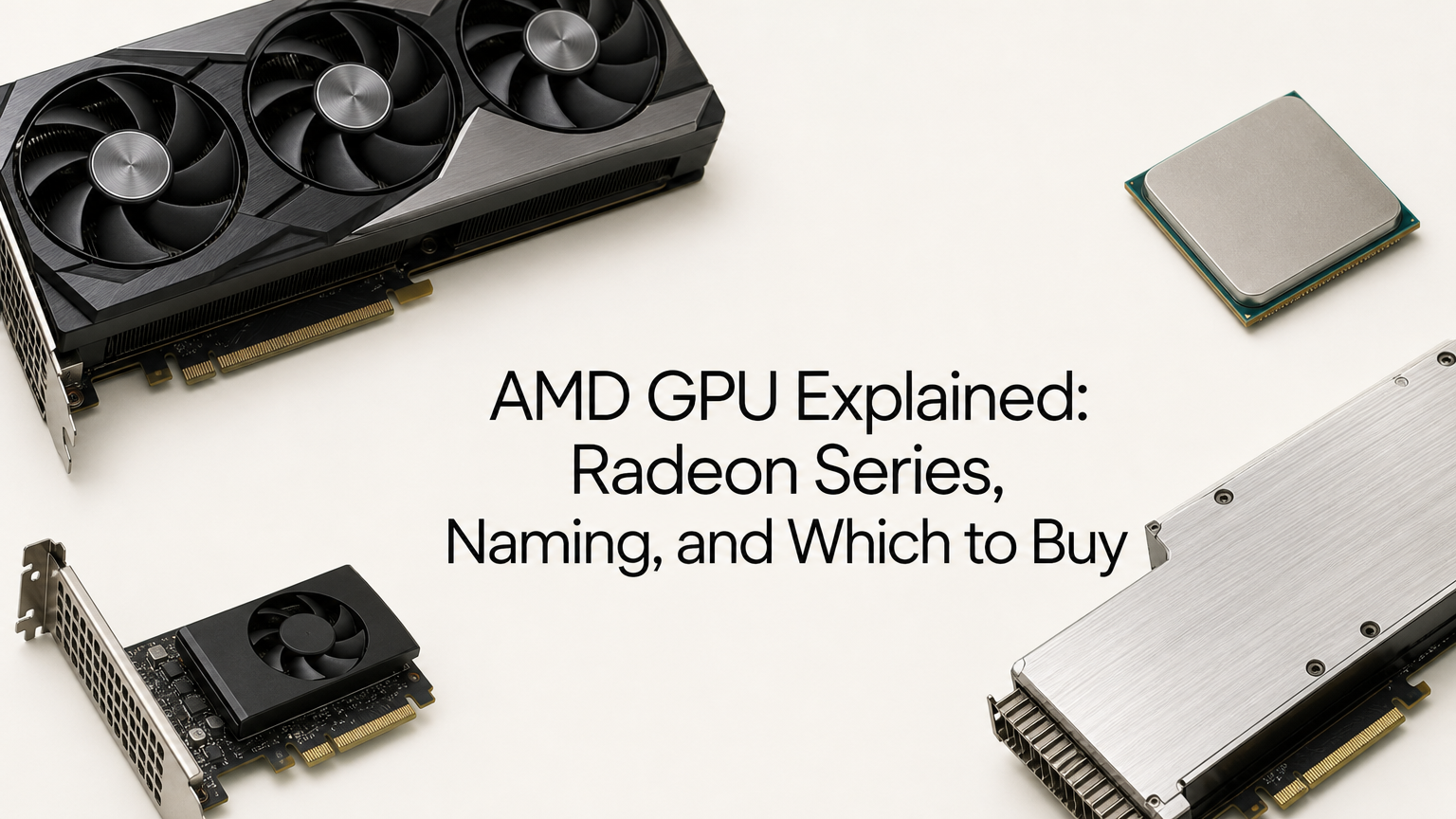
An AMD GPU is a graphics processor designed by AMD and sold mostly under the Radeon brand. A name like RX 9070 XT packs three facts into a few characters: the generation (9000 series), the performance tier (the 70), and the variant (XT). Once you can read those parts, you can place any Radeon card in seconds and know roughly where it sits against the others.
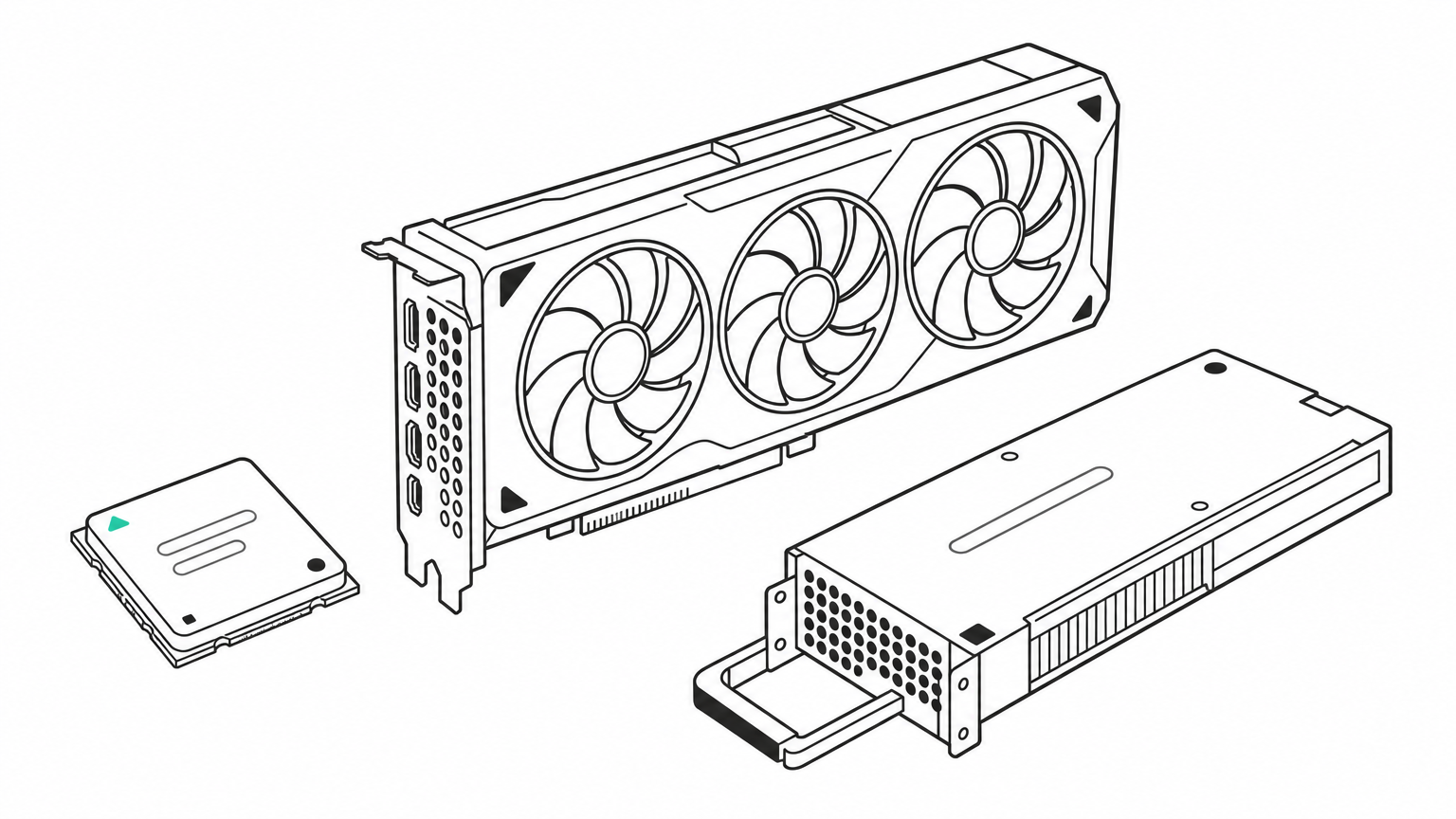
The name covers three product families. Radeon RX cards are the add-in graphics cards for desktop PCs. Integrated Radeon graphics sit inside Ryzen processors. Instinct accelerators are data center GPUs built for AI and high-performance computing.
This article walks through why the names matter, how to decode them, what AMD's current lineup looks like, how to identify the card already in your PC, and which model fits your use. We work with AMD hardware at Geodd, including Helix, our model that writes kernels for AMD's ROCm stack.
Why AMD GPU names matter before you buy or troubleshoot
AMD GPU names matter because the same few digits tell you the generation, the speed class, and often the memory, and a wrong guess costs you money or the wrong driver. AMD's own support documentation says that knowing the make and model helps with troubleshooting, finding the right graphics drivers, and warranty claims.
A bigger number is not always a newer card
Generation comes first, so an RX 6950 XT is a 6000-series card and belongs to an older generation than an RX 7600. The 9000 series is built on AMD's RDNA 4 architecture, which AMD pairs with third-generation ray tracing and second-generation AI accelerators. Older series lack those features, so the series number tells you about features as much as speed.
Read the generation digits first, because a high tier in an old series can still be a worse buy than a mid tier in a new one.
Three families share the AMD GPU name
Searches for an AMD GPU mix very different products. This table separates them.
| Family | Where you find it | Example |
|---|---|---|
| Radeon RX | Desktop add-in graphics cards | RX 9070 XT |
| Integrated Radeon Graphics | Inside Ryzen processors, often shown as "AMD Radeon(TM) Graphics" | Ryzen integrated graphics |
| Instinct | Data center accelerators for AI training and inference | MI300X |
The rest of this guide focuses on Radeon RX cards, with a short pointer to Instinct at the end.
How to read an AMD Radeon GPU name
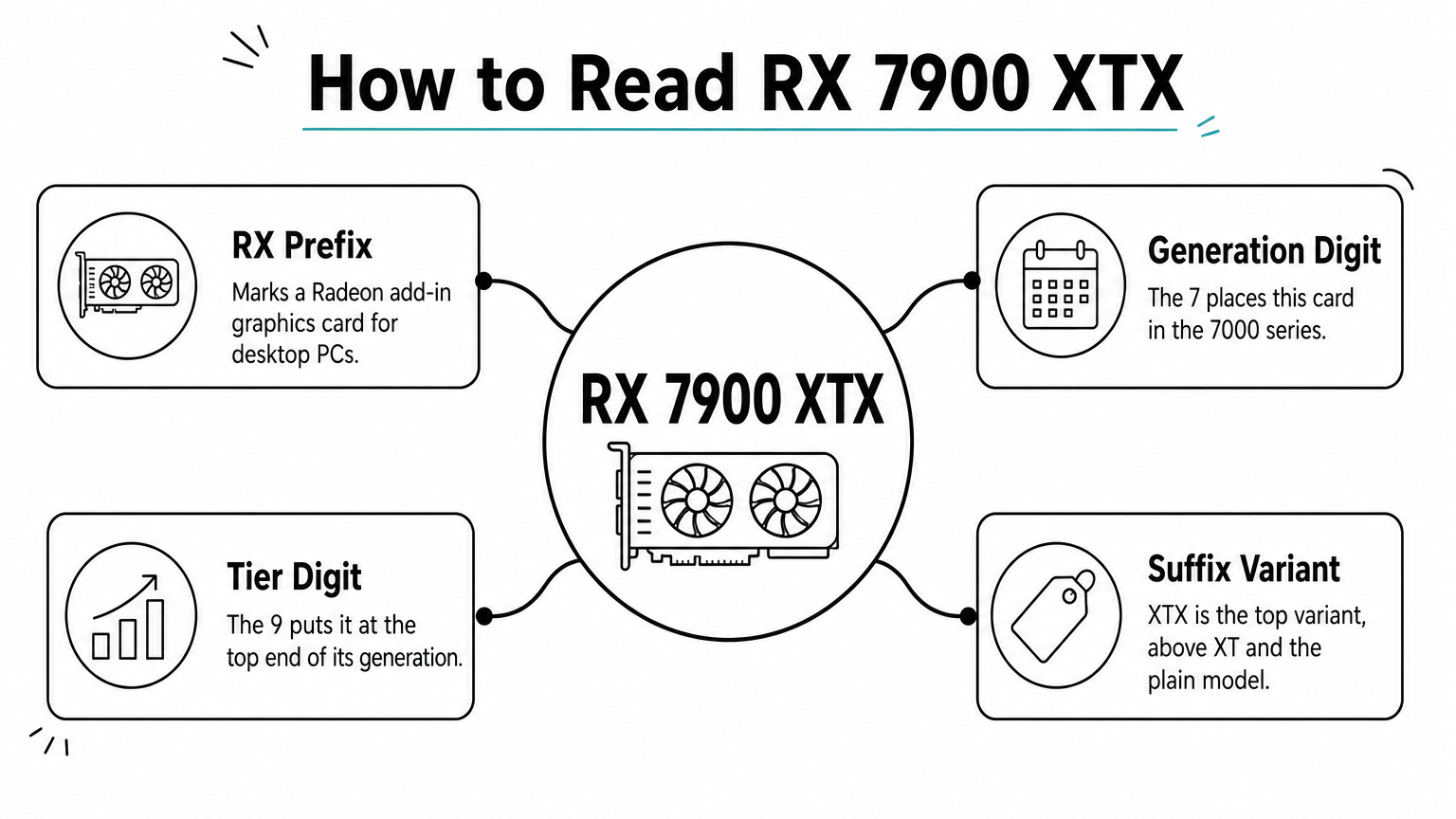
To read an AMD Radeon GPU name, split it into four parts: the RX prefix, the generation digit, the tier digit, and the suffix. In RX 7900 XTX, the 7 is the generation, the 9 is the tier, the 00 is the base model, and XTX is the top variant.
Generation and tier digits
The first digit (or first digits) maps to a series and an architecture.
| Series | Architecture | Example |
|---|---|---|
| 9000 | RDNA 4 | RX 9060 XT |
| 7000 | RDNA 3 | RX 7800 XT |
| 6000 | RDNA 2 | RX 6700 XT |
The second digit is the tier inside that generation. Higher means faster: 9 and 8 are the top end, 7 is upper-middle, 6 is mainstream, and 5 and 4 are entry level. AMD's compute unit counts follow this closely. The RX 7900 XTX has 96, the 7800 XT has 60, and the 7600 has 32. The last two digits are usually 00 or 50, and a 50 marks a refresh. The RX 6750 XT keeps the 40 compute units of the 6700 XT but raises the game frequency from 2424 MHz to 2495 MHz.
Suffixes and memory variants
Within one number, XTX beats XT, and XT beats the plain model. The RX 9070 XT has 64 compute units against 56 for the RX 9070. GRE is a cut-down variant. The 7900 GRE sits below the 7900 XT, and the 9070 GRE has 48 compute units, below the plain 9070. LP marks a low-profile card, such as the RX 9060 XT LP, that fits small cases.
Memory is the trap. The RX 9060 XT ships with 8 GB or 16 GB on the same 32 compute units, and AMD lists the 8 GB model separately. Always confirm the memory size before you buy.
The suffix ranks cards sharing one number, but the memory size can still differ inside a single name.
The current AMD GPU lineup by series
AMD's published lineup covers the 9000, 7000, and 6000 series. There is no desktop 8000 series on AMD's pages, and no 10000 series. The 9000 series is the newest, so start there.
9000 series cards
These figures come from AMD's model specifications.
| Model | Compute units | Memory | Game frequency |
|---|---|---|---|
| RX 9070 XT | 64 | 16 GB | 2400 MHz |
| RX 9070 | 56 | 16 GB | 2070 MHz |
| RX 9070 GRE | 48 | 12 GB | 2220 MHz |
| RX 9060 XT | 32 | 16 GB or 8 GB | 2530 MHz |
| RX 9060 | 28 | 8 GB | 2400 MHz |
| RX 9050 | 16 | 8 GB or 4 GB | 1920 MHz |
7000 and 6000 series cards
The 7000 series is the previous generation and still has the largest memory pools in the Radeon range.
| Model | Compute units | Memory |
|---|---|---|
| RX 7900 XTX | 96 | 24 GB |
| RX 7900 XT | 84 | 20 GB |
| RX 7800 XT | 60 | 16 GB |
| RX 7700 XT | 54 | 12 GB |
| RX 7600 XT | 32 | 16 GB |
| RX 7600 | 32 | 8 GB |
The 6000 series runs from the RX 6950 XT (80 compute units, 16 GB) down to the RX 6400 (12 compute units, 4 GB). It makes sense mainly as a used or budget option. Many of its cards, such as the RX 6800 XT with 72 compute units and 16 GB, still run current games well.
Compare compute units and memory in the table, not the model number alone, because that is where the real gaps show up.
How to identify the AMD GPU in your PC
The fastest way to identify an AMD GPU is to check the retail box or the sticker on the card. If neither is available, Windows Device Manager lists the model under Display adapters, and the Hardware IDs reveal who made the card.
Check Device Manager and AMD Software
- Open Device Manager and expand Display adapters.
- If you see the model, such as Radeon RX 580 Series, you have the chipset.
- If you see Microsoft Basic Display Adapter, no AMD driver is installed. Install one from AMD, then check again.
- For more detail, open AMD Software, click the gear icon, choose System, then More Details. The model appears under Graphics Chipset.
Many integrated chips show only "AMD Radeon(TM) Graphics". That is a generic label, and the exact graphics part depends on your Ryzen processor model, so look up that processor's specs.
Find the card maker with the Subsystem Vendor ID
The chipset is AMD's, but a partner brand built the card. Right-click the adapter, choose Properties, open Details, and select Hardware Ids. Take the last four characters of the SUBSYS value. A string ending in SUBSYS_E3661DA2 gives 1DA2, which AMD's lookup list maps to Sapphire.
| Subsystem Vendor ID | Manufacturer |
|---|---|
| 1002 | AMD |
| 1043 | ASUSTeK |
| 1458 | Gigabyte |
| 1462 | MSI |
| 148C | PowerColor |
| 1682 | XFX |
| 1DA2 | Sapphire |
The chipset name tells you the performance, and the subsystem vendor ID tells you who to contact for warranty.
Which AMD GPU fits your needs
The best AMD GPU depends on your resolution and memory needs. For most gamers the RX 9070 XT is the strongest current choice, because it is the largest 9000-series card in AMD's table. Cheaper cards fit lower resolutions. These picks are my own guidance, so check retailer prices before you commit.
Match the card to your resolution
| Target | Cards to consider |
|---|---|
| 1080p | RX 9060 XT 8 GB, RX 9060, RX 7600 |
| 1440p | RX 9060 XT 16 GB, RX 9070 GRE, RX 9070 |
| 4K | RX 9070 XT, RX 7900 XTX |
Pick the 16 GB version of a card when you can, since newer games use more memory at high texture settings. The RX 7900 XTX has 24 GB, the most in the Radeon range, though it lacks the RDNA 4 features of the 9000 series.
Using an AMD GPU for AI work
Memory capacity matters most for local AI, because the model has to fit in VRAM. Software support also varies by card, so check AMD's ROCm compatibility list for your exact model before you buy. For production inference at scale, consumer cards give way to Instinct accelerators like the MI300X, which has 192 GB of memory. That is the hardware Helix targets.
For AI, count gigabytes of VRAM and confirm ROCm support before you compare gaming benchmarks.
Reading Radeon names with confidence
Every Radeon name breaks into generation, tier, and suffix, and the generation digit tells you the architecture and features. Identify your own card through Device Manager or AMD Software, and compare compute units and memory in the tables above before you buy.
If your needs go past a desktop card and you want AMD silicon for large-model work, you can try renting an AMD Instinct MI300X on demand and skip buying the hardware.