The best GPU for rent depends on how long you need it and how much control you want. If you need guaranteed capacity and SSH access to a whole server, rent a dedicated bare metal GPU, as Geodd offers. If you scale training across several GPUs, Lambda fits. For short, bursty experiments, Runpod's per-second billing keeps costs down. For the cheapest published H100 and H200 hourly rates in this list, look at Jarvis Labs.
The problem is that every provider says it is cheap and fast, and the details sit behind different billing units, GPU names and availability rules. You can lose money on idle hours, or lose a day when the card you picked is not in stock. This article covers four providers where you can rent a GPU server by the hour for AI and machine learning work. Geodd is our own service, so it comes first and we say plainly where it does not fit.
Each provider gets the same three checks: what hardware you can rent, how billing works, and who it suits. A comparison table, a worked cost example and a short guide to cheaper and free options follow.
1. Geodd dedicated GPU access
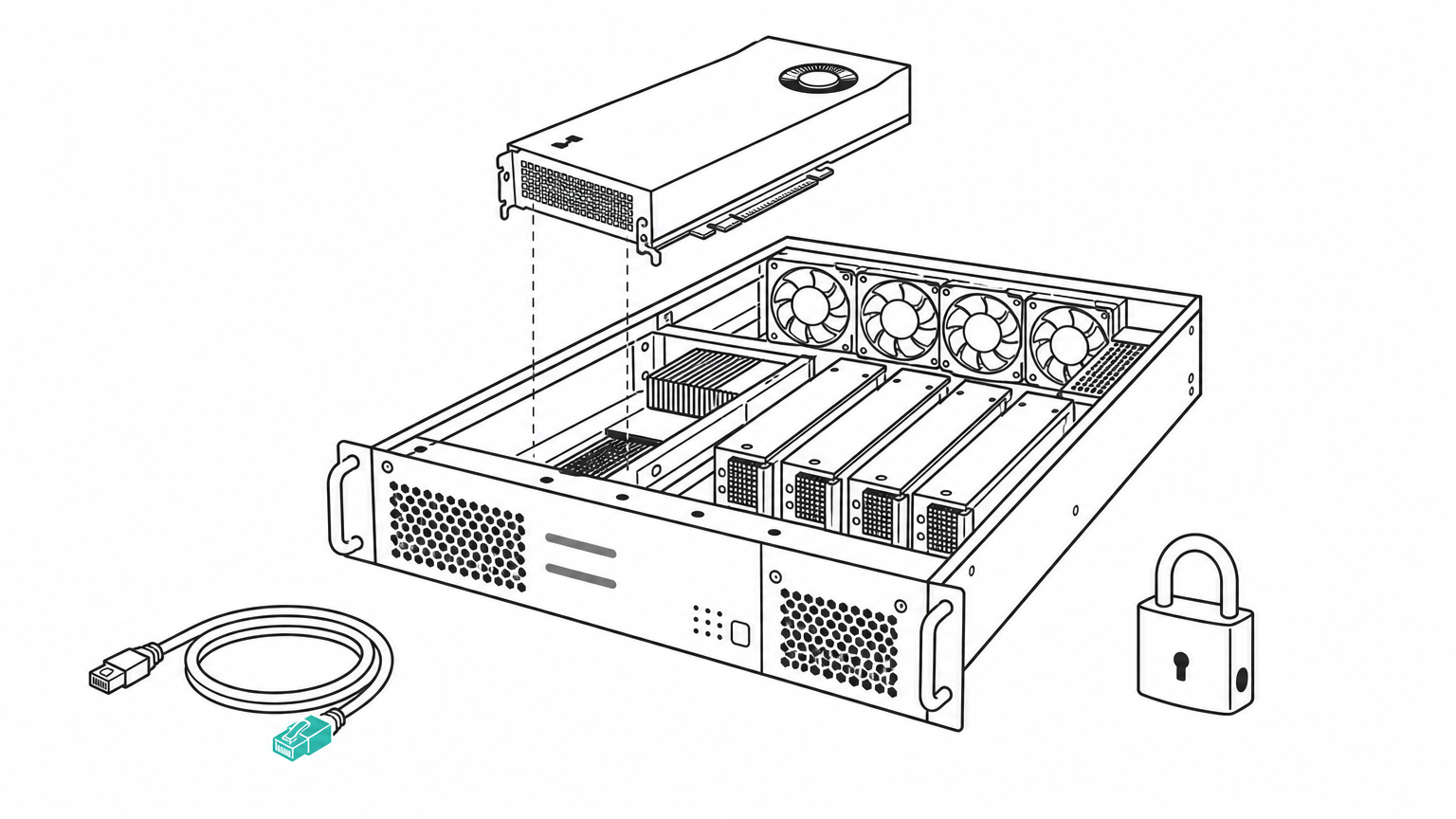
Geodd rents bare metal, single-tenant GPUs with SSH access, so no other customer shares your card. It suits inference, training, custom runtimes and fixed capacity needs.
What you can rent
Geodd lists H200, H100 and RTX PRO 6000 as its dedicated GPU models, with A100 and L40S classes also available. Two H100 virtual machine types show the shape of the hardware.
| Type | GPUs | vCPU | Memory | Storage |
|---|---|---|---|---|
| gpu_1x_h100 | 1x H100 80GB | 20 | 128 GiB | 1200 GB |
| gpu_2x_h100 | 2x H100 80GB | 40 | 256 GiB | 2500 GB |
Pricing and billing
Billing is hourly, and each machine type is listed with its hourly price in the availability list. Check that live list before you commit, because rates change with the GPU class.
Provisioning takes 60 seconds to 5 minutes, depending on the GPU type. That is fast enough to start and stop servers around a job instead of leaving them idle.
Dedicated means you pay for the whole server whether you use it or not, so shut it down when the job ends.
Who it suits
Pick Geodd when you run your own software stack, need isolated compute, or must hold a fixed GPU allocation for production. It is not the right tool if you only want to call a model. For that, Geodd's serverless inference gives you models through an API with automatic scaling, and you never manage a server.
2. Lambda
Lambda rents NVIDIA data center GPUs by the hour, and its main selling point is a clean path from one GPU to many.
What you can rent
Lambda lists H100, H200, B200 and A100 GPUs. You launch an instance in minutes and can scale to multiple GPUs when a single card runs out of memory or time.
Pricing and billing
Pricing is pay as you go, by the hour. Lambda states there are no egress fees, which matters when you move large datasets or checkpoints out of the cloud. Hourly rates vary by GPU and change over time, so read the live pricing page before budgeting.
Who it suits
Lambda fits teams doing real training runs on current-generation hardware. If you expect to move from one GPU to an eight-GPU job, staying on one provider avoids a migration. If you only need a card for an evening of testing, a per-second or per-minute billing provider will likely cost less.
Zero egress fees can save more than a lower hourly rate when your checkpoints and datasets are large.
3. Runpod
Runpod is the broadest catalog in this list, and its per-second billing suits short and unpredictable jobs.
What you can rent
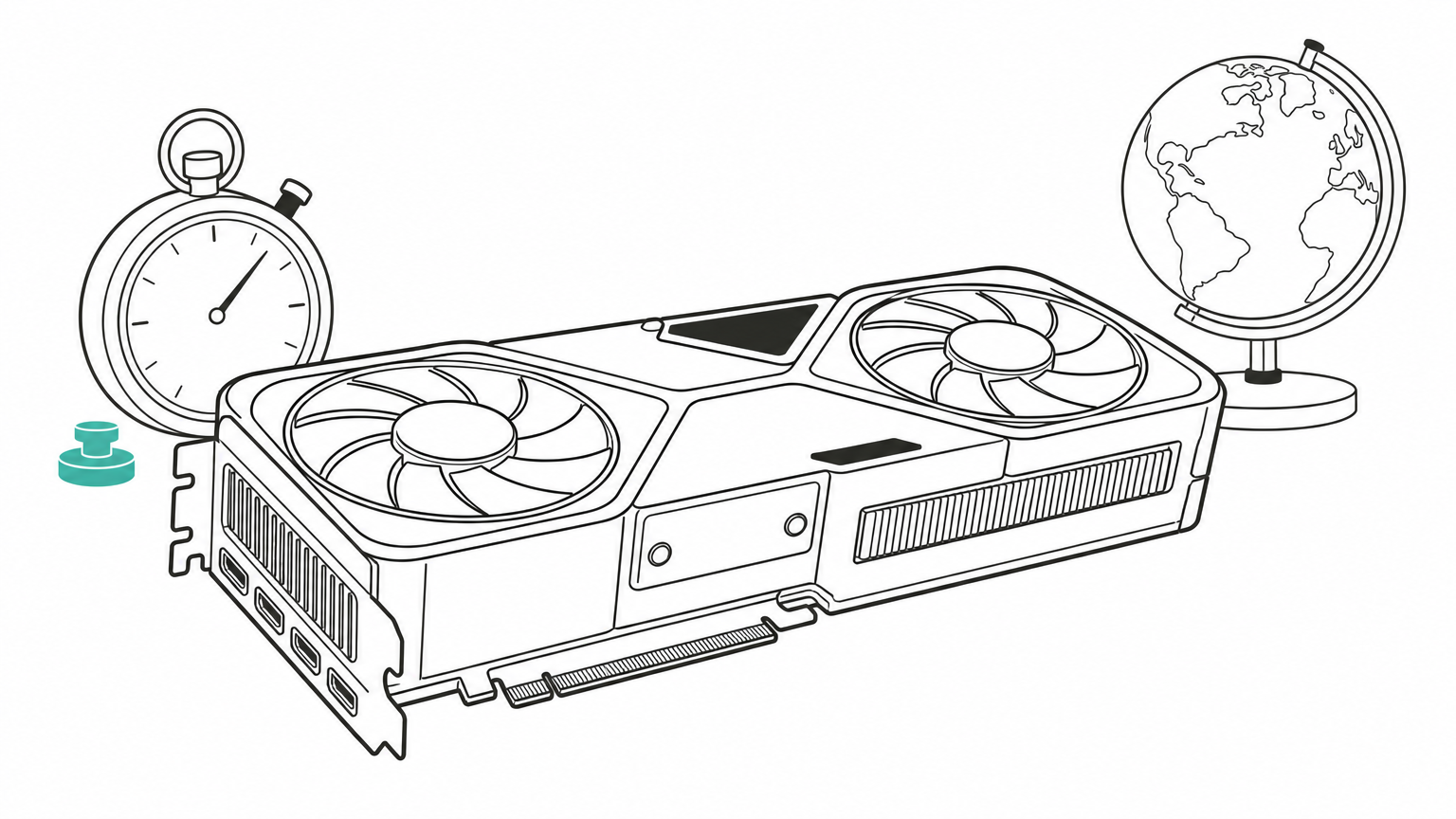
Runpod lists on-demand cloud GPU instances with 30+ GPU models across 31 global regions. That includes H100, A100 and RTX 4090, so you can match the card to the job instead of defaulting to the biggest one.
Pricing and billing
Billing runs per second. A 12-minute image generation test costs 12 minutes, not a full hour. Prices differ by GPU model and region, so compare the live rate for the exact card you want.
The wide range of cards also helps on cost. A consumer-class RTX 4090 handles many 7B to 13B parameter inference and fine-tuning jobs. Renting an H100 for those is paying for memory you will not use.
Match the card to the model: renting an H100 for a job that fits on an RTX 4090 wastes most of what you pay.
Who it suits
Runpod suits developers running experiments, image generation, or inference tests where jobs start and stop often. Many regions also help when you need compute close to your users or data.
4. Jarvis Labs
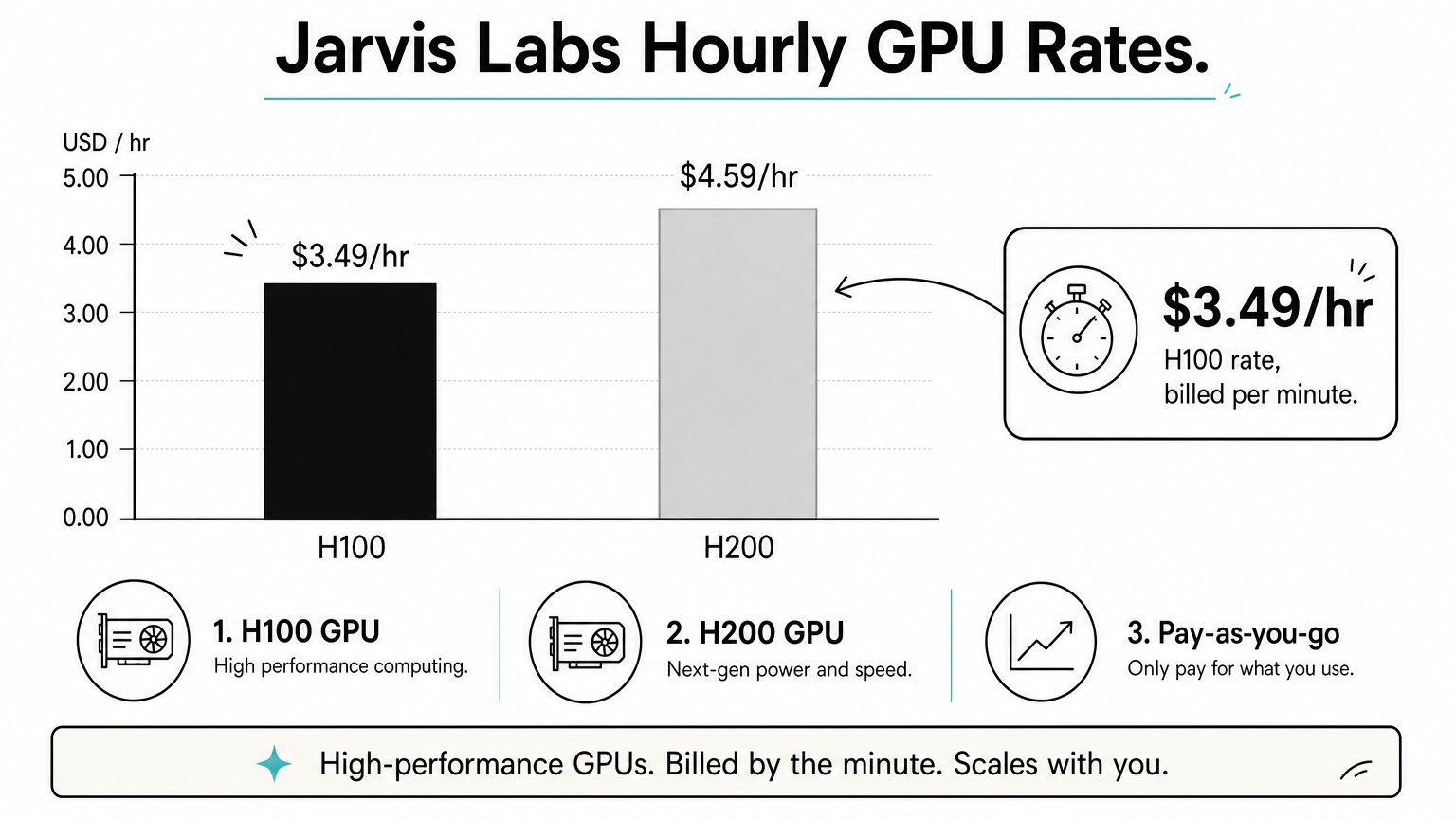
Jarvis Labs publishes clear hourly prices for flagship GPUs and bills by the minute, which makes budgeting simple.
What you can rent
Jarvis Labs rents NVIDIA H200 GPUs with 141GB of memory for LLM training and inference, plus H100 GPUs, on demand. The H200's extra memory lets larger models fit on fewer cards.
Pricing and billing
The listed rates are $4.59/hr for an H200 and $3.49/hr for an H100, billed per minute. Here is a worked example:
- A 10-hour fine-tuning run on one H100 costs 10 x $3.49 = $34.90.
- The same run on one H200 costs 10 x $4.59 = $45.90.
- A 90-minute test on an H100 costs 1.5 x $3.49, about $5.24.
Treat these as the rates at the time of writing and confirm them on the provider's page.
Who it suits
Jarvis Labs is a good fit when you want a predictable bill for a defined job, such as a single fine-tune or a benchmark run. The H200 only pays off when memory is your bottleneck. If your model fits in 80GB, the H100 is the cheaper choice.
Pay for the H200 only when 80GB of memory is the thing stopping your model.
How the four compare and which to rent
Choose by billing unit and job length first, then by GPU type. The table puts the four side by side using what each provider states publicly.
Side-by-side table
| Provider | GPUs named | Billing | Stated price or perk | Best for |
|---|---|---|---|---|
| Geodd | H200, H100, RTX PRO 6000 (A100, L40S classes) | Hourly | See live availability list | Dedicated, SSH-level control |
| Lambda | H100, H200, B200, A100 | By the hour | No egress fees | Multi-GPU training |
| Runpod | H100, A100, RTX 4090, 30+ models | Per second | 31 global regions | Short, bursty jobs |
| Jarvis Labs | H200, H100 | Per minute | H200 $4.59/hr, H100 $3.49/hr | Predictable fine-tuning budgets |
Cheaper options for small jobs
If you only need a consumer card, budget platforms undercut the data center providers. SaladCloud lists an RTX 4090 from $0.16/hr and an RTX 5090 from $0.25/hr, with vCPU and RAM included. Vast.ai also targets low-cost rentals. These lower prices usually mean less predictable availability, so they suit experiments more than production.
Free access exists but is limited. Google's Colab offers GPU runtimes with usage limits, which works for learning but not for long jobs. If you want a GPU for gaming, an AI compute rental is the wrong product. Look at a cloud gaming service instead.
How to choose
Ask three questions. How long does the job run? Under an hour favors per-second or per-minute billing. How much memory does the model need? That decides between a 24GB-class card, an H100 and an H200. Do you need your own server, or only model output? If only output, skip renting hardware and use an API.
Short jobs favor fine-grained billing, long jobs favor stable capacity, and model-only needs favor an API.
Which GPU rental to start with
Rent for the job in front of you. Use per-second or per-minute billing for experiments, a multi-GPU provider for serious training, and dedicated hardware when you need isolation and fixed capacity. Check live prices before you commit, since every rate above can change.
If you want a single-tenant server with SSH access and your choice of H200, H100 or RTX PRO 6000, look at Geodd's dedicated GPU servers. If you would rather skip server management entirely, the same team runs a serverless API for hosted models.