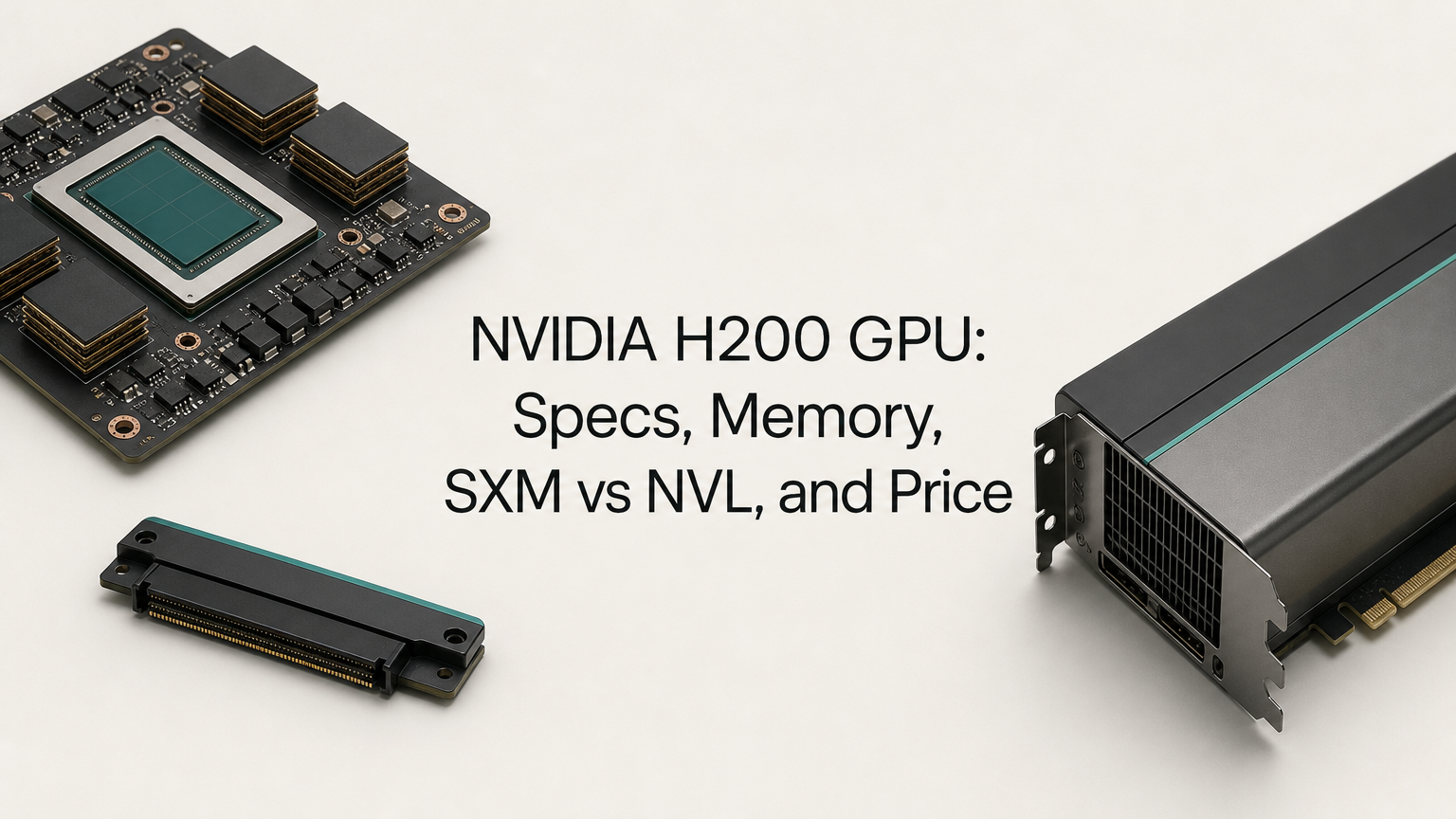
The H200 GPU is NVIDIA's Hopper-generation data center accelerator, and its defining feature is memory: 141 GB of HBM3e at 4.8 TB/s. That is 1.76x the capacity and about 1.4x the bandwidth of the H100, on the same compute architecture. It comes in two forms, the SXM5 module (up to 700 W) for HGX servers and the PCIe-based H200 NVL (up to 600 W) for standard air-cooled servers. Cards are commonly quoted at $30,000 or more each.
This article covers why the extra memory matters, the full specs of both variants, how to check whether your model fits in 141 GB, and what it costs to buy or rent one. You get the numbers and a way to apply them to your own workload.
Geodd operates GPU infrastructure for production inference and offers dedicated H200 servers. The advice here focuses on what decides success in production, not on peak figures from a datasheet.
Why the H200 matters for AI and HPC workloads
The H200 matters because it removes the memory limit that holds back H100-class compute. Many AI and HPC jobs stall waiting on memory, not on math, and this GPU attacks that stall directly.
Memory is the bottleneck it targets
Large language model inference is mostly memory-bound. Every generated token requires reading the model weights from GPU memory. Bandwidth sets how fast tokens come out, and capacity sets how many users and how much context you can serve at once.
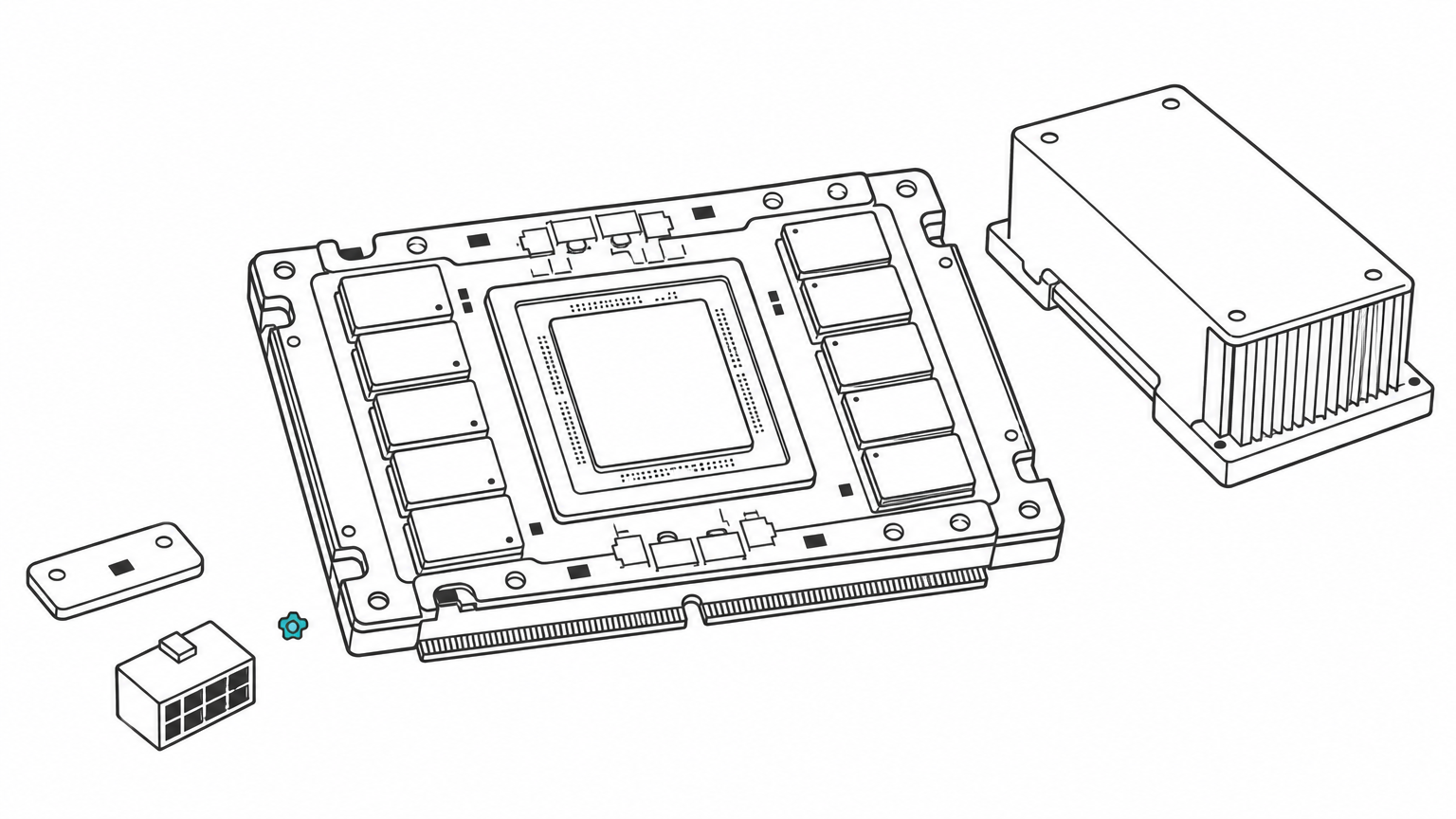
The H200 keeps the Hopper GH100 die (80 billion transistors) and the fourth-generation Tensor Cores of the H100, so peak math throughput is unchanged. What changes is the memory: 141 GB of HBM3e on a 6,144-bit bus. Memory-bound HPC work, such as simulation and scientific computing, benefits for the same reason.
The H200 is an H100 with a much larger and faster memory system, and that is the whole upgrade.
H200 vs H100 side by side
| Spec | H100 SXM | H200 SXM |
|---|---|---|
| Architecture | Hopper | Hopper |
| Memory (VRAM) | 80 GB HBM3 | 141 GB HBM3e |
| Memory bandwidth | 3.35 TB/s | 4.8 TB/s |
| FP8 Tensor Core (with sparsity) | 3,958 TFLOPS | 3,958 TFLOPS |
| Max power | Up to 700 W | Up to 700 W |
NVIDIA claims up to 1.9x faster Llama 2 70B inference and 1.6x on GPT-3 175B versus the H100. Treat those as best-case figures. Gains are largest when the H100 was memory-limited, and close to zero for compute-bound training.
H200 GPU specs: SXM5 vs NVL
Both variants share the same silicon and memory. They differ in form factor, power limit, interconnect, and peak compute.
What both variants share
Every H200 GPU, whichever form factor, has the same core hardware. This is the VRAM (sometimes searched as GPU RAM) and the engine around it:
- 141 GB HBM3e at 4.8 TB/s on a 6,144-bit bus
- Fourth-generation Tensor Cores and the Transformer Engine with FP8 support
- PCIe Gen 5 host interface at 128 GB/s
- Multi-Instance GPU (MIG) support, up to 7 instances per GPU
SXM5 vs NVL side by side
The H200 SXM5 is a module that sits on an HGX board in 4- or 8-GPU systems. The H200 NVL is a dual-slot PCIe card that drops into ordinary enterprise servers. All compute figures below are with sparsity, so dense throughput is half.
| Spec | H200 SXM5 | H200 NVL |
|---|---|---|
| Form factor | SXM5 module on HGX board | Dual-slot PCIe Gen 5 card |
| Max power | Up to 700 W, configurable | Up to 600 W, configurable |
| GPU interconnect | NVLink 900 GB/s with NVSwitch | NVLink bridge, 900 GB/s, 2 or 4 GPUs |
| FP8 Tensor Core | 3,958 TFLOPS | 3,341 TFLOPS |
| BF16/FP16 Tensor Core | 1,979 TFLOPS | 1,671 TFLOPS |
| TF32 Tensor Core | 989 TFLOPS | 835 TFLOPS |
| FP64 | 34 TFLOPS | 30 TFLOPS |
| Cooling | Air or liquid, system-dependent | Air-cooled |
Choose SXM5 for dense multi-GPU training or large-model serving where fast GPU-to-GPU links matter. Choose NVL when you want to add H200s to existing PCIe servers without a new chassis.
H200 GPU power consumption
Plan for 700 W per SXM5 GPU and 600 W per NVL card at the maximum setting, and both are configurable. An 8-GPU HGX system draws 5.6 kW from the GPUs alone (8 × 700 W). Add CPUs, memory, networking, and fans, and a full server needs well over that. Power and cooling often decide whether you can host H200s yourself at all.
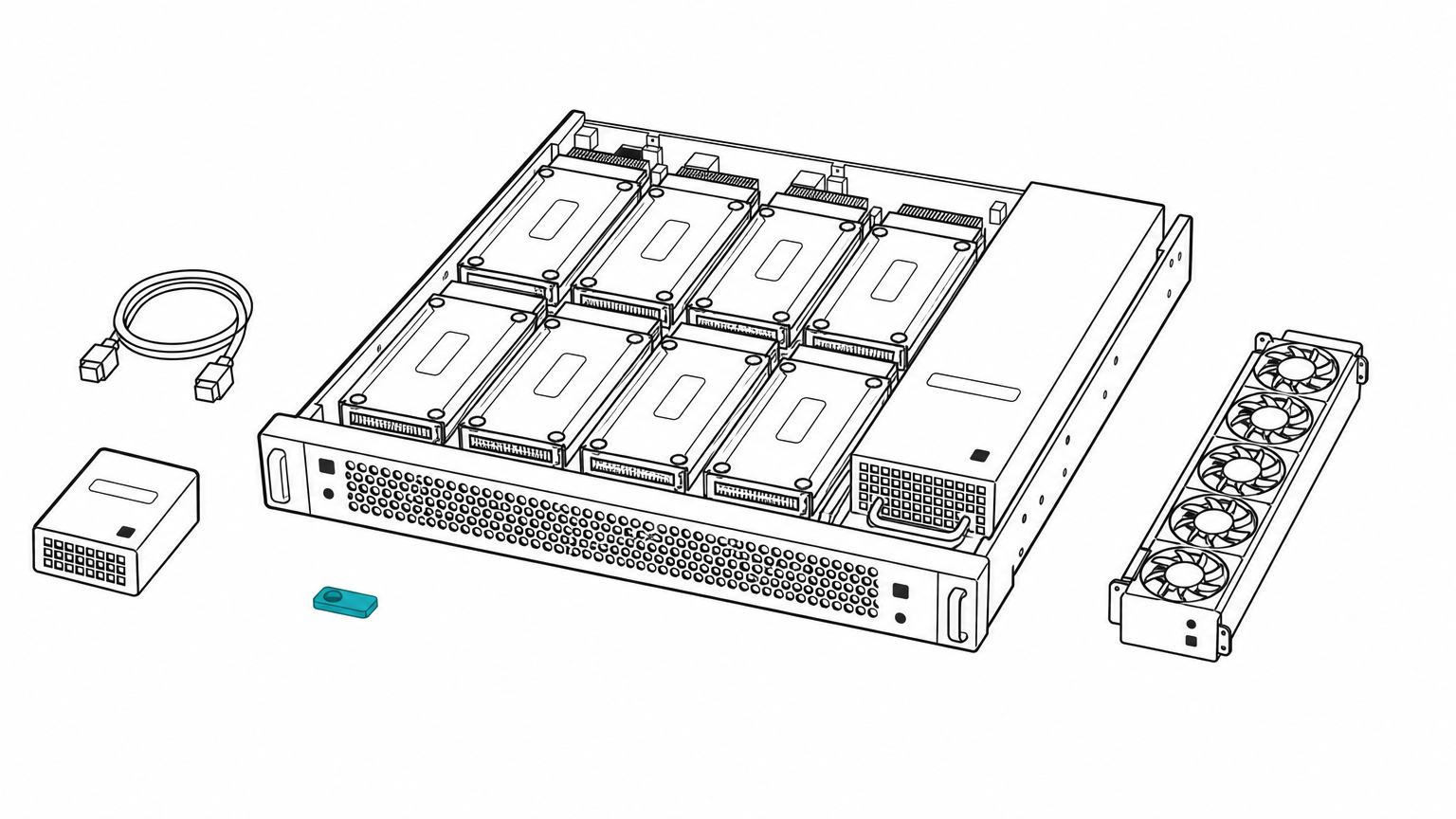
Budget the rack before the GPUs: eight SXM5 H200s need 5.6 kW before the server around them.
How to tell if the H200 fits your workload
The H200 fits when your model, plus its working memory, exceeds 80 GB but still fits in 141 GB, or when your serving speed is limited by memory bandwidth. Check this with arithmetic before you commit.
Size your model against 141 GB
Use a simple formula: weights = parameters × bytes per parameter, then add room for the KV cache, which grows with context length and concurrent users. FP16 uses 2 bytes per parameter, FP8 uses 1, and 4-bit uses 0.5.
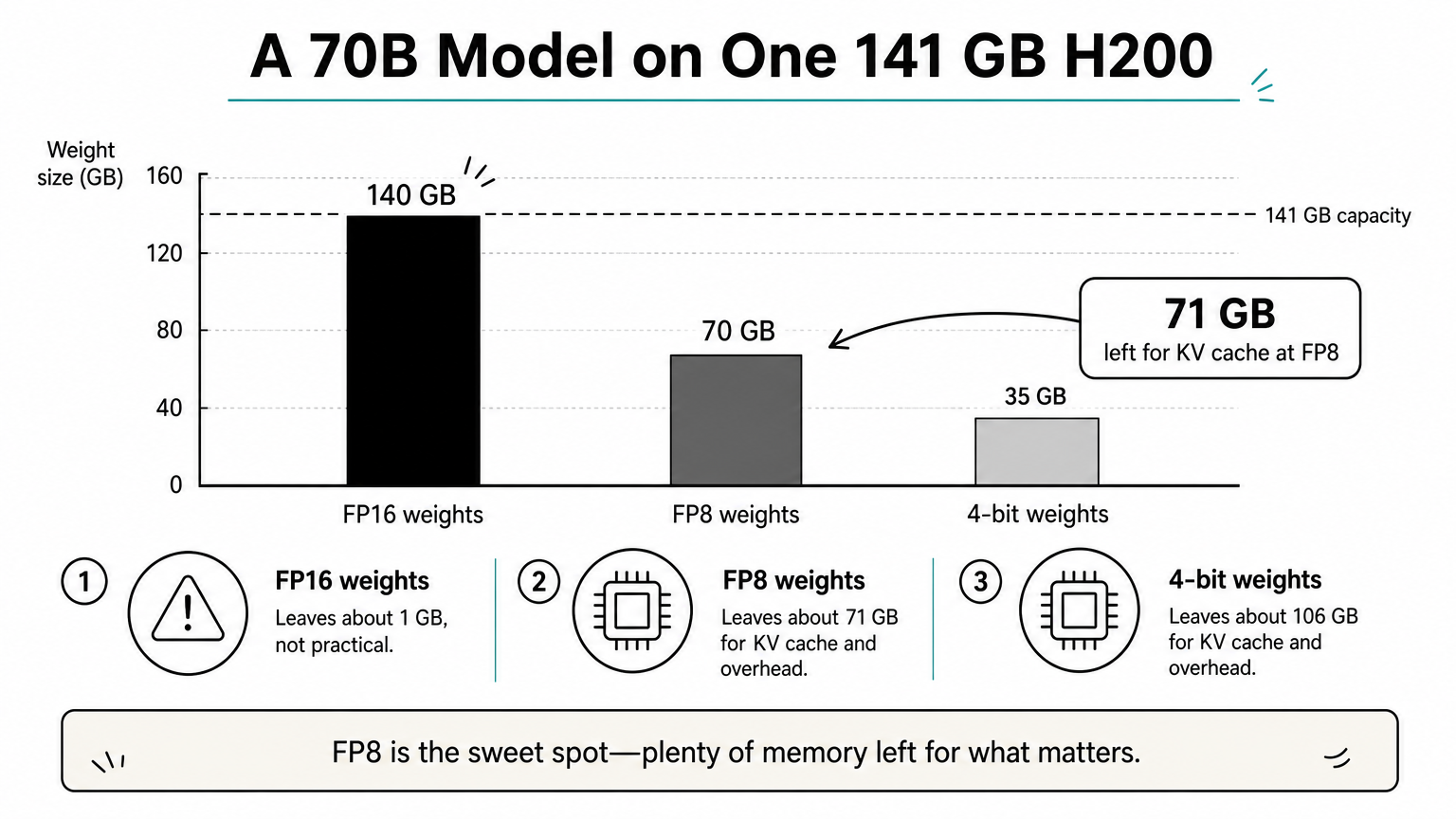
Here is a worked example for a 70B-parameter model on one H200:
| Precision | Weights | Left for KV cache and overhead |
|---|---|---|
| FP16 | 140 GB | About 1 GB, not practical |
| FP8 | 70 GB | About 71 GB |
| 4-bit | 35 GB | About 106 GB |
At FP8, a 70B model leaves roughly 71 GB for KV cache on an H200. The same model on an 80 GB H100 leaves about 10 GB. That gap is what lets you serve longer contexts and bigger batches on one GPU. Real overhead varies by runtime, so treat these as planning numbers.
If your model plus KV cache needs more than 80 GB, the H200 is built for you.
When another GPU is the better choice
The H200 is not the most powerful GPU you can buy, and it is not always the right one. Blackwell-generation parts such as the B200 offer more memory and bandwidth. For small models and development work, a consumer card like the RTX 5090 (32 GB GDDR7) costs a fraction as much, though it cannot hold the large models the H200 is made for.
For compute-bound training where the model already fits in 80 GB, an H100 delivers the same peak math for less money. Pick the H200 when memory is your measured limit, not by default.
What the H200 costs and whether to rent it
An H200 costs roughly $30,000 to $40,000 per GPU to buy, depending on variant, vendor, and volume, and renting is usually the better first step. Prices move with supply, so get current quotes.
Purchase price
For the H200 NVL, expect about $30,000 per card in the market, and SXM-based HGX systems cost much more per unit. A GPU-only bill for eight cards runs $240,000 to $320,000 at that range (8 × $30,000 to 8 × $40,000). That excludes the server, networking, power, cooling, and staff.
Prices stay high because HBM3e is costly to make and package, and demand for Hopper-class GPUs has outpaced supply. You pay for the memory stack more than for extra compute.
Renting instead of buying
Renting turns a six-figure outlay into an hourly bill and lets you test whether 141 GB solves your problem before you commit. Geodd's dedicated GPU access gives you H200, H100, or RTX PRO 6000 hardware as single-tenant bare metal with SSH access and hourly billing. Provisioning takes 60 seconds to 5 minutes depending on the GPU type.
Buying starts to make sense only when you keep the GPUs busy around the clock for a long period and can host them. If you only need a model's output, a per-token API avoids managing GPUs at all.
Rent first: prove the memory fit on hourly billing before you spend $240,000 on eight cards.
Is the H200 right for you?
The H200 is a good GPU when memory is your limit: 141 GB of HBM3e at 4.8 TB/s lets you serve large models with long contexts on fewer cards. It is a poor buy when your model already fits in 80 GB and your job is compute-bound. Size your model first, pick SXM5 or NVL based on your servers and interconnect needs, and plan power before you order.
The cheapest way to test your sizing is on real hardware. You can rent a dedicated H200 from Geodd with single-tenant bare metal and hourly billing.