NVIDIA GPU cloud means using NVIDIA graphics processing units over the internet instead of owning them. In practice the phrase covers two things. NGC, which began as "NVIDIA GPU Cloud," is NVIDIA's catalog of GPU-optimized containers, models, and tools. Separately, cloud providers rent NVIDIA GPUs by the hour, either as virtual machines or as whole servers.
This guide sorts out which meaning you need, explains why it matters, and shows how to get access step by step. It also breaks down what you pay and what is free, and helps you choose a GPU for your workload.
Geodd offers both dedicated NVIDIA GPU access and a serverless model API. That means the guide can cover both routes honestly, including the cases where you should skip renting a GPU altogether.
Why NVIDIA GPU cloud matters for AI teams
It matters because AI workloads need large amounts of GPU memory and a carefully matched software stack. Most teams cannot buy, install, and maintain either quickly. NVIDIA GPU cloud computing turns both into something you can start in minutes.
Which meaning of the term fits your goal
People use the phrase for three different things, and mixing them up wastes time. This table shows which one you need.
| What you mean | What you get | Who runs the GPUs | How you pay |
|---|---|---|---|
| NGC catalog | Containers, models, SDKs, Helm charts | You, on any compatible NVIDIA GPU | Mostly free; enterprise-supported software is licensed separately |
| Rented cloud GPUs | Virtual machines or bare metal servers with NVIDIA GPUs | A cloud provider | By the hour |
| Hosted model APIs | Ready-to-call model endpoints | A provider | By the token, or free trial limits |
The NGC catalog supplies software, not hardware. You still need a GPU to run what you download, which is why the second row is the one most teams end up paying for.
Why renting beats buying for most teams
Buying a GPU server means capital outlay, rack space, power, cooling, and someone to keep drivers and firmware current. Renting replaces that with an hourly bill and a start time measured in minutes. Geodd's dedicated GPU access, for example, is ready in 60 seconds to 5 minutes depending on the GPU type.
Pre-built NGC containers solve the other half of the problem. They bundle CUDA libraries, frameworks such as PyTorch, and tuned settings, so you skip hours of dependency debugging before your first run.
Rent the hardware by the hour and borrow the software stack from NGC.
How to access NVIDIA GPU cloud step by step
You access it in two parts. You get software from NGC with a free account and an API key, then run that software on a GPU you rent or on a hosted API. Each part takes minutes once you know the sequence.
Get containers from NGC
An NGC login uses your NVIDIA account, and the API key replaces your password when you pull containers from the command line.
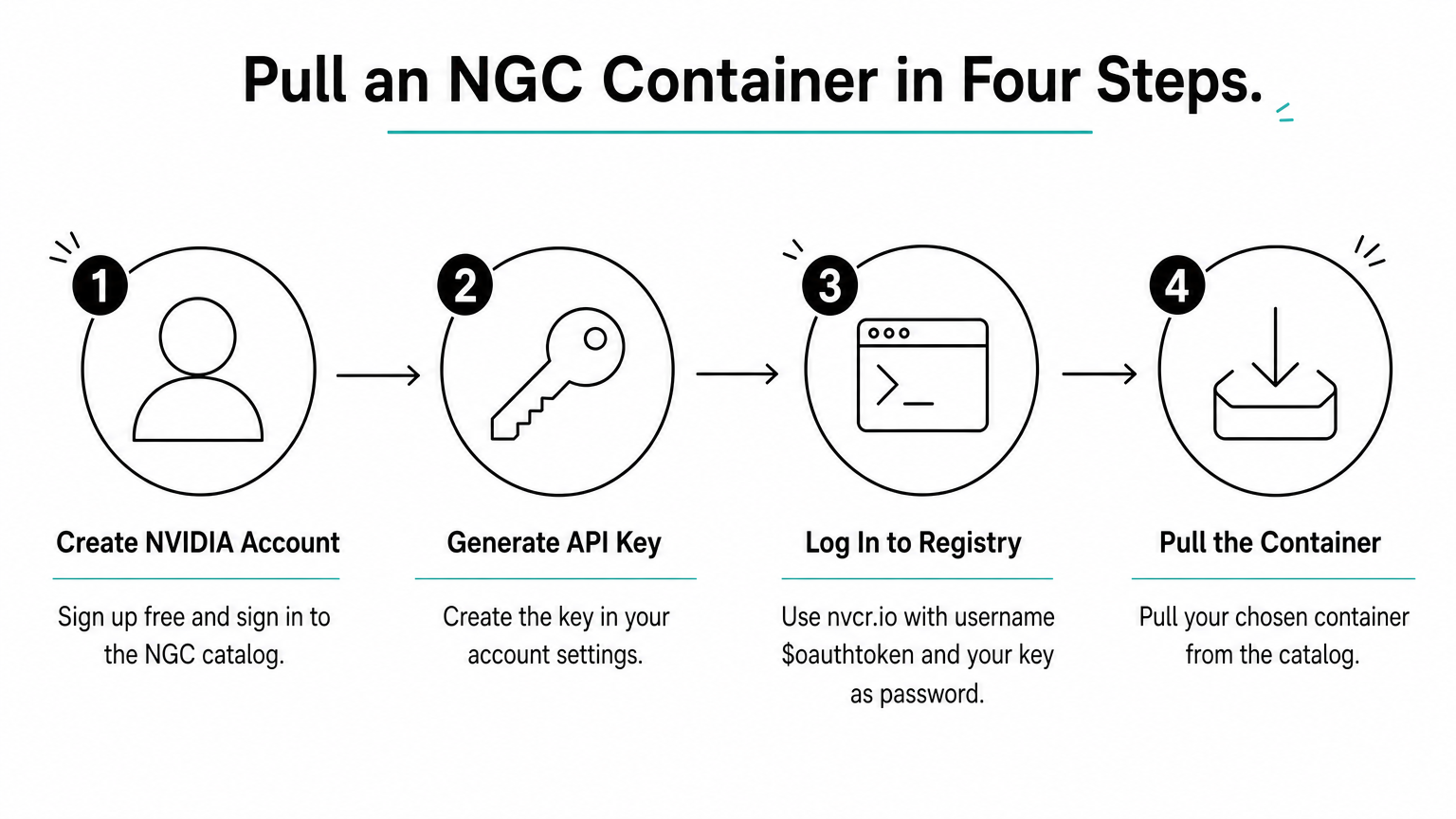
- Create a free NVIDIA account and sign in to the NGC catalog.
- Generate an API key in your account settings.
- Log in to the
nvcr.ioregistry with the username$oauthtokenand your key as the password. - Pull the container you picked from the catalog.
docker login nvcr.io
Username: $oauthtoken
Password: <your NGC API key>

docker pull nvcr.io/nvidia/pytorch:<tag>
docker run --gpus all -it --rm nvcr.io/nvidia/pytorch:<tag>
Replace <tag> with a release tag from the container's catalog page. The machine needs Docker and the NVIDIA Container Toolkit for the --gpus all flag to work.
Rent a GPU and run the container
Rent a GPU whose memory fits your model, connect over SSH, confirm the card with nvidia-smi, then run the container above. Picking the machine is the only real decision.
Geodd's dedicated GPU access is bare metal, single tenant, with SSH access and hourly pricing. Its GPU VM types include one H100 80GB card with 20 vCPUs, 128 GiB of memory, and 1,200 GB of storage. A two-card version has 40 vCPUs, 256 GiB of memory, and 2,500 GB of storage. You can compare them on the dedicated deployment page.
Skip the GPU with a model API
If you only need a model's output, you do not need to manage a GPU at all. NVIDIA hosts trial endpoints at build.nvidia.com for prototyping. OpenAI-compatible APIs such as Geodd's serverless inference let you switch providers by changing the base URL in the OpenAI SDK. Browse the Geodd model catalog to see what you can call today.
You need a rented GPU only when you control the runtime. If you only need a model's output, call an API.
What NVIDIA GPU cloud costs and what is free
Browsing NGC and pulling most public containers costs nothing. Rented GPUs are billed by the hour, and model APIs are billed by the token. The right cost model depends on how steady your load is.
What you can get for free
An NGC account is free, and so is much of the public catalog. NVIDIA AI Enterprise software and support are licensed separately. NVIDIA's hosted trial endpoints are free for prototyping but come with usage limits, so they suit testing and not production traffic. GeForce NOW is a different product. It is cloud gaming with paid plans listed from $9.99 a month, and it does not give you a GPU for AI workloads.
How billing works, with a worked example
| Route | Billed by | Best for |
|---|---|---|
| NGC catalog | Free for most public content | Getting software |
| Rented VM or bare metal | Hour | Training, custom runtimes, steady inference |
| Serverless model API | Token | Variable or low traffic |
| Hosted trial endpoints | Free, rate limited | Prototyping |
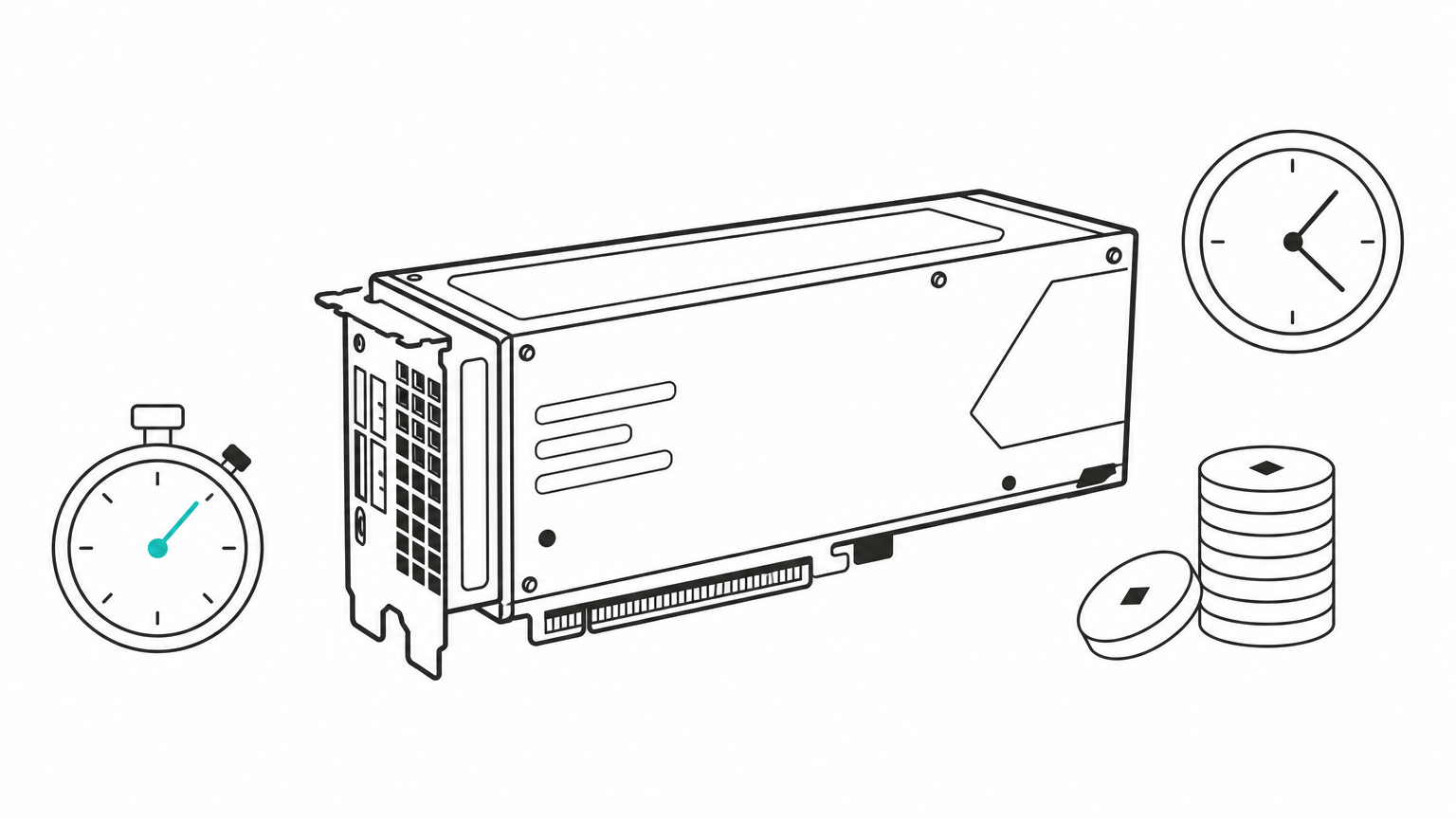
Take an illustrative rate of $2.50 per GPU hour. This is not a quote from any provider. A 40-hour fine-tuning job costs 40 × $2.50 = $100. Leaving the same GPU running around the clock for 30 days is 720 hours, or $1,800, even if it sits idle half the time. Idle hours are the biggest hidden cost of rented GPUs. For Geodd's current rates, check the pricing page.
Rented GPUs bill for idle time, so match the billing model to how steady your traffic is.
How to choose the right cloud GPU for your workload
No single NVIDIA cloud GPU is best. Pick by memory first, then by tenancy, billing model, and where your data is processed. Memory decides whether your model runs at all.
Match the GPU class to the workload
| GPU | Memory | Typical fit |
|---|---|---|
| L40S | 48 GB | Smaller models, image generation |
| A100 | 40 or 80 GB | Training and general inference |
| H100 | 80 GB | Large-model training and inference |
| RTX PRO 6000 | 96 GB | Inference and fine-tuning of mid-size models |
| H200 | 141 GB | Largest models, long context |
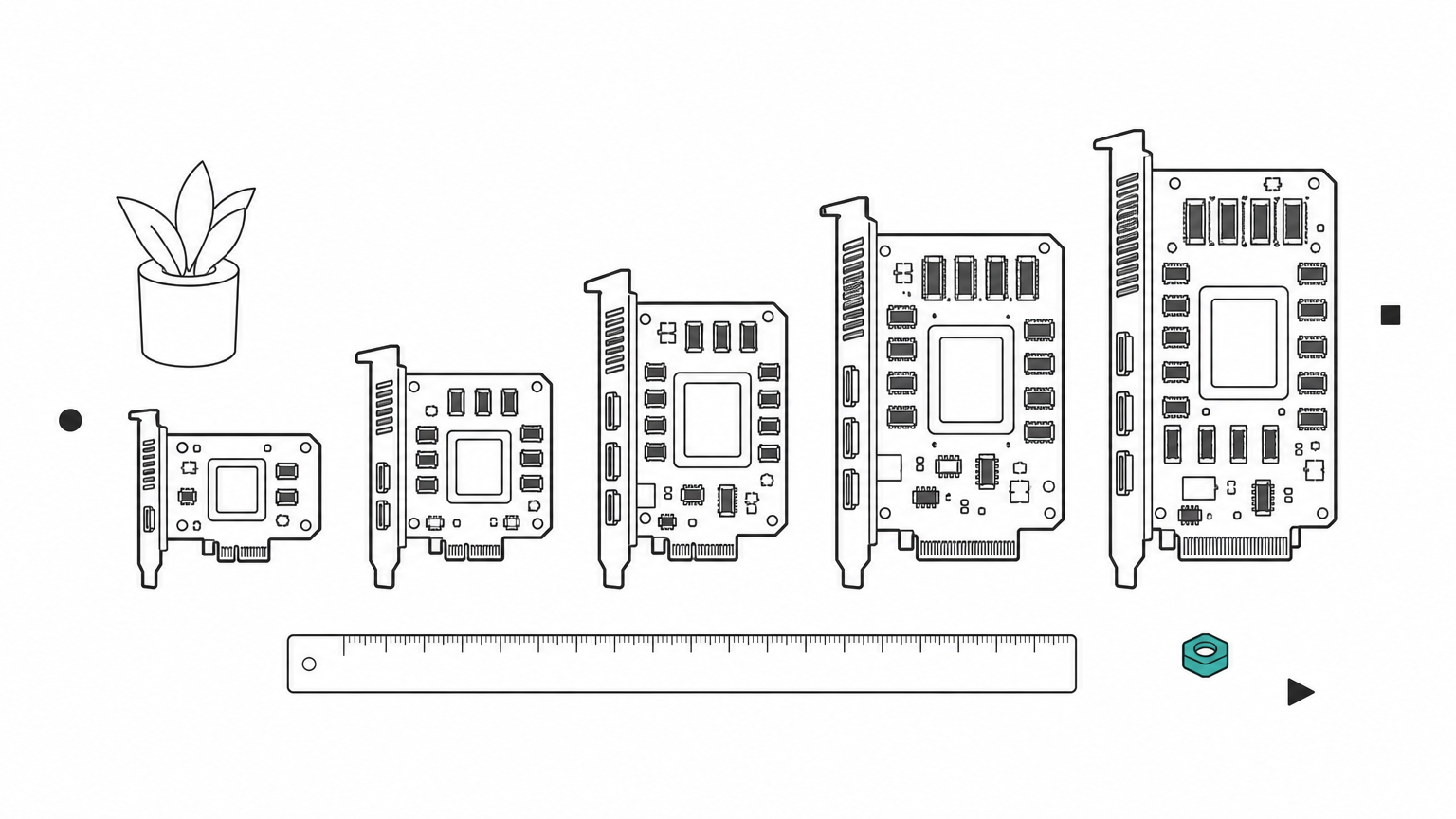
Estimate weight memory as parameters times bytes per parameter. A 70-billion-parameter model at 16-bit precision needs about 140 GB for weights alone. That does not fit one 80 GB H100, and two H100s (160 GB) leave little room for the KV cache that grows with context length. At 8-bit precision the weights drop to about 70 GB, which fits a single H100 but leaves only about 10 GB for cache.
Decide between renting a GPU and calling an API
Rent a GPU when you run sustained load, need a custom runtime, or want fixed capacity. Call an API when traffic is spiky or you want to avoid operating infrastructure. Geodd uses one SDK for serverless inference and dedicated compute, so you can start on the API and move to dedicated GPUs later. Details are on the inference service page.
Check data handling before you commit. Ask where requests are processed, whether prompts are stored, and whether your data trains models. Geodd does not use API data for training. It does not store prompts, outputs, or uploaded files unless separately agreed in writing. For EU customers, it hosts API inference in EU data center infrastructure by default.
Choose by memory first, then by how steady your load is, and last by data rules.
Where to start with NVIDIA GPU cloud
NVIDIA GPU cloud is two layers that work together. NGC gives you free, tuned software. A rented GPU or a hosted API gives you the compute to run it. Match GPU memory to your model, pick the billing model that fits your traffic, and check data handling before you scale.
If you want fixed capacity with SSH access and hourly billing, you can deploy a dedicated NVIDIA GPU with Geodd. If a model API fits better, start with the serverless route and move up when your load justifies it.