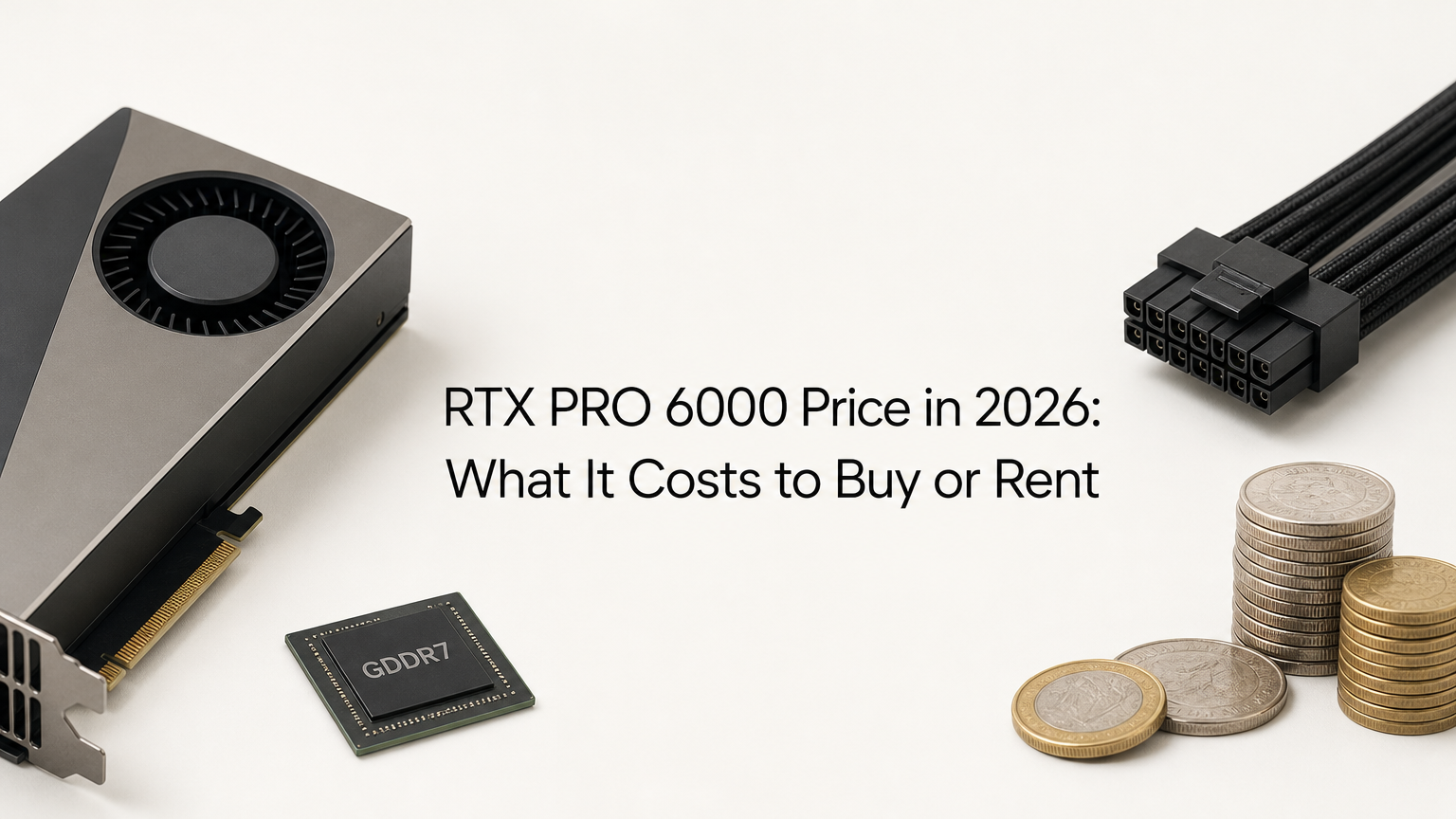
The RTX PRO 6000 price is $16,000 on NVIDIA's own marketplace as of November 2026, and third-party retailers ask $16,399 or more. The card is NVIDIA's flagship Blackwell workstation GPU, with 96GB of GDDR7 memory, sold as a Workstation Edition (600W) and a Max-Q Edition (300W). It launched in March 2025 at a reported retail price of $8,565, so today's price is 87% higher.
This article separates list price from street price, shows how the price moved, and lists where to buy. It then works out when renting beats buying and what the 96GB of memory gets you, so you can judge whether the money makes sense for your work.
Geodd runs AI inference on serverless and dedicated GPUs, and the RTX PRO 6000 is one of the GPU classes we offer for dedicated access. For most inference teams, the purchase price decides whether to buy hardware or rent it, which is why the numbers below matter.
Why the RTX PRO 6000 price keeps climbing
The RTX PRO 6000 now lists at $16,000, which is 87% above its launch price, and the main cause is a tight market for GDDR7 memory. The effective list price has been raised more than once since launch, so older price quotes are unreliable.
From $8,565 to $16,000
The table shows the three price points that the available reports support.
| Point in time | Price | What it reflects |
|---|---|---|
| March 2025 | $8,565 | Reported US retail listing at launch |
| About a year after launch | $13,250 | NVIDIA list price, 55% over launch |
| November 2026 | $16,000 | NVIDIA marketplace listing, 87% over launch |
Each step came without a new model or a spec change. The same card simply costs more, so a price quoted a year ago is out of date and a launch-day MSRP tells you little about what you will pay.
The RTX PRO 6000 costs 87% more than at launch, so any price quoted a year ago is out of date.
What is pushing the price up
Memory is the main driver. The card carries 96GB of GDDR7, which makes it more exposed to memory shortages than cards with less. DRAM and NAND prices kept climbing through 2026 because AI demand absorbs supply.
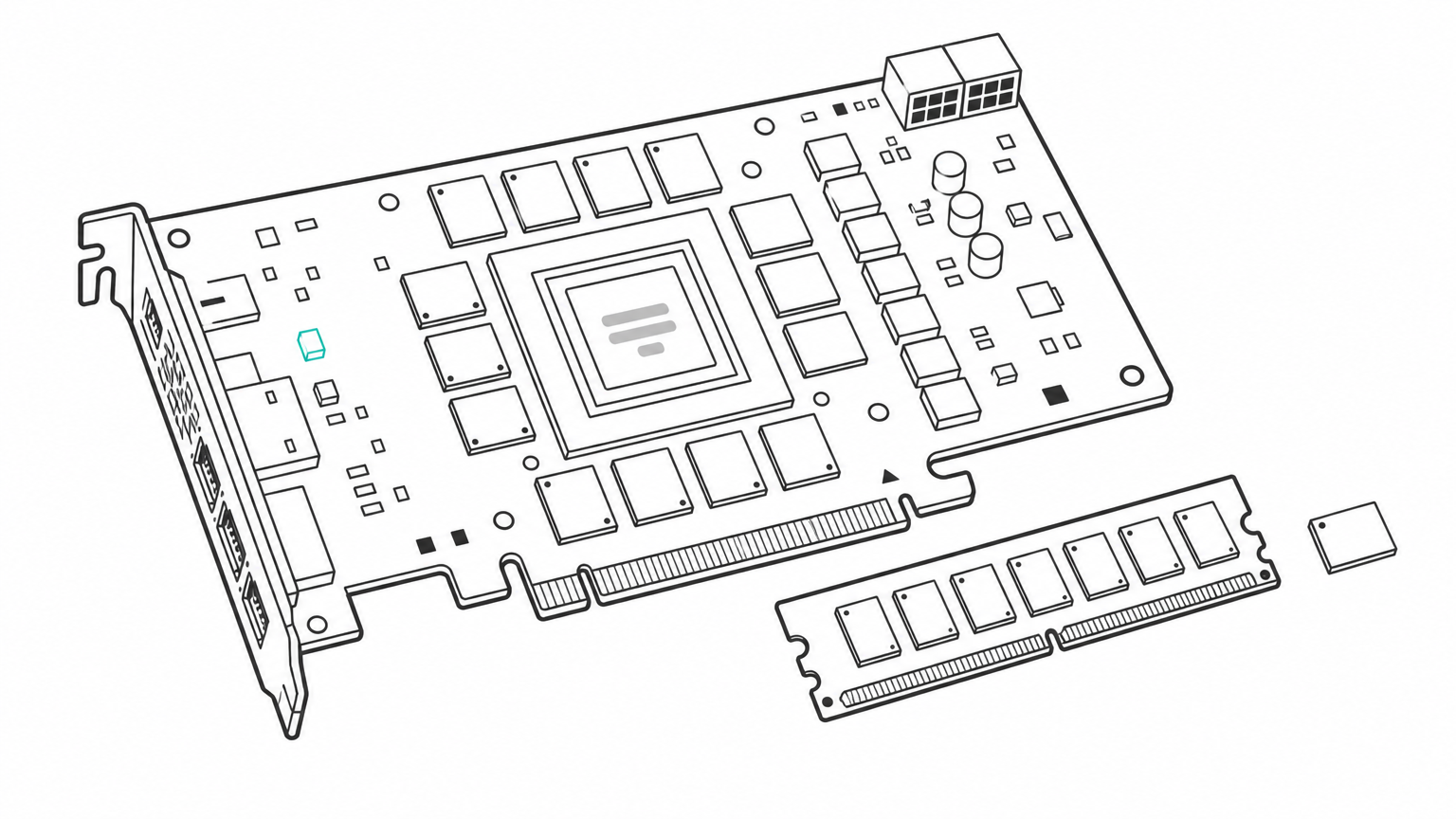
Competition does not restrain the price. AMD's Radeon PRO line tops out at 48GB, so no direct rival offers this capacity in a workstation card. Buyers who need 96GB on a single card have one real option, and sellers price accordingly.
How to buy an RTX PRO 6000 without overpaying
Buy from NVIDIA's marketplace or an authorized retailer, and expect to pay $16,000 to about $16,400 for a new card. A price far above that is a markup, and a price far below it deserves suspicion.
Current prices by seller
Listings for the Workstation Edition vary widely, and the same card can differ by $4,000 between sellers.
| Seller | Price | Note |
|---|---|---|
| NVIDIA Marketplace | $16,000 | Listing has shown out of stock |
| Newegg | From $16,399 | New |
| eBay | $15,899.94 | New, third-party seller, so verify returns and warranty |
| B&H Photo | $19,999 | Workstation Edition |
| Refurbished or used | $17,464 to $30,895 | Limited availability |
Used does not mean cheaper. Scarcity pushes refurbished prices above new ones, so a used listing is only worth it if it undercuts the $16,000 reference price.
Compare the same edition at similar seller types, because a $16,000 and a $19,999 listing can be the identical card.
Workstation Edition versus Max-Q
Both editions share the 96GB of GDDR7 ECC memory and the same core counts. The Workstation Edition runs at 600W and suits a single-GPU desktop. The Max-Q runs at 300W with a rear-exhaust blower, which suits chassis holding several cards. NVIDIA rates the Max-Q at 3,511 AI TOPS against 4,000 for the Workstation Edition, about 12% lower.
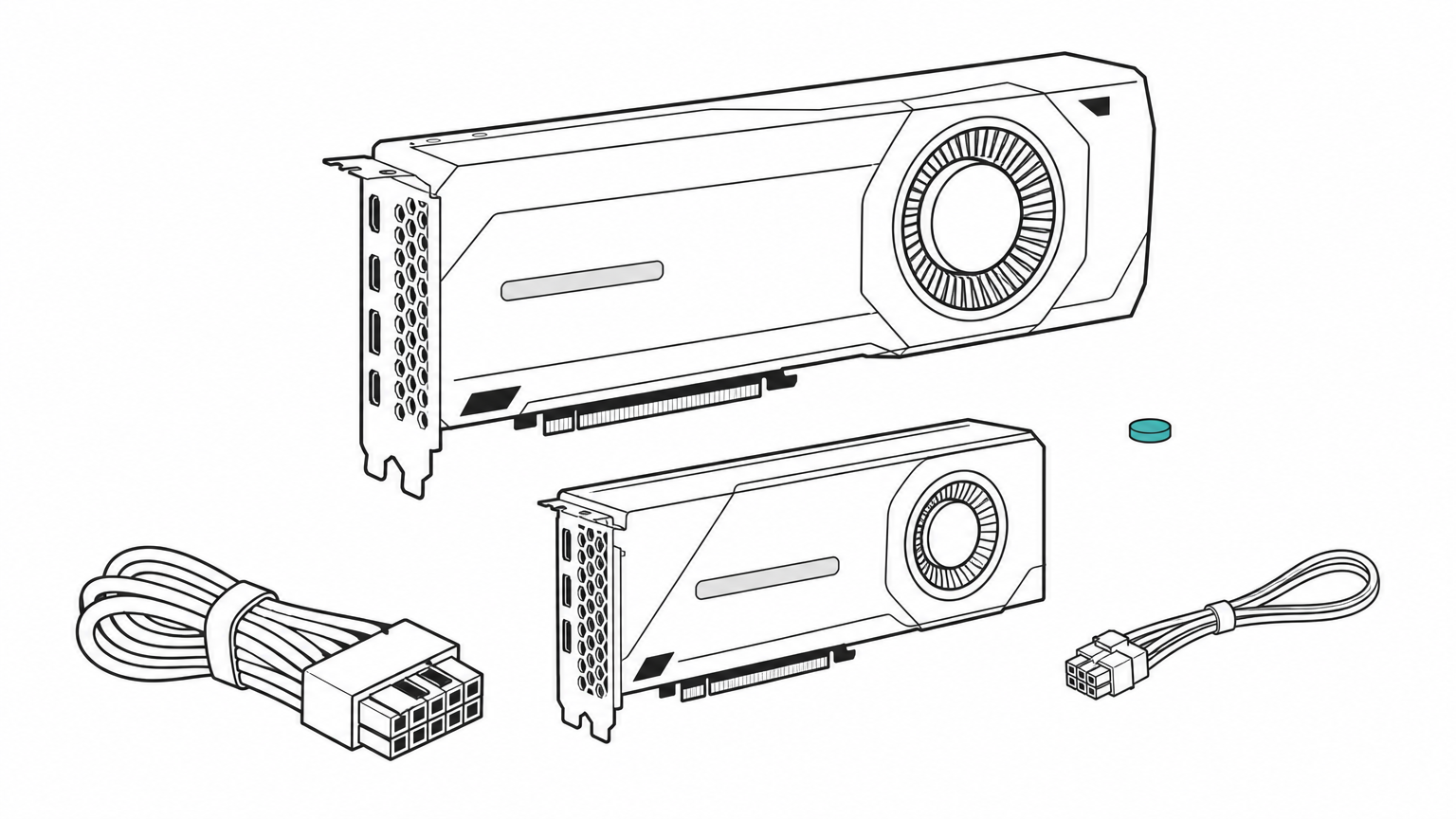
In listings and forum posts the two sit in a similar price band, so choose on thermals, not budget. Forum buyers have reported deals near $8,000 for Max-Q and bulk cards, which shows how far street prices can drift from list. Check these before you pay:
- Confirm the memory is 96GB GDDR7. Some retailer pages mislabel it as GDDR6.
- Confirm the edition. The Server Edition is passive-cooled for racks and will not work in a normal desktop.
- Confirm your power supply can feed 600W if you buy the Workstation Edition.
- Read the seller's return and warranty terms before you pay.
How to rent an RTX PRO 6000 instead of buying
Renting costs $1.70 to $5.50 per GPU-hour on demand, with a $3.03 median across nine cloud providers reviewed in mid-November 2026. Specialist GPU clouds sit at the low end and large hyperscalers at the high end.
Rental rates by provider type
| Provider type | On-demand $/GPU-hr | Notes |
|---|---|---|
| Specialist and marketplace clouds (5 providers) | $1.70 to $3.03 | Lowest rates, host quality varies |
| Large hyperscalers (4 providers) | $3.36 to $5.50 | Egress and storage can cost extra |
Rental rates have been far steadier than hardware prices. The mean on-demand rate across the nine providers rose 2.4%, from $3.19 to $3.27, between August and early November 2026.
Geodd's dedicated GPU access is bare metal and single tenant, with SSH access and hourly billing. RTX PRO 6000 is one of the GPU classes, and instances are ready in 60 seconds to 5 minutes depending on the GPU type.
Break-even point: buy or rent
Divide the $16,000 purchase price by an hourly rate to find how many rented hours equal the cost of buying.
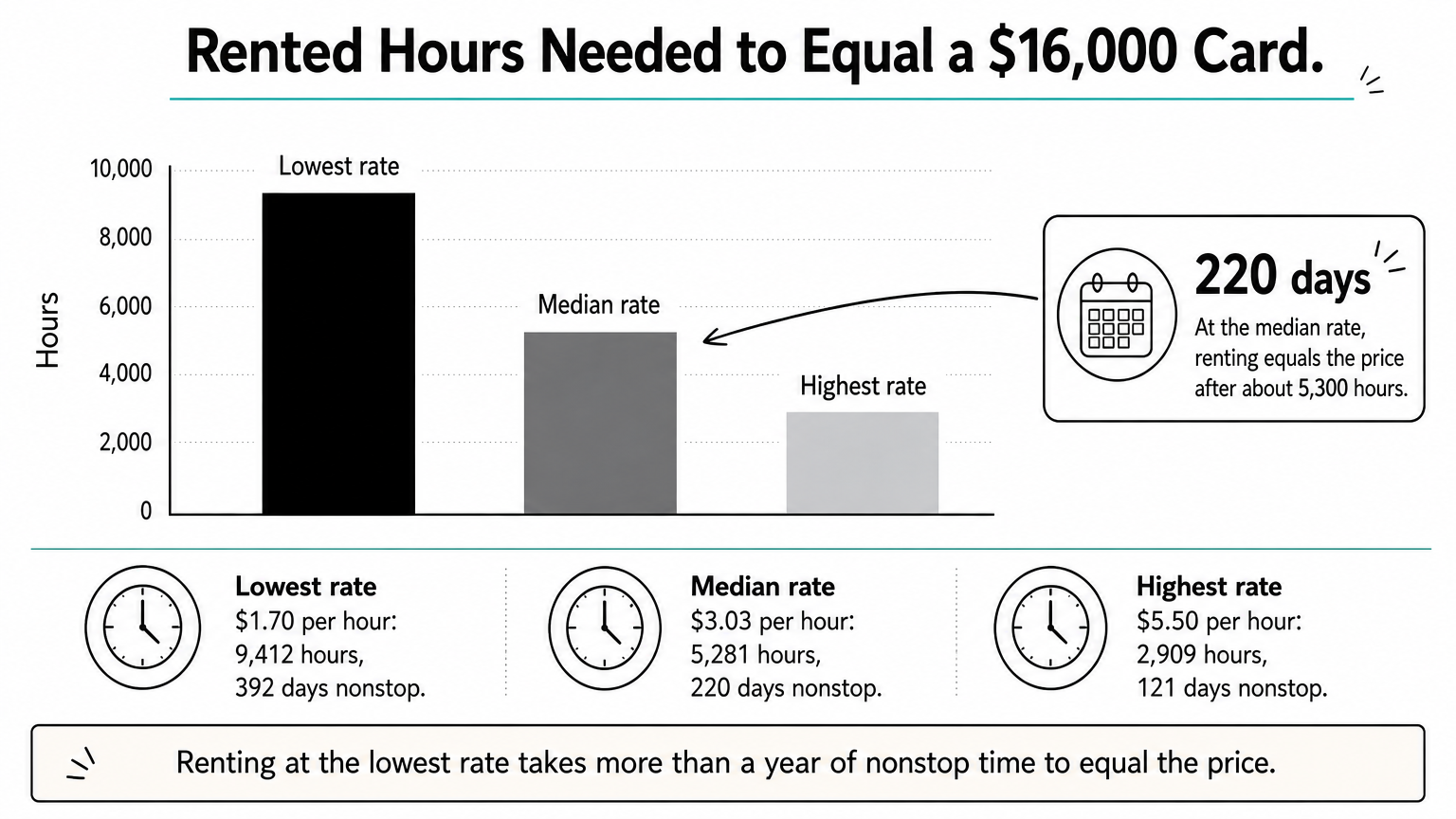
| Hourly rate | Hours to reach $16,000 | Days of nonstop use |
|---|---|---|
| $1.70 (lowest) | 9,412 | 392 |
| $3.03 (median) | 5,281 | 220 |
| $5.50 (highest) | 2,909 | 121 |
A team that runs one card 40 hours a week at the median rate spends about $121 a week, or roughly $6,300 a year. It would need about 132 weeks, or two and a half years, to match the purchase price. That figure also leaves out the host machine, 600W of power, cooling, and resale risk on the buying side.
At the median rate, a $16,000 card pays for itself only after about 5,300 hours of use, roughly 220 days nonstop.
What the 96GB card gives you for the money
You are paying for memory capacity first. 96GB of GDDR7 ECC lets a 70B-parameter model such as Llama 3 70B run on one card at 8-bit precision with room for the KV cache, which cards with 32GB or 48GB cannot do.
How it compares with other cards
| Card | Architecture | VRAM | Bandwidth | TDP |
|---|---|---|---|---|
| RTX PRO 6000 | Blackwell | 96GB GDDR7 ECC | 1.8 TB/s | 600W (Max-Q: 300W) |
| RTX 6000 Ada | Ada Lovelace | 48GB GDDR6 ECC | 960GB/s | 300W |
| RTX A6000 | Ampere | 48GB GDDR6 ECC | 768GB/s | 300W |
Is it better than an RTX 5090? For memory-bound work, yes, because the 5090 has 32GB, a third of the capacity. For gaming, no. The RTX PRO 6000 runs games, but you pay for memory that games rarely use, while the 5090 launched at a $1,999 list price.
Limits that affect the decision
The card does not support NVLink. Multi-GPU traffic runs over PCIe Gen 5 x16, so workloads that split one model across four or eight cards hit a bandwidth ceiling. For that kind of large-scale training, data-center GPUs like the H100 scale better. The RTX PRO 6000, announced at NVIDIA's GTC conference on March 18, 2025, fits single-card and small-scale work best.
Buy for steady use, rent for the rest
The RTX PRO 6000 costs $16,000 from NVIDIA, with street prices from about $15,900 to $19,999 for new cards. Used units cost even more. The increase comes from memory costs and a lack of rivals at 96GB. Buying makes sense only if you keep the card busy for years and want it on your desk. For bursty or evolving workloads, renting at roughly $1.70 to $5.50 an hour avoids the capital outlay and the price risk.
If you want to test the card before committing, you can rent an RTX PRO 6000 Blackwell by the hour on Geodd and run your own model on it.