A100 vs H100 is the comparison between NVIDIA's Ampere-generation A100 (2020) and its Hopper-generation successor, the H100 (2022). The short answer is that the H100 is about 2 to 3 times faster for LLM training and roughly 1.5 to 2 times faster for inference. It has 3.35 TB/s of memory bandwidth against about 2 TB/s on the A100, and it adds native FP8 support. Both top out at 80 GB in their standard versions, and the H100 costs more per hour, so the A100 can still win on cost per job.
This article puts the two cards side by side on specs, speed, VRAM, and price. It also works through a cost-per-job example and ends with a step-by-step way to choose. V100 and Blackwell are covered briefly, because many readers compare those too.
Geodd rents both cards by the hour, so these trade-offs apply when you pick a rental. The goal is to give you enough to decide without opening another tab.
Why the A100 vs H100 choice matters
The A100 vs H100 decision sets your cost per job, your time to results, and the largest model you can serve on one card. Pick wrong and you either pay for speed you cannot use or wait days on hardware that is too slow for the work.
What changed from Ampere to Hopper
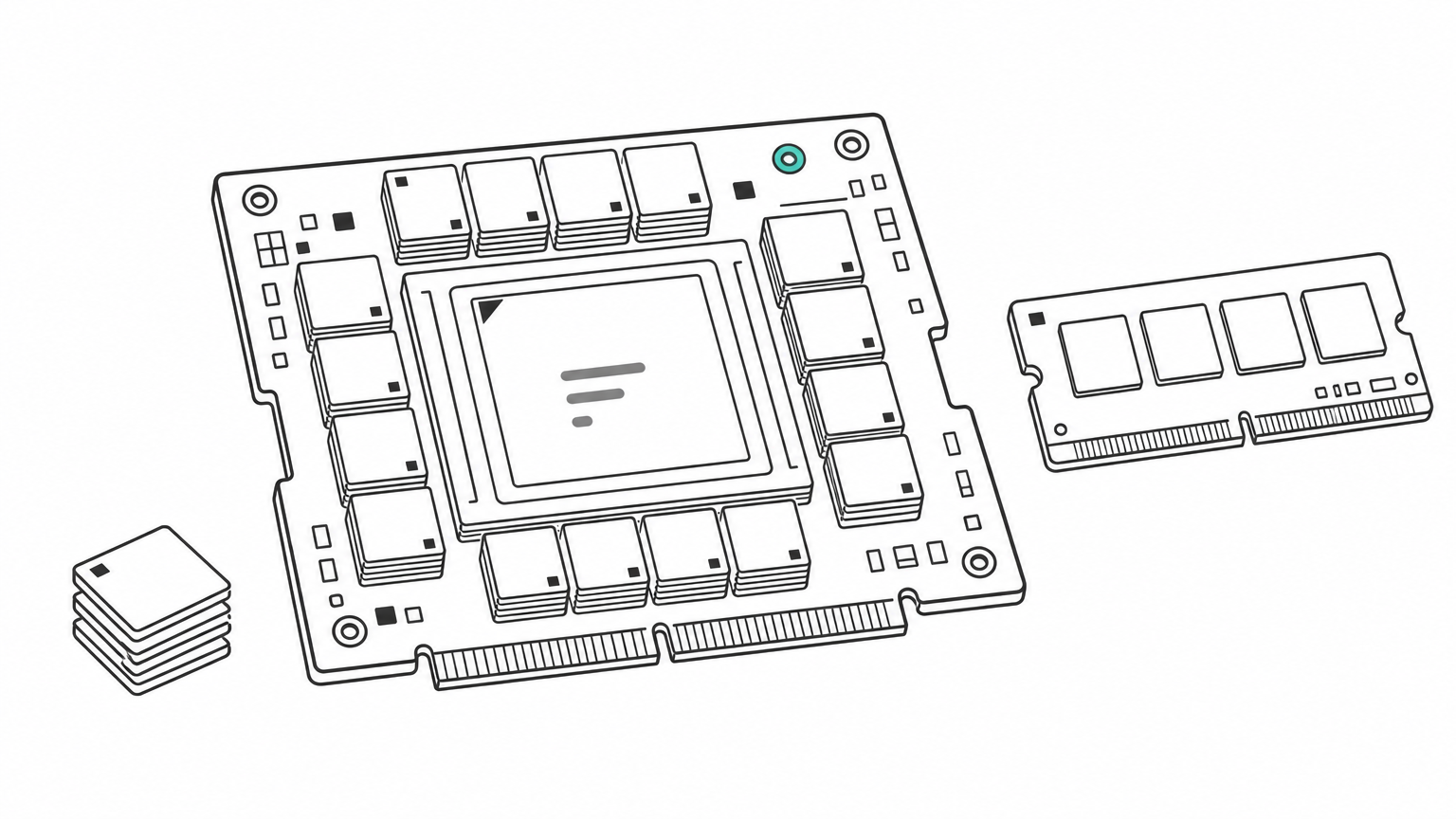
The H100 is a generational jump, not a refresh. Hopper adds fourth-generation tensor cores, the Transformer Engine with FP8 precision, HBM3 memory, NVLink at 900 GB/s, and PCIe Gen5. The A100's Ampere design supports FP16, BF16, TF32, and INT8, but has no FP8 path.
Hopper also adds confidential computing, which encrypts data while it is in use on the GPU. The A100 lacks this. Both cards support Multi-Instance GPU (MIG), which splits one card into up to seven isolated instances, so a shared inference box works on either.
A100 vs H100 specs side by side
The table below compares the SXM versions of each card, with the older V100 added for reference. Throughput figures are dense, meaning without the structured sparsity that vendor headline numbers often assume. See NVIDIA's own pages for the A100 and H100 for full datasheets.
| Spec | V100 32GB (SXM2) | A100 80GB (SXM) | H100 80GB (SXM) |
|---|---|---|---|
| Architecture | Volta (2017) | Ampere (2020) | Hopper (2022) |
| Memory | 32 GB HBM2 | 80 GB HBM2e | 80 GB HBM3 |
| Memory bandwidth | 900 GB/s | About 2 TB/s | 3.35 TB/s |
| FP16/BF16 tensor, dense | 125 TFLOPS (FP16 only) | 312 TFLOPS | 989 TFLOPS |
| FP8 tensor, dense | Not supported | Not supported | 1,979 TFLOPS |
| FP64 | 7.8 TFLOPS | 9.7 TFLOPS | 34 TFLOPS |
| NVLink bandwidth | 300 GB/s | 600 GB/s | 900 GB/s |
| Max power | 300 W | 400 W | Up to 700 W |
| MIG | No | Up to 7 instances | Up to 7 instances |
PCIe versions differ. The H100 PCIe card uses HBM2e at roughly 2 TB/s and draws about 350 W, so its bandwidth advantage over an A100 80GB mostly disappears. Always check which form factor a provider is renting you.
The H100 triples the A100's tensor throughput on paper, but its memory bandwidth grows only about 1.6 times, and that gap shapes most real results.
How the H100 and A100 compare on speed
For H100 vs A100 performance, expect 2 to 3 times faster LLM training and 1.5 to 2 times faster inference or more, depending on precision and batch size. The spread is wide because training and inference stress different parts of the chip.
Training speed
On paper, the H100 delivers 989 TFLOPS of dense FP16 against the A100's 312, about 3.2 times more. Independent LLM training tests land lower. Smaller models that are not tuned for Hopper typically show around 2.2 times the A100's speed, while larger models tuned for FP8 can pass 3 times.
NVIDIA's headline claims of up to 9 times faster training come from large clusters using FP8 and the NVLink Switch System. Treat that as a ceiling for multi-node training, not what you will see on one server.
Inference speed and why it varies
Token generation is mostly memory-bound. Every new token requires reading the model's weights from VRAM, so bandwidth sets the ceiling. A rough upper bound for one request stream is bandwidth divided by weight size. For a 13B model in FP16 (26 GB of weights), that is about 78 tokens per second on an A100 (2.04 TB/s) and about 129 on an H100 (3.35 TB/s). Real numbers run lower, but the ratio of roughly 1.6 times holds at small batch sizes.
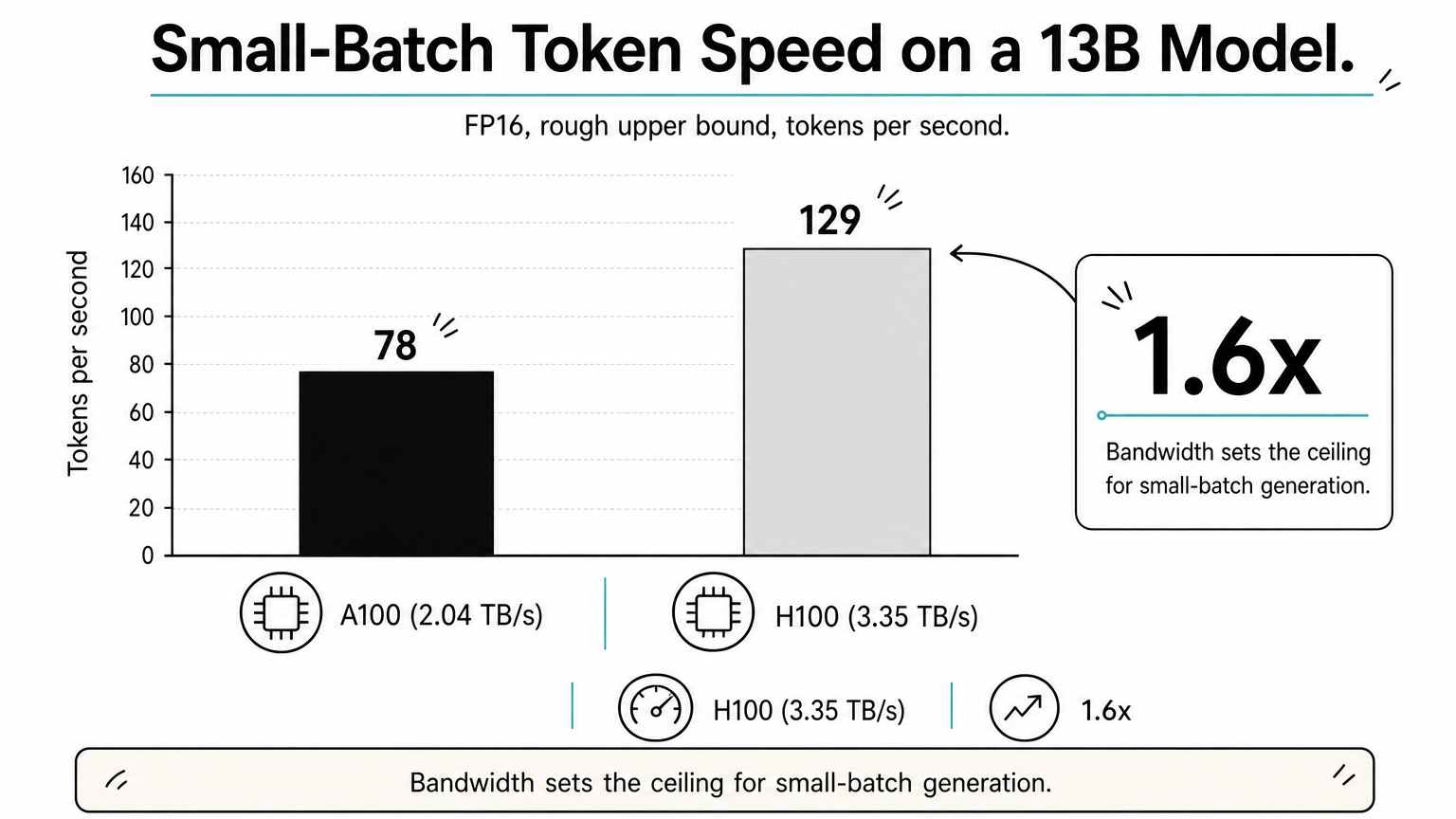
At larger batch sizes, compute starts to matter and the H100 pulls ahead. Running the model in FP8 also halves the bytes read per token, which is how inference gains climb past 2 times. If you serve a model at FP16 with small batches, an A100 can be the better value.
Small-batch inference scales with memory bandwidth, so expect about 1.6 times from an H100, not 3 times.
How much VRAM you need for each GPU
Both cards top out at 80 GB, so the H100 holds no larger model than an A100 80GB. The A100 also ships in a 40 GB version, and NVIDIA sells an H100 NVL variant with 94 GB per GPU, but the common rental configuration for both is 80 GB.
Rule of thumb for model weights
Weight memory equals parameters times bytes per parameter. FP16 uses 2 bytes, FP8 or INT8 uses 1. Add room for the KV cache, which grows with context length and the number of concurrent requests, so plan for 20% or more on top.
| Model size | FP16 weights | FP8/INT8 weights | Fits on one 80 GB card? |
|---|---|---|---|
| 7B | 14 GB | 7 GB | Yes, with plenty of cache room |
| 13B | 26 GB | 13 GB | Yes |
| 34B | 68 GB | 34 GB | FP16 is tight with little cache room; 8-bit fits |
| 70B | 140 GB | 70 GB | Not at FP16; 8-bit is very tight |
Quantization and the 40 GB A100
The H100 can run FP8 natively, which makes a 70B model's weights about 70 GB. That still leaves little room for cache, so most production 70B serving uses two GPUs. The A100 cannot do FP8, but weight-only 4-bit quantization shrinks a 70B model to roughly 35 GB, which fits on one A100 80GB with room to spare.
A 40 GB A100 is fine for 7B to 13B models. Beyond that, buy memory, not speed.
If your model fits in 80 GB on both cards, VRAM is a tie, and the choice comes down to bandwidth, precision support, and price.
A100 vs H100 price: hourly rates and cost per job
The H100 costs more per hour, typically between 1.5 and 2 times the A100's rate, but the cheaper card is not always cheaper per job. What matters is whether your speedup beats the price ratio.
Buying versus renting
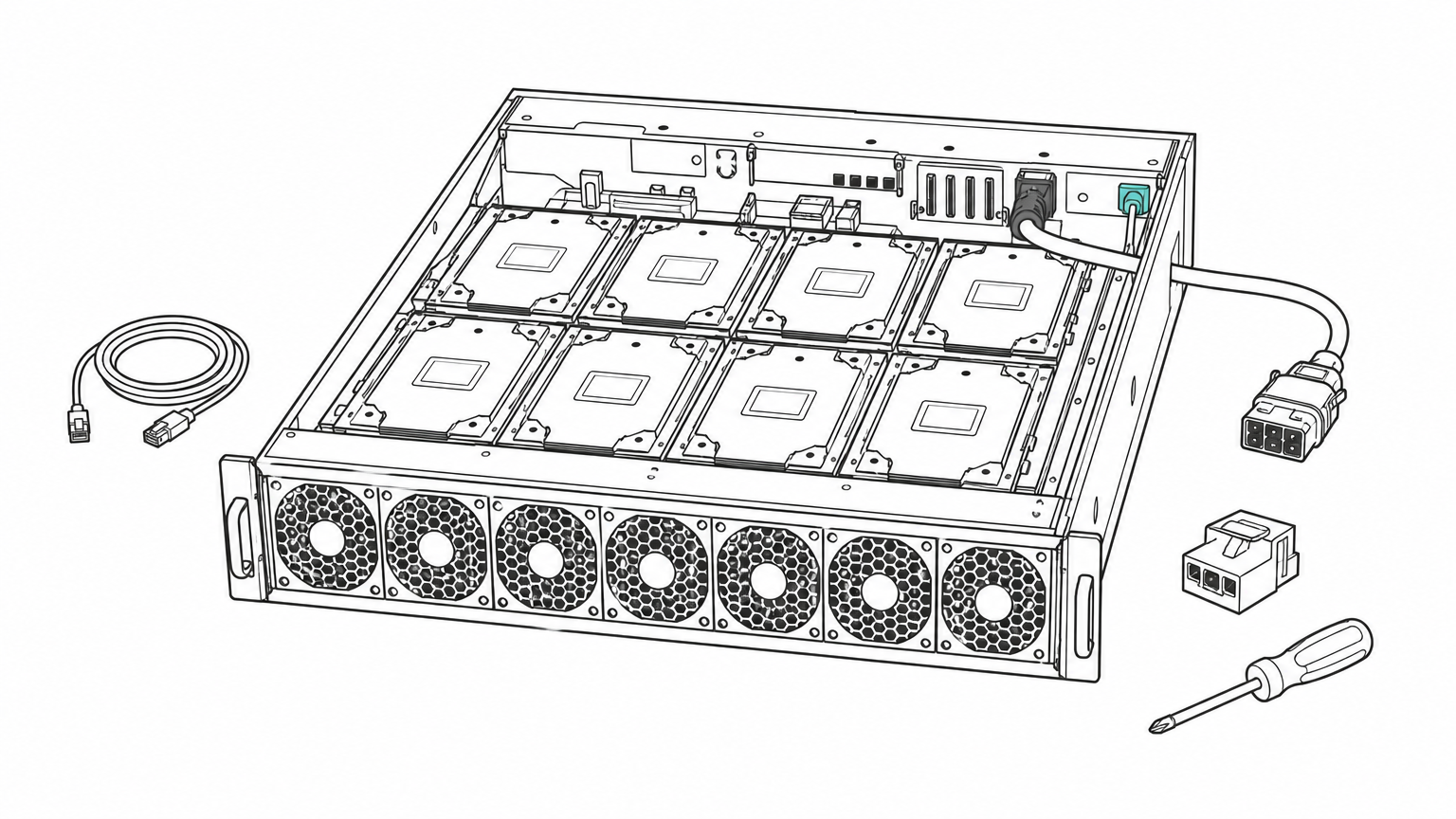
Purchase prices swing with supply and server configuration, so get a current quote if you plan to own hardware. Ownership also brings power and cooling: an H100 SXM can draw up to 700 W against the A100's 400 W, which affects rack density.
Rental rates vary by provider, region, and commitment length. Hourly billing makes renting the easy way to test both cards. Geodd, for example, offers A100 and H100 as dedicated bare-metal GPU access with SSH access and hourly pricing. Check the current rate list rather than relying on any number printed in an article.
Worked example: cost per job
The break-even speedup equals the H100's hourly price divided by the A100's. The rates below are illustrative, not a quote. Assume an A100 at $2.00 per hour and an H100 at $3.50 per hour, a ratio of 1.75. The job takes 100 hours on the A100.
| H100 speedup | H100 hours | H100 cost | A100 cost | Cheaper card |
|---|---|---|---|---|
| 1.5x | 66.7 | $233 | $200 | A100 |
| 1.75x | 57.1 | $200 | $200 | Tie |
| 2x | 50.0 | $175 | $200 | H100 |
| 3x | 33.3 | $117 | $200 | H100 |
At 2 times faster, the H100 saves $25 and finishes 50 hours sooner. At 1.5 times faster, it costs $33 more. Memory-bound inference at small batches often lands near that 1.5 times mark, while FP8 training lands well above 2.
Divide the H100's hourly rate by the A100's. If your measured speedup is higher than that number, the H100 is cheaper per job.
How to choose between the A100 and H100
Choose the H100 for large-model training, FP8 workloads, and latency-sensitive serving. Choose the A100 for small-batch inference, fine-tuning smaller models, and budget-bound work. Test on your own workload before committing.
A step-by-step decision process
- Size your model. Multiply parameters by bytes per parameter and add 20% or more for cache. If it exceeds 80 GB, you need multiple GPUs on either card, and NVLink at 900 GB/s favors the H100.
- Pick your precision. If your stack supports FP8, the H100 gains the most. If you run FP16 or 4-bit quantized weights, the gap shrinks.
- Name your bottleneck. Training and big-batch serving are compute-bound, which favors the H100. Single-stream chat at small batch is bandwidth-bound, so the A100 holds up better.
- Run a one-hour test on each. Measure tokens per second or step time on your real model. Hourly billing keeps this to a few dollars, and Geodd lists dedicated GPU readiness at 60 seconds to 5 minutes depending on GPU type.
- Compute cost per job. Use the break-even method from the price section with your measured speedup.
- Check the whole machine. A one-H100 VM on Geodd comes with 20 vCPUs, 128 GiB of memory, and 1,200 GB of storage, so confirm the CPU and memory fit your data pipeline too.
If you only want tokens from a model and not a GPU to manage, serverless inference priced per token removes this decision entirely.
Where V100, Blackwell and other GPUs fit
The V100 is not competitive with the H100 on any current AI workload. It has 32 GB at most, no BF16, and no FP8, though it can still serve small CUDA and classic ML jobs cheaply. The A100 is clearly ahead of it, with BF16, TF32, MIG, and 2 to 3 times the memory bandwidth.
Above the H100 sit Blackwell GPUs, including B100, B200, and B300, though rental catalogs mostly list B200 and B300. Consumer cards such as the RTX 5090 can be fast but have far less VRAM than 80 GB, which limits model size, and they lack data-center features like MIG and fast NVLink.
Start from your model's memory footprint and your bottleneck, not from the spec sheet.
Picking the right GPU for your workload
The H100 is the faster card, with more bandwidth, FP8, and better scaling across GPUs. The A100 remains a sensible card when your model fits in memory, your batches are small, or your speedup would not clear the price ratio. VRAM is a tie at 80 GB, so the decision rests on precision, bottleneck, and cost per job.
Measure before you commit. A short test on each card costs little and replaces guesswork with your own numbers. When you are ready, you can rent A100 or H100 GPUs by the hour and run that comparison on your own model.