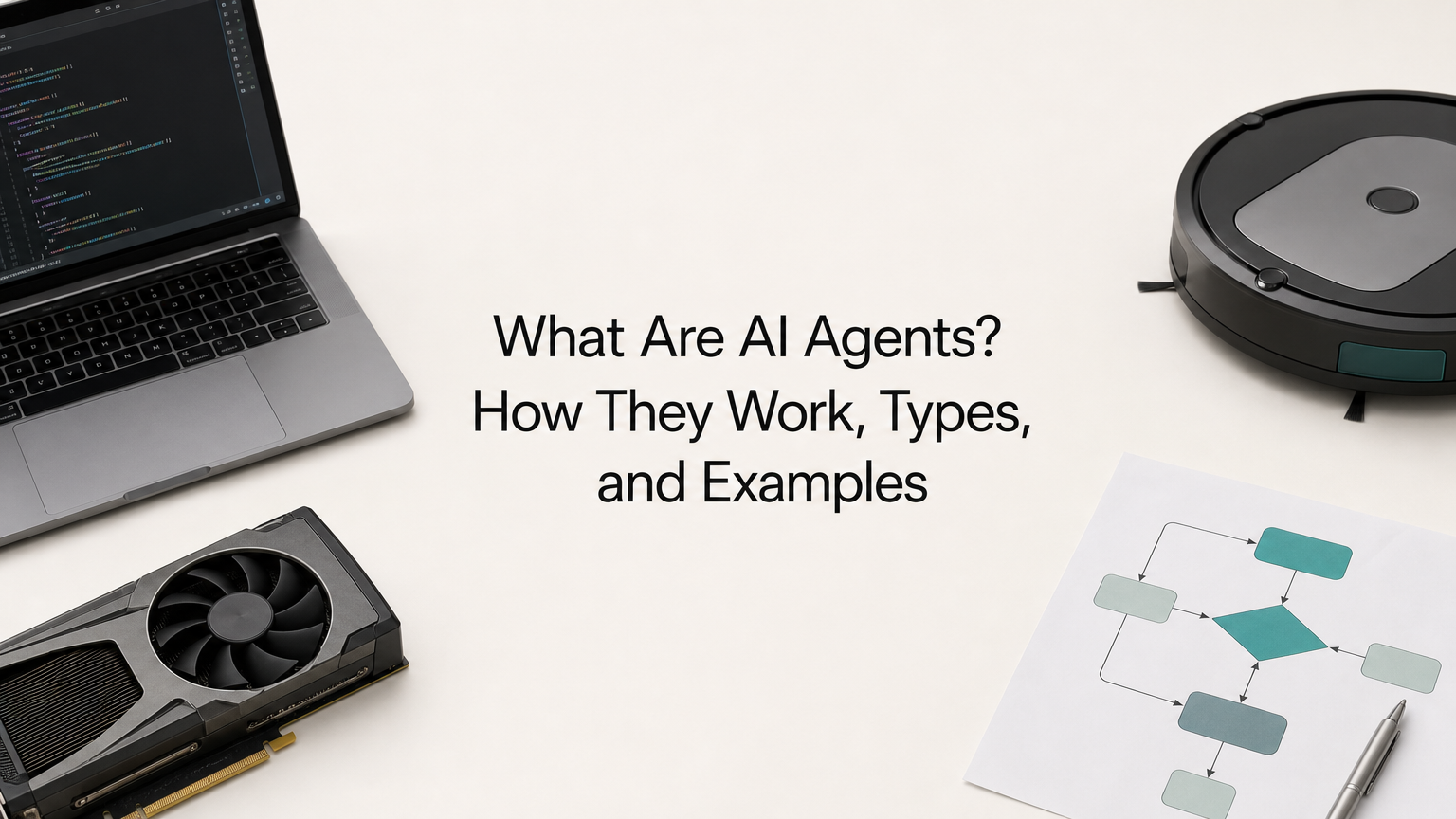
AI agents are software systems that pursue a goal on your behalf. You give an agent an objective. It breaks the objective into steps, uses tools such as search, code execution or APIs to carry them out, checks the results, and keeps going until the job is done or a human needs to approve something. A chatbot answers a question. An AI agent finishes a task.
The engine is usually a large language model (LLM) that decides what to do next, wrapped in code that gives it tools and memory. Each decision is one model call, and a single task can take dozens of them. That is why agents feel different from a chat window, and why they put real demands on the inference service behind them.
This article explains why agents matter, how they work step by step, the five classic types, how they differ from chatbots and assistants, and where they run today. It ends with a practical guide to building your first one. Geodd runs inference for agent workloads, so we also cover the cost and reliability numbers that most tutorials skip.
Why AI agents matter
AI agents matter because they change the unit of work from a response to an outcome. A chat model gives you text and waits. An agent takes a goal, acts on it and returns a finished result, which removes you as the courier between steps.
From answering to finishing the work
With a plain chat assistant, you do the coordination. You ask for a summary, copy it into a spreadsheet, ask a follow-up, paste in new data and repeat. You are the loop. An agent runs that loop itself. It reads the data, calls the tools, checks its own output and comes back to you only when it is done or when a decision needs a human.
That shift is why agents can take on work that chat tools never could. A task that spans ten systems and forty small decisions is tedious for a person and impossible for a single prompt. It is a reasonable job for software that can plan, act and retry.
An agent is worth building when the task has many steps and a result you can check.
Where the value shows up
Agents pay off in three situations. Outside them, a simple prompt or a fixed script is usually cheaper and more reliable.
- Repetitive multi-step processes. Triaging support tickets, reconciling invoices or preparing weekly reports. The steps are known, but the inputs vary every time.
- Work that crosses systems. Pulling an order from one database, a policy from a knowledge base and a shipping status from an API, then writing one answer.
- Work that needs constant attention. Watching a queue, a log stream or a competitor's pricing page, and acting when something changes.
Agents struggle with vague goals and with tasks where a mistake is costly and nobody checks the output. They do best on small, well-defined tasks with relevant context and a tight feedback loop, because errors can be caught and corrected on the next step.
What agents do to your inference bill
Every step of an agent is a model call. A ten-step task is ten calls, and each call usually resends the growing conversation. Cost and latency compound with every step. If each call takes 3 seconds, ten steps take 30 seconds before any tool runs.
Reliability compounds too. If each step succeeds 99% of the time, a ten-step task succeeds about 90% of the time (0.99 to the tenth power). At 95% per step, that falls to roughly 60%. Steady, predictable inference matters more for agents than for single-prompt apps, because one slow or failed call can ruin a whole run.
How AI agents work, step by step
An AI agent works by repeating a loop: observe the current state, decide the next action, act through a tool, then observe the result. The loop runs until the goal is met or a stop condition triggers. This is the answer to most searches for how agents work in AI, and the rest of this section opens it up.
The core loop: observe, plan, act
Here is the loop as it runs in most agent frameworks:
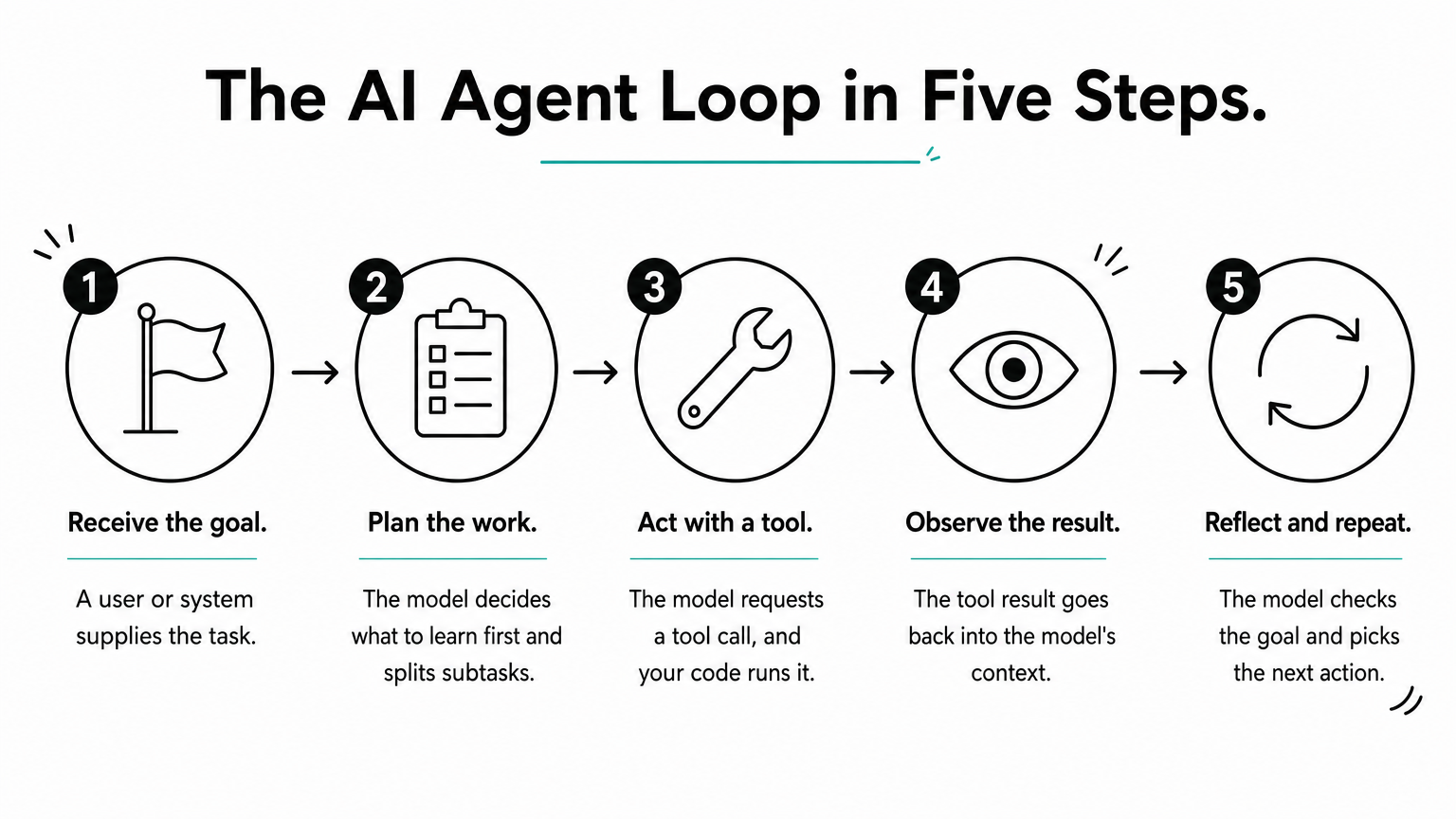
- Receive the goal. The user or another system supplies a task, such as "find why checkout errors spiked yesterday."
- Plan. The model decides what it needs to know and what to try first. For complex goals it splits the work into subtasks.
- Act. The model requests a tool call, such as a log search or a database query. Your code runs it.
- Observe. The tool result goes back into the model's context.
- Reflect and repeat. The model decides whether the goal is met. If not, it picks the next action.
The best-known version of this pattern is ReAct, short for reasoning and acting, introduced in a 2022 research paper. The model writes a short reasoning step, takes an action, reads the result and reasons again. Most modern agent frameworks still follow some form of it, even when they hide the reasoning text from the user.
The parts inside an agent
Under the loop, an agent is a handful of parts that you can name, swap and test separately.
| Part | Its job | Typical example |
|---|---|---|
| Model | Decides the next step and writes the final answer | An LLM such as GPT-OSS-120B or GLM 5.3 Flash |
| Instructions | Define the agent's role, goal and rules | A system prompt |
| Tools | Let the agent act on the world | Web search, SQL query, code execution, internal API |
| Memory | Holds what the agent knows about the task | Conversation context, a database, a vector store |
| Orchestrator | Runs the loop and enforces limits | Your own code or an agent framework |
| Guardrails | Restrict what the agent may do | Step caps, permission scopes, human approval |
The model is the part people talk about, but the orchestrator and the tools decide whether an agent is useful. A strong model with a poorly described tool will still fail. A modest model with clear tools, tight permissions and good error messages often wins.
What a tool call looks like
Tool calling, also called function calling, is the mechanism that turns a language model into an agent. You describe each tool to the model with a name, a description and a JSON schema for its arguments. The model never runs anything itself. When it wants to act, it returns a structured request like this:
{
  "name": "get_order_status",
  "arguments": { "order_id": "A-1042" }
}
Your code reads the request, runs the real function and sends the result back as a new message. The model proposes, your code executes. That split is what lets you enforce permissions, log every action and block anything dangerous before it happens. Standards such as the Model Context Protocol (MCP) exist so that tools can be described once and reused across different agents.
Memory, planning and stopping
Agents use two kinds of memory. Short-term memory is the context window: the messages, tool results and notes that fit in a single model call. Long-term memory lives outside the model, in a database or vector store, and the agent reads from it or writes to it through tools. Context size matters here. A model with a 1M-token window can hold far more tool output before you need to summarize or trim it.
Planning comes in two styles. A step-by-step agent, like ReAct, decides each action after seeing the last result, which adapts well to surprises. A plan-first agent writes the whole plan up front and then executes it, which uses fewer calls and lets a human approve the plan, but it copes worse when reality differs from the plan. Whatever the style, every agent needs explicit stop conditions: the goal is met, a step limit is reached, or a human approval is required.
The model proposes actions, your code runs them, and the loop ends only when a condition you defined says so.
The five types of AI agents
Classic AI textbooks sort agents into five types by how they decide what to do. The types run from simplest to most capable, and each one adds a capability to the previous one.
Five types in one table
| Type | How it decides | Everyday example |
|---|---|---|
| Simple reflex | Fixed condition-action rules on the current input, no memory | A thermostat that turns the heat on at 8 PM |
| Model-based reflex | Rules plus an internal model of the world, so it handles partial information | A robot vacuum that remembers which areas it cleaned |
| Goal-based | Searches for action sequences that reach a stated goal | A navigation app finding a route to your destination |
| Utility-based | Scores each option and picks the best trade-off | A route planner balancing time, tolls and fuel |
| Learning | Improves its own behavior from feedback and experience | A product recommender that gets better as you click |
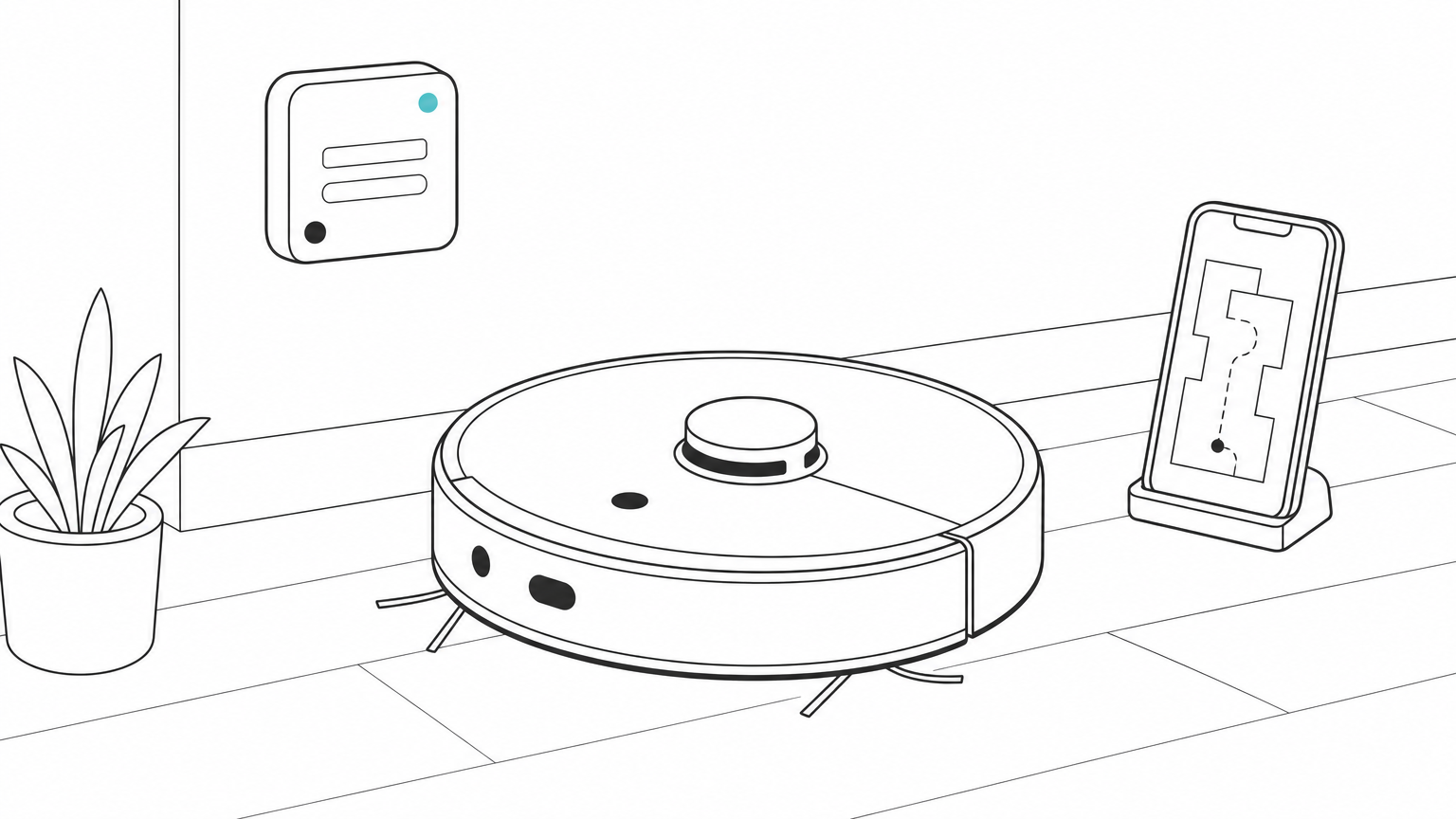
The simple reflex agent is the cheapest and the most predictable, and it breaks the moment it meets a situation its rules did not anticipate. Every step up adds flexibility and adds ways to fail. For a plain scheduled task, a simple rule is the right agent, and you should not reach for an LLM.
Where LLM-based agents fit
Today's LLM agents do not sit neatly in one box. Most behave as goal-based agents with memory: you state a goal, they plan toward it and they keep state between steps. When you tell the agent how to trade off cost against speed, it starts acting like a utility-based agent. When you feed outcomes back into prompts, notes or fine-tuning, it starts to learn.
The useful question is not which type your agent is. It is how much autonomy the task needs. Give the agent only as much freedom as the task requires, and add capability only when a simpler design fails.
Single-agent and multi-agent systems
A single agent runs one loop with one set of tools. A multi-agent system splits the work between several agents, often with different roles such as a planner, a researcher and a reviewer. The split helps when roles need different instructions, tools or models, and it lets a cheap model handle easy steps while a stronger one handles the hard ones.
It also multiplies model calls and creates new failure points, such as agents handing each other bad information or looping on the same request. Start with one agent and add a second only when you can name the problem a single agent cannot solve.
Match the agent type to the task: rules for fixed jobs, an LLM loop for open-ended ones.
AI agents vs chatbots, assistants and agentic AI
An AI agent differs from a chatbot or assistant mainly in initiative: it chooses its own steps and takes actions with tools, while chatbots and assistants wait for you to direct each step. The terms overlap in marketing, so the differences below are the practical ones.
Agent, assistant and chatbot compared
| Chatbot | Assistant | Agent | |
|---|---|---|---|
| Starts work | When you send a message | When you ask for help | When you set a goal |
| Tools | None or very few | Some, usually with your approval | Many, called on its own |
| Memory | The current chat | Your preferences and history | Task state plus long-term memory |
| Output | A reply | A draft or suggestion | A completed task |
These are points on a spectrum, not sealed categories. A chatbot that gains a tool and a loop becomes an agent. Many products ship as an assistant first and add agent behavior in a mode you switch on, such as a coding assistant that can also run tests and edit files on its own.
AI agents vs agentic AI, and agents vs workflows
An AI agent is a system. Agentic AI describes the approach or property: software that plans, uses tools and acts with some autonomy. You build an agent, and you can describe the result as agentic.
One distinction saves a lot of money. In a workflow, your code fixes the path: step one, then step two, then step three, with a model call at some steps. In an agent, the model decides the path at run time. Workflows are cheaper, faster and easier to test. Choose an agent only when you cannot write the steps in advance.
If you can draw the steps as a fixed flowchart, build a workflow. If the path depends on what the agent finds, build an agent.
Examples of AI agents in real use
AI agents already run in software development, customer operations, research and everyday devices. Names of products change fast, but the patterns below stay stable, so they are better guides than any list of the "top" agents.
Coding agents
Coding agents read a repository, edit files, run tests and fix failures until the tests pass. Tools such as Claude Code, OpenAI's Codex tools and GitHub Copilot's agent mode work this way. The loop is easy to verify because tests give a clear pass or fail signal, which is why coding became the first area where agents worked well at scale.
For these workloads, model choice leans on long context and cheap output. Repository-scale debugging puts thousands of lines into context on every step. Models such as GLM 5.3 Flash and DeepSeek V4.1 Flash are positioned for coding agents and tool-using workflows, and both list a context window of about 1.05M tokens on Geodd.
Support and operations agents
A support agent reads a customer message, looks up the order, checks the policy and replies or escalates. Here is a refund request traced step by step:
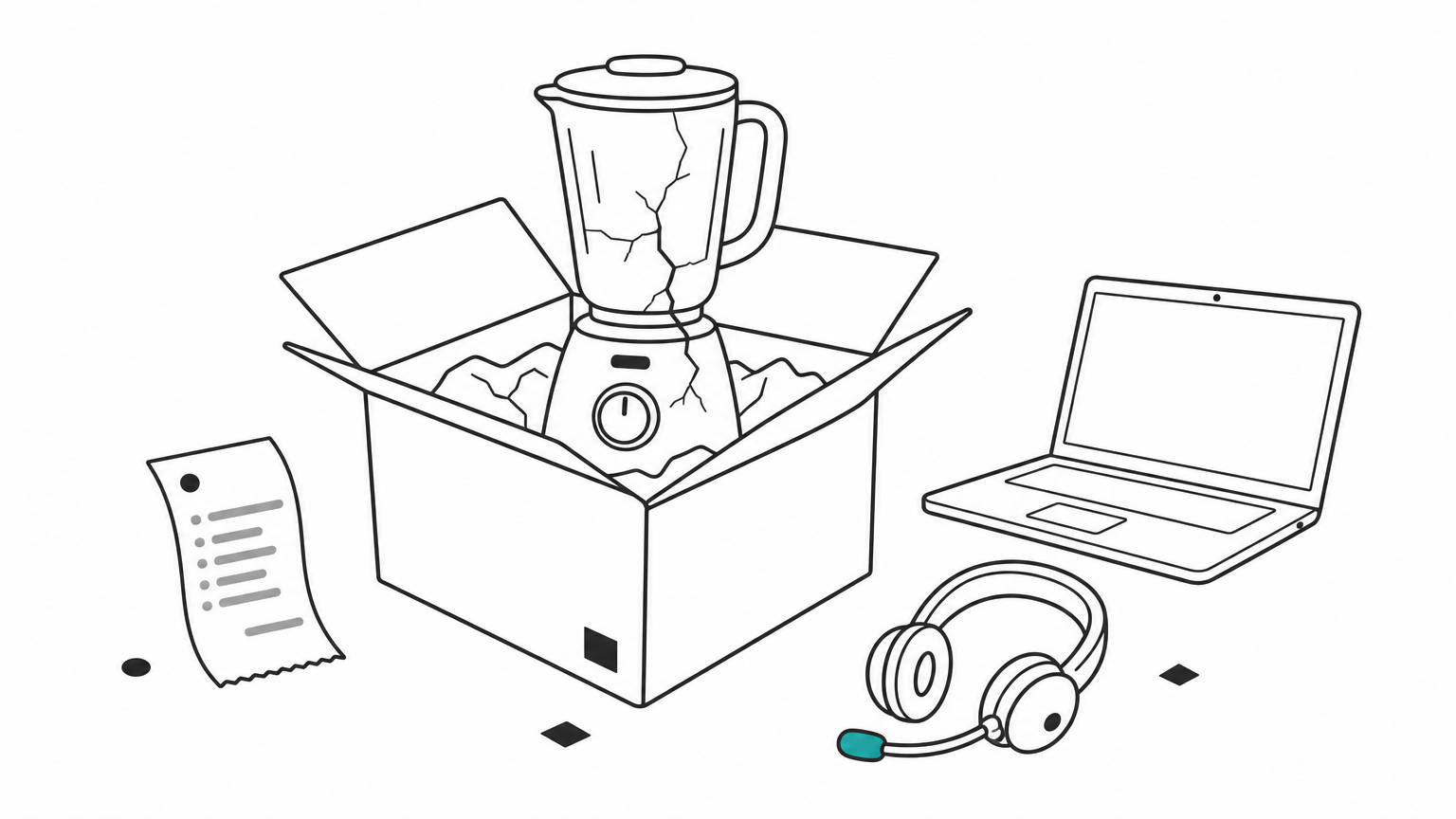
- The customer writes: "My blender arrived cracked. I want my money back."
- The agent calls
get_orderwith the customer's order number and sees a delivery date nine days ago. - It calls
search_policyand finds that damaged items are refundable within 30 days. - It calls
create_refundfor the order total. Because refunds are high-impact, the orchestrator pauses for human approval. - After approval, the agent sends the confirmation and closes the ticket.
Four tool calls and one approval gate replace a task that used to take a person several minutes across three screens. The approval step is deliberate, and it is the pattern to copy for any action that moves money.
Research and analysis agents
Research agents take a question, run searches, read sources, compare findings and write a cited report. Data analysis agents write and run queries or code, inspect the output and refine the analysis. Both do well because they break a big question into small lookups and keep notes as they go.
Their weak spot is verification. An agent can read a wrong source with confidence, so require citations and spot-check them. Make the agent show its sources and you can audit the work in minutes.
Simple agents you already use
Not every agent involves an LLM. The thermostat, the robot vacuum and the navigation app from the types table are all agents, and they have worked for years. They show the core idea at its smallest: sense the environment, decide, act. LLM agents extend that idea to tasks where the rules cannot be written in advance.
Good agent use cases share one trait: each step is small, and you can tell whether it worked.
How to build your first AI agent
To build your first agent, pick one narrow task, choose a model that supports tool calling, write a loop with a hard step limit, and add approval gates before any risky action. Keep the first version small enough to read in one sitting.
Pick the task and the model
Start with a task that has three to eight steps, clear inputs and a checkable result, such as answering order-status questions. Then choose the model on four points: tool-calling support, context size, price per token and data handling. Check each on the model's own page, because versions differ.
Here is the cost of one agent run for three text models on Geodd. The assumption is a ten-call run with 20,000 input tokens per call (the context grows as tool results pile up) and 1,000 output tokens per call. That is 200,000 input tokens and 10,000 output tokens in total.
| Model | Input / 1M tokens | Output / 1M tokens | Cost per run | Cost per 1,000 runs |
|---|---|---|---|---|
| GPT-OSS-120B | $0.039 | $0.158 | $0.0094 | $9.38 |
| GLM 5.3 Flash | $0.110 | $0.400 | $0.026 | $26.00 |
| DeepSeek V4.1 Flash | $0.300 | $1.100 | $0.071 | $71.00 |
For GLM 5.3 Flash the math is 0.2 million input tokens at $0.110 ($0.022) plus 0.01 million output tokens at $0.400 ($0.004), which totals $0.026. The figures ignore caching and any cost of the tools themselves. The cheapest model is not automatically the right one. A model that finishes in eight steps instead of fifteen can cost less per task than a cheaper one that wanders, so test two or three on your real task before you commit.
Wire the loop with the OpenAI SDK
Providers with an OpenAI-compatible API let you use the standard OpenAI Python SDK and change only the base URL, key and model ID. This sketch is a complete agent: it sends the goal, runs any tool the model requests, returns the result and stops after eight steps at most.
import json
from openai import OpenAI

client = OpenAI(base_url="YOUR_PROVIDER_BASE_URL", api_key="YOUR_API_KEY")

tools = [{
    "type": "function",
    "function": {
        "name": "get_order_status",
        "description": "Look up the status of an order by its ID.",
        "parameters": {
            "type": "object",
            "properties": {"order_id": {"type": "string"}},
            "required": ["order_id"],
        },
    },
}]

def get_order_status(order_id):
    return {"order_id": order_id, "status": "shipped"}  # replace with a real lookup

messages = [{"role": "user", "content": "Where is order A-1042?"}]

for step in range(8):  # hard step limit
    response = client.chat.completions.create(
        model="zai-org/glm-5.3-flash",
        messages=messages,
        tools=tools,
    )
    message = response.choices[0].message
    messages.append(message)

    if not message.tool_calls:  # no tool requested: the agent is done
        print(message.content)
        break

    for call in message.tool_calls:
        args = json.loads(call.function.arguments)
        result = get_order_status(**args)
        messages.append({
            "role": "tool",
            "tool_call_id": call.id,
            "content": json.dumps(result),
        })
Replace the placeholder base URL with the endpoint listed on your provider's model page, and the stub function with a real lookup. Write tool descriptions as if for a new colleague. Models pick tools from the description, so vague text produces wrong calls.
Add guardrails before you add autonomy
Most agent failures are not model failures. They are missing limits. Before you widen what the agent can do, put these in place:
- A step cap and a timeout. This stops infinite loops, where an agent calls the same tool again and again.
- Least-privilege tools. Give read-only access by default, and scope write access to one resource.
- Human approval for high-impact actions, such as refunds, mass emails, deployments and trades.
- A full action log. Record every tool call, argument and result so you can debug and audit.
- Clear data handling. Know what your provider stores. Geodd lists zero data retention by default for GLM 5.3 Flash, GPT-OSS-120B and DeepSeek V4.1 Flash, so prompts and outputs are not kept unless separately agreed in writing.
- A small test set. Run 20 to 50 real tasks after every prompt or model change, and track the success rate.
Once the success rate is stable, loosen one limit at a time. If you later see high latency or retries on long runs, look at the inference layer before you rewrite the agent.
Start with a narrow task, a step cap and an approval gate, then widen autonomy only as your test results earn it.
Start with one small agent
AI agents are LLM-driven systems that observe, plan and act in a loop, using tools and memory to finish a goal rather than just answer a prompt. The five classic types describe how much they can decide on their own, and most real agents are goal-based loops with tools. Treat a fixed workflow as the default, and reach for an agent only when the path cannot be written in advance.
The fastest way to learn is to build one narrow agent, cap its steps and log every call. Compare two or three models on your own task and watch the cost per completed run, not the price per token. If you want to try the loop above, you can run GLM 5.3 Flash through an OpenAI-compatible API and review its pricing, context limits and integration examples before you write a line of production code.