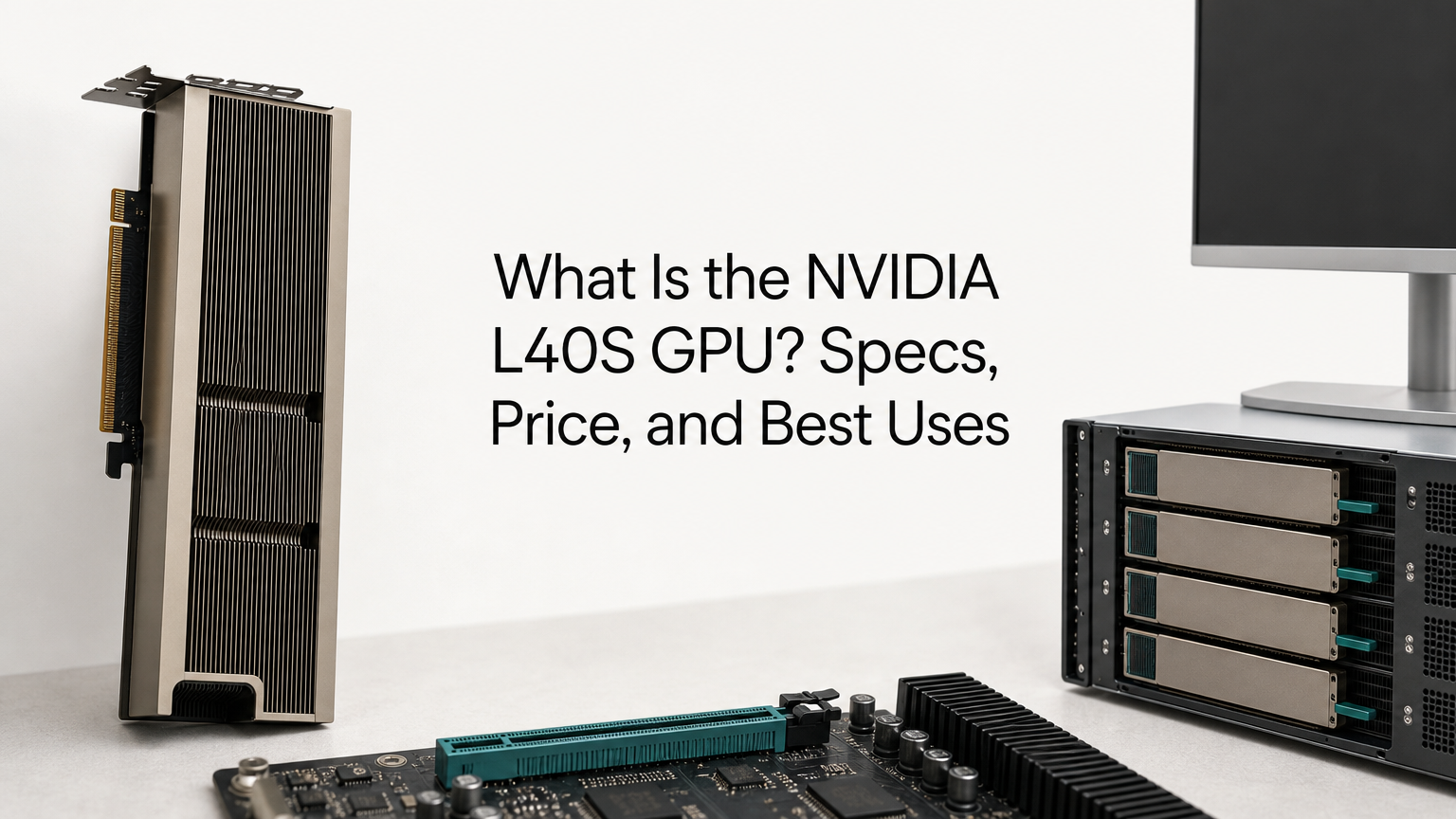
The L40S GPU is NVIDIA's 48 GB data center card built on the Ada Lovelace architecture. One card is one GPU, it plugs into a standard PCIe slot, and it handles AI inference, small fine-tuning jobs, rendering and video work on the same silicon. NVIDIA announced it in August 2023. A new card costs roughly $7,500, and renting one starts at $1.00 per hour on Geodd.
This article explains why the card matters, walks through its specs, memory and architecture, and shows you how to check whether it fits your model. It then breaks down what the L40S costs to buy, to put in a server, and to rent.
Geodd rents L40S GPUs by the hour and runs production inference on NVIDIA hardware, so the rental rates below are our own published figures. Market prices come from public listings and NVIDIA's benchmarks, and we flag every figure that is a snapshot and will age.
Why the L40S GPU matters for inference and graphics
The L40S matters because it puts 48 GB of memory and FP8 tensor hardware on one card at a fraction of H100 pricing. That is enough for most inference jobs, and many teams never need more.
What the L40S is and when it launched
The NVIDIA L40S is a passively cooled, dual-slot PCIe card built on the Ada Lovelace generation of NVIDIA silicon. NVIDIA announced it in August 2023, and systems from server makers such as Dell and Lenovo followed. It arrived when H100s were hard to get, and its pitch was simple: run generative AI and graphics on a cheaper, easier-to-find card.
People often ask how many GPUs are in an L40S. The answer is one GPU per card. Servers pack four or eight cards together, and cloud rentals are usually sold in 1, 2, 4 or 8 GPU configurations.
How the L40S differs from the L40
The L40 is the visualization-first sibling. NVIDIA kept the same family of silicon and retuned it for AI, giving the L40S a 350 W power limit (the L40 is rated at 300 W) and stronger FP8 and FP16 tensor performance. If your work is mostly rendering and virtual workstations, the L40 does the job. If AI inference is on the list, buy or rent the L40S.
Who the L40S is for
The card fits workloads that live inside 48 GB and do not need GPUs talking to each other at high speed.
- LLM serving: 7B to 70B parameter models, with 70B models needing 4-bit quantization on a single card.
- Image generation: diffusion models and other multimodal models.
- Light training: LoRA fine-tuning and small-model training.
- Graphics: rendering, virtual workstations, Omniverse and digital twins.
- Video: transcoding and AI video pipelines.
It is a poor fit for pretraining large models, FP64-heavy scientific computing, and anything that needs tensor parallelism across many GPUs.
The L40S is a one-card answer for inference, rendering and video, not a training workhorse.
L40S GPU specs, memory, and architecture
The NVIDIA L40S GPU pairs 18,176 CUDA cores with 48 GB of GDDR6 ECC memory and a 350 W power budget. The table gives the specs you will check most often.
Core specifications
| Specification | NVIDIA L40S |
|---|---|
| Architecture | Ada Lovelace |
| CUDA cores | 18,176 |
| Tensor Cores | 568 (4th generation) |
| RT Cores | 142 (3rd generation) |
| Memory | 48 GB GDDR6 with ECC |
| Memory bandwidth | 864 GB/s (384-bit bus) |
| Clock speed | 1,065 MHz base, up to 2,520 MHz boost |
| Peak FP32 | 91.6 TFLOPS |
| Peak FP8 tensor | 733 TFLOPS, 1.47 PFLOPS with sparsity |
| Interface | PCIe Gen4 x16 |
| Form factor | Dual-slot, passive, full-height, full-length |
| Max power | 350 W |
| NVLink and MIG | Not supported |
How the 48 GB of memory behaves
The L40S GPU memory size is generous for one card, but the memory type is GDDR6, not the HBM found on A100 and H100. Bandwidth is 864 GB/s, against 1,935 GB/s on an A100 80 GB PCIe and 3.35 TB/s on an H100 SXM. Bandwidth sets your decode speed. Generating each token means reading the model weights once, so a 35 GB model on this card tops out near 25 tokens per second per stream (864 divided by 35). Batching many requests lifts total throughput well above that.
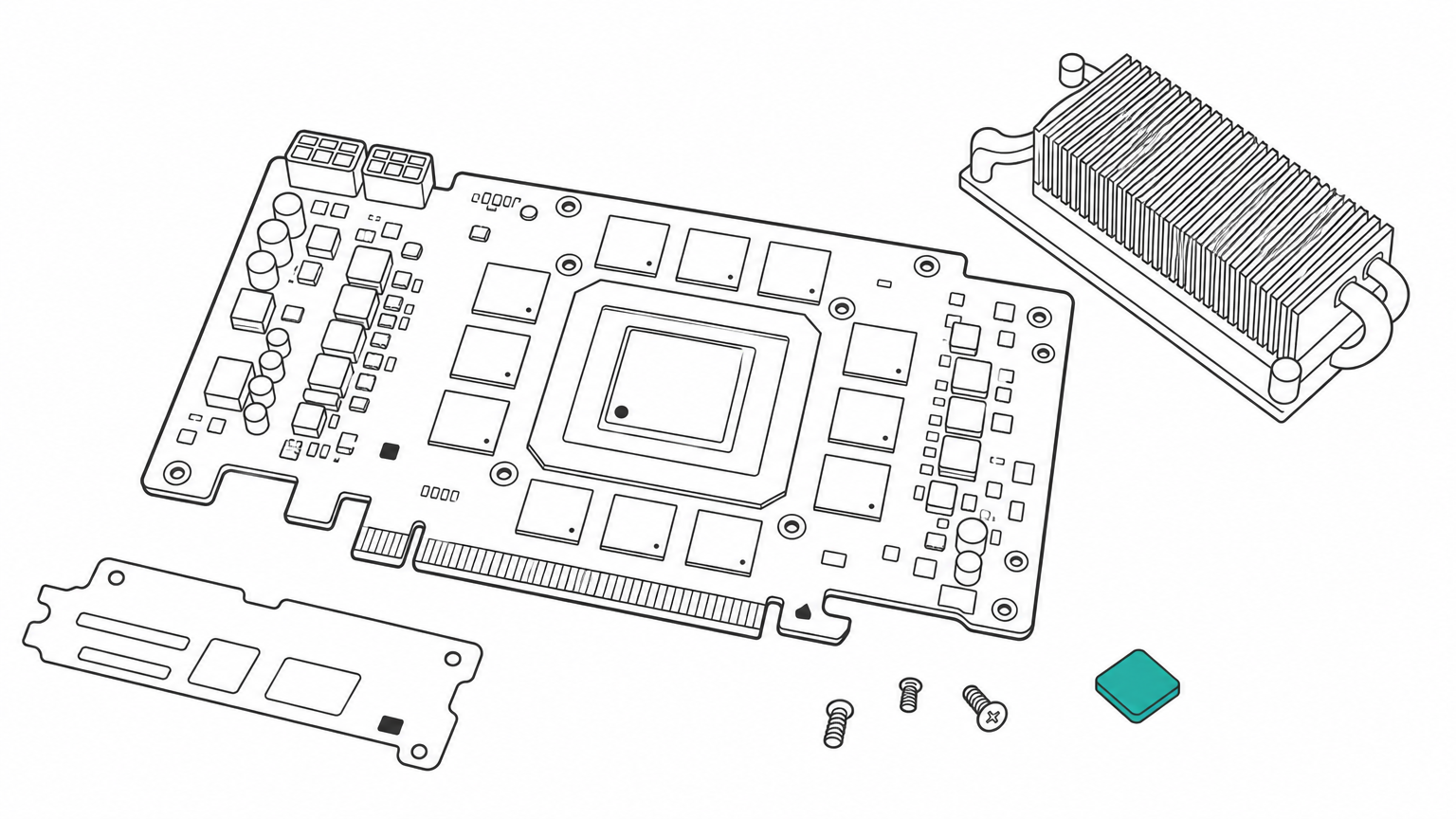
Capacity decides what fits at all. Weights take roughly 2 bytes per parameter at FP16, 1 byte at FP8 and half a byte at 4-bit.
| Model | Precision | Weights | Fits in 48 GB? |
|---|---|---|---|
| 8B | FP16 | ~16 GB | Yes, lots of cache room |
| 13B | FP16 | ~26 GB | Yes |
| 34B | 8-bit | ~34 GB | Yes, limited cache |
| 70B | 4-bit | ~35 GB | Yes, short contexts |
| 70B | FP8 | ~70 GB | No, needs two cards |
What Ada Lovelace adds
The L40S GPU architecture brings 4th-generation Tensor Cores with FP8 support, which roughly halves memory use against FP16 for models that tolerate it. Third-generation RT Cores give it real-time ray tracing, and the card carries three NVENC and three NVDEC video engines with AV1 encode. It also supports NVIDIA vGPU software, so one card can serve several virtual workstations.
The trade-off is the interconnect. With no NVLink, cards talk over PCIe Gen4 x16, about 32 GB/s each way. With no MIG, you cannot carve one card into hardware-isolated slices.
Capacity is the L40S's strength and bandwidth is its ceiling, so size your model first and your batch second.
How to decide whether the L40S fits your workload
Run three checks: does the model plus its cache fit in 48 GB, does the job need fast GPU-to-GPU links, and does the cost per output beat the alternatives. If all three pass, the L40S is usually the cheapest sound choice.
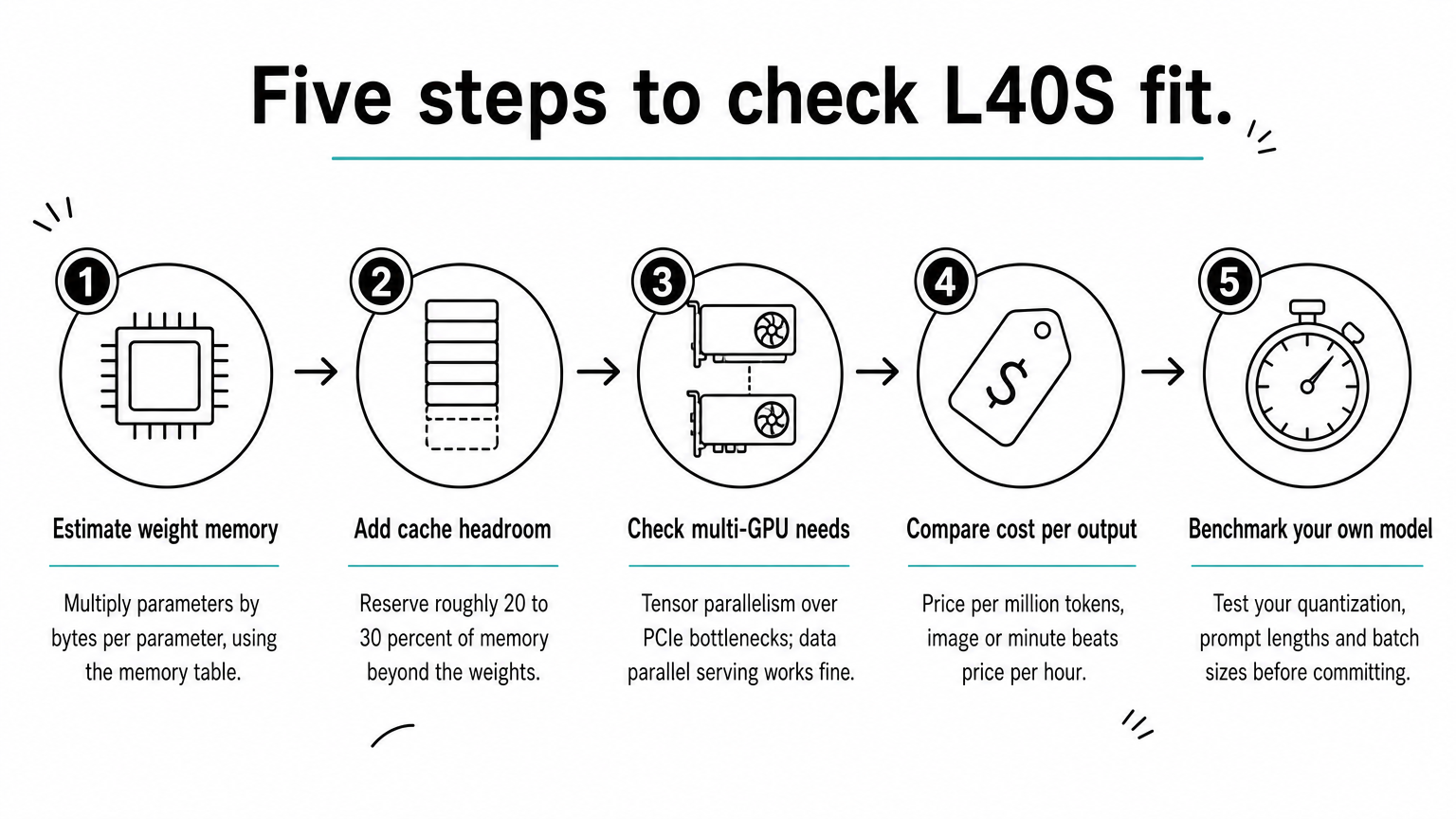
A five-step fit check
- Estimate weight memory. Multiply parameters by bytes per parameter, using the table above.
- Add headroom. The KV cache grows with context length and concurrent users, so reserve roughly 20 to 30 percent of memory beyond the weights.
- Look for multi-GPU needs. If the model only fits by splitting across cards, PCIe becomes the bottleneck for tensor parallelism. Data parallel serving, where each card holds a full copy, works fine.
- Compare cost per output. Price per hour means little. Price per million tokens, per image or per transcoded minute is what you pay for.
- Benchmark your own model. Test your quantization, prompt lengths and batch sizes before you commit.
L40S vs A100, H100, and L4
Each neighboring card wins on one axis. The L4 is smaller and cheaper to run, while the A100 and H100 give you faster memory, NVLink and MIG.
| GPU | Memory | Bandwidth | NVLink | MIG | Best for |
|---|---|---|---|---|---|
| L4 | 24 GB GDDR6 | 300 GB/s | No | No | Efficient small-model and video serving, 72 W |
| L40S | 48 GB GDDR6 | 864 GB/s | No | No | Mixed inference, graphics, light fine-tuning |
| A100 80 GB | 80 GB HBM2e | 1,935 GB/s (PCIe) | Yes | Yes | Training, HPC, large models |
| H100 SXM | 80 GB HBM3 | 3.35 TB/s | Yes | Yes | Foundation model training, high-throughput serving |
The L40S has up to 4.7 times the FP32 throughput of an A100, but the A100 wins on memory bandwidth, FP64 and multi-GPU scaling. Pick the L40S when compute per dollar matters more than those.
A cost-per-token example
NVIDIA's published Llama 2 benchmarks (FP8, TensorRT-LLM, one GPU) show how throughput and price interact. Divide Geodd's hourly rates, $1.00 for an L40S and $3.00 for an H100 SXM5, by tokens generated per hour:
| Test (input / output tokens) | L40S tokens/s | H100 SXM tokens/s | L40S cost per 1M tokens | H100 cost per 1M tokens |
|---|---|---|---|---|
| 128 / 128 | 6,656 | 17,685 | ~$0.042 | ~$0.047 |
| 2,048 / 2,048 | 653 | 2,820 | ~$0.43 | ~$0.30 |
For short exchanges the L40S is cheaper per token. For long contexts the H100 pulls ahead because its bandwidth scales better. These are peak benchmark figures at full utilization, so real bills run higher on both cards.
The L40S wins on cost per token for short, bursty requests, and the H100 wins once contexts get long.
L40S price: buying, server cost, and renting
An L40S card costs around $7,500 new, a four-card server runs about $47,000 to $49,000, and renting starts at $1.00 per GPU-hour on Geodd. Resellers set their own prices, so treat purchase figures as late-2025 snapshots.
What buying an L40S costs
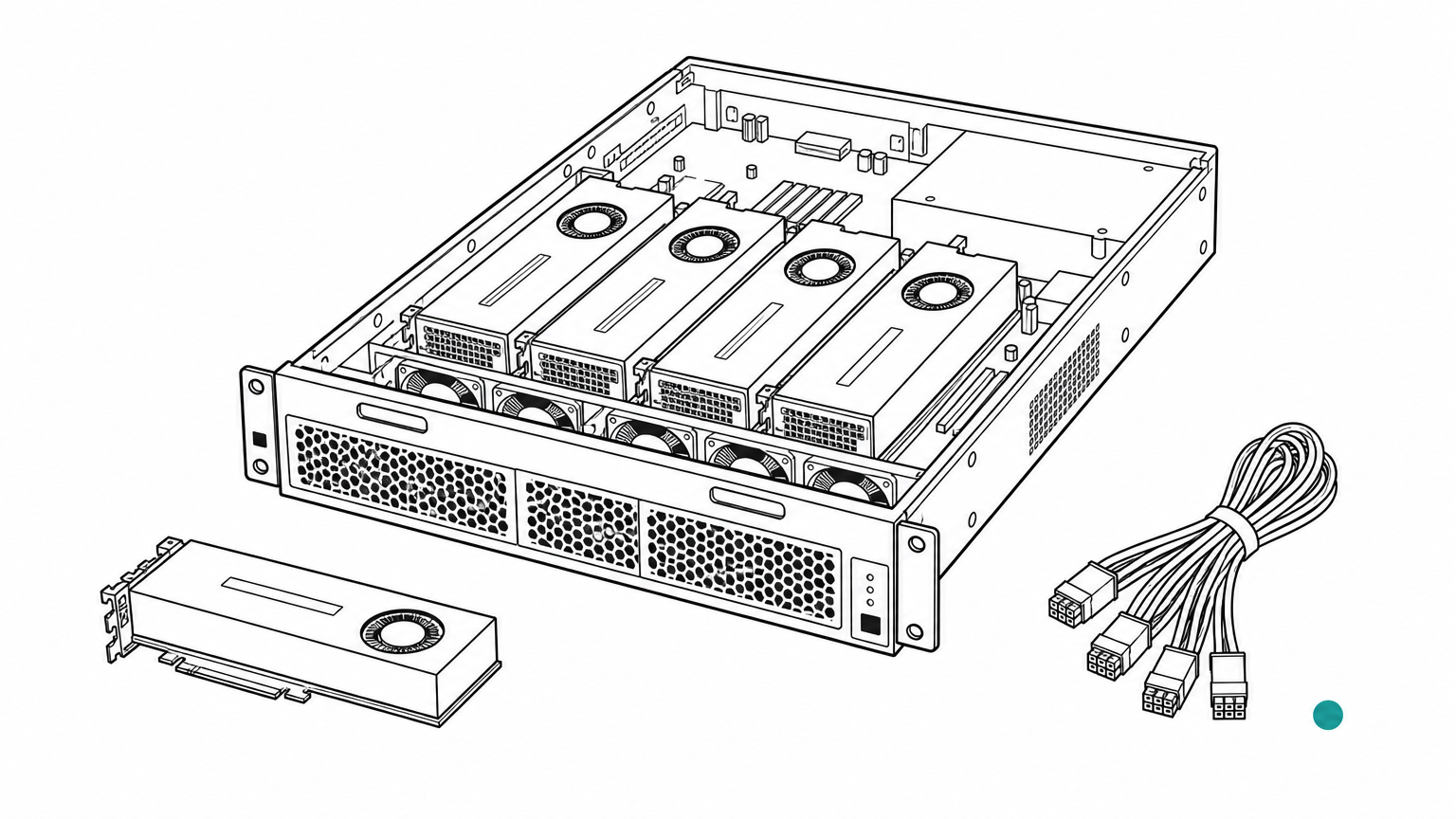
A single PCIe card sits near $7,500. That price does not include a host. A Dell PowerEdge R760xa with four L40S cards lists around $47,000 to $49,000, or roughly $12,000 per GPU once you count the chassis, CPUs and memory. Add electricity and cooling at an estimated $0.20 to $0.30 per GPU-hour, and a passive card needs server-grade airflow, which rules out most desktops.
What renting an L40S costs
Geodd publishes hourly rates that scale linearly with GPU count, shown here beside our other GPUs for context.
| GPU on Geodd | Memory per GPU | 1x rate | Multi-GPU rates |
|---|---|---|---|
| L40S | 48 GB GDDR6 | $1.00/hr | 2x $2.00, 4x $4.00, 8x $8.00 |
| A100 SXM | 80 GB HBM2e | $1.49/hr | 2x $2.98, 4x $5.96, 8x $11.92 |
| RTX PRO 6000 Blackwell | 96 GB GDDR7 | $2.14/hr | 2x $4.28, 4x $8.56, 8x $17.12 |
| H100 SXM5 | 80 GB HBM3 | $3.00/hr | Single-GPU listing |
Published pricing does not guarantee immediate capacity in every configuration. Across the market, on-demand L40S rates in 2025 listings ran from under $1 to about $3.50 per hour, so compare the full bill, not the headline rate.
Rent or buy: a worked example
A month has about 730 hours. Renting one L40S around the clock costs $730. A developer using it eight hours a day for 22 days uses 176 hours and pays $176.
Buying a $7,500 card matches $1.00-per-hour rental after 7,500 hours, about 10 months of nonstop use, before you pay for a server or power. A $48,000 four-GPU server against the $4.00-per-hour rate takes 12,000 hours, about 16 months of continuous use. Rent until you can show steady use above half the hours in a month for a year or more. Short projects, experiments and spiky traffic never reach that point.
Buying only wins if the card stays busy for more than a year, so rent first and buy once utilization proves itself.
Is the L40S the right card for you?
The L40S is the practical middle of NVIDIA's data center lineup. It gives you 48 GB of GDDR6, Ada Lovelace tensor and ray tracing hardware, and a price that stays well below H100 territory. It serves models up to about 70B parameters at 4-bit, runs diffusion and video pipelines, and handles graphics. It is weaker where bandwidth and interconnect rule: long-context serving at scale, multi-GPU training and FP64 work.
Check the fit with the memory table and the five steps above, then price it by cost per output instead of cost per hour. If it passes, test it before you buy hardware. You can rent an L40S on Geodd by the hour, from one GPU to eight, and run your own model on it first.