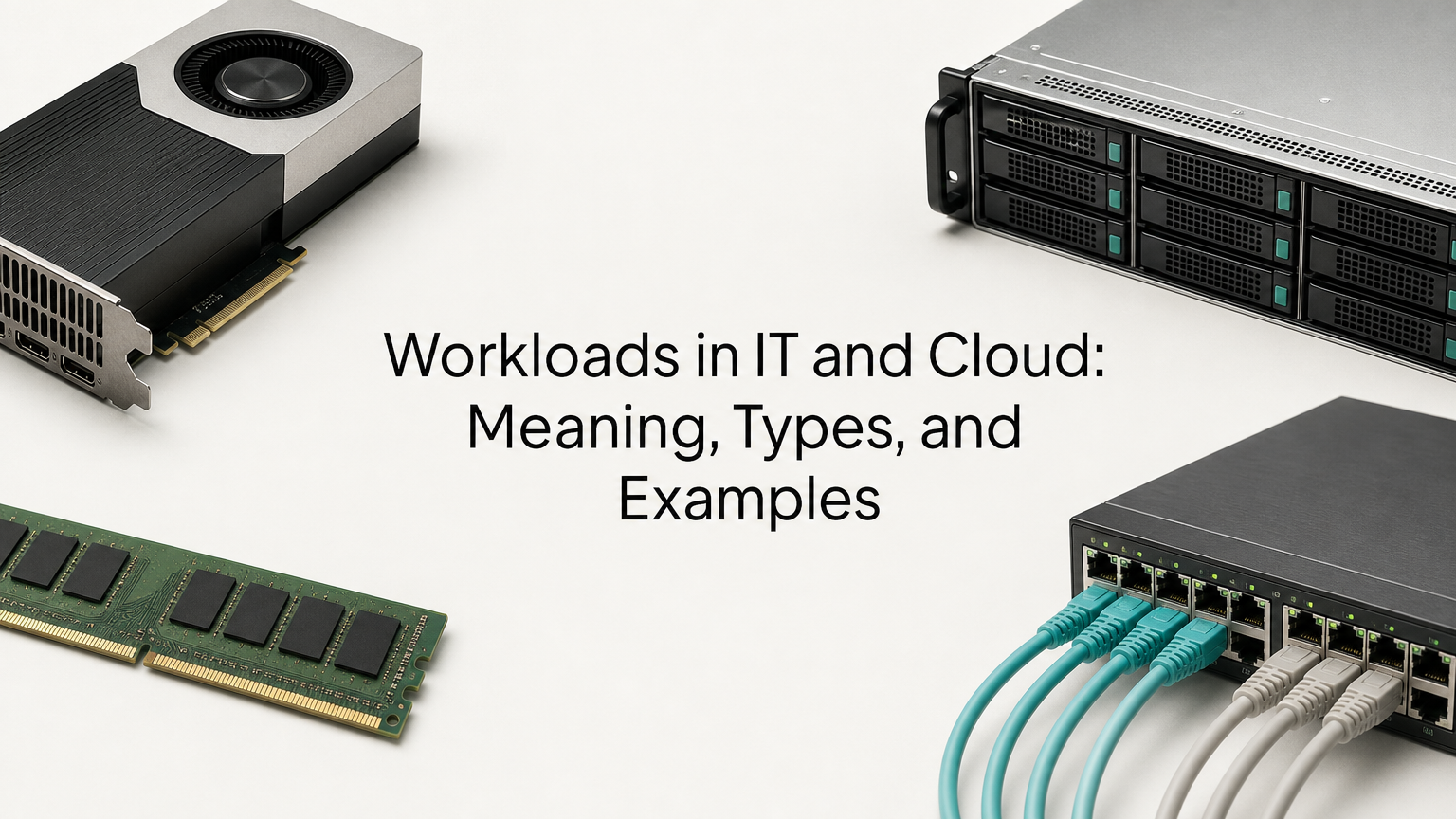
Workloads are the units of work that your computing infrastructure carries out: an application, a batch job, a database, or a model answering requests, together with the CPU, memory, storage, and network capacity it consumes. In IT and cloud computing, the term describes demand on systems, not just the software that creates it. A payroll run, a checkout page, and a language model serving API calls are three different workloads, even if they share the same servers.
That distinction decides how you size, price, and place infrastructure. This article explains why workloads matter, which resources they use, the main types with examples, how to assess and place your own, and what the word means in Kubernetes, Visual Studio, and everyday English.
Geodd runs AI inference and GPU infrastructure, and every choice between a serverless API and dedicated hardware starts with the same question: what does this workload actually demand?
Why workloads matter for cost, performance, and planning
Workloads matter because they, not applications, determine what infrastructure you need and what it costs. Two applications with the same feature set can place completely different demands on your systems, and only a workload description captures that difference.
Workloads set your infrastructure bill
Consider a payroll system and a customer support chatbot. Payroll runs one heavy batch job at month end and sits idle otherwise. The chatbot gets steady, unpredictable traffic all day and must answer in seconds. Same company, same cloud account, very different infrastructure needs.
The cost effect is direct. In the cloud you pay for the resources a workload holds over time, so capacity sized for the peak wastes money in the quiet hours. Capacity sized for the average produces slow responses and failed requests at the peak. AWS frames the idea in business terms: its Well-Architected Framework defines a workload as a collection of resources and code that delivers business value, such as a customer-facing application or a backend process. That framing ties every line of the bill to something your organization cares about.
Size infrastructure to the workload's demand pattern, not to the name of the application.
Workload, application, and task compared
People use these three words interchangeably, and that causes sizing mistakes. The table keeps them apart.
| Term | What it is | Example |
|---|---|---|
| Application | The software that users run | A CRM, a payroll platform |
| Task | One specific action | Generating a report, backing up a volume |
| Workload | The computing demand of running that software or those tasks | The CRM's daily traffic, its database queries, and its nightly exports |
An application can be a workload, and one workload can span several applications. A nightly data pipeline that feeds a CRM, a billing tool, and a dashboard is one example. Applications change when features change. Workloads change when traffic, data volume, or user behavior change, which is why you can ship no new code and still need new infrastructure.
What resources a workload consumes
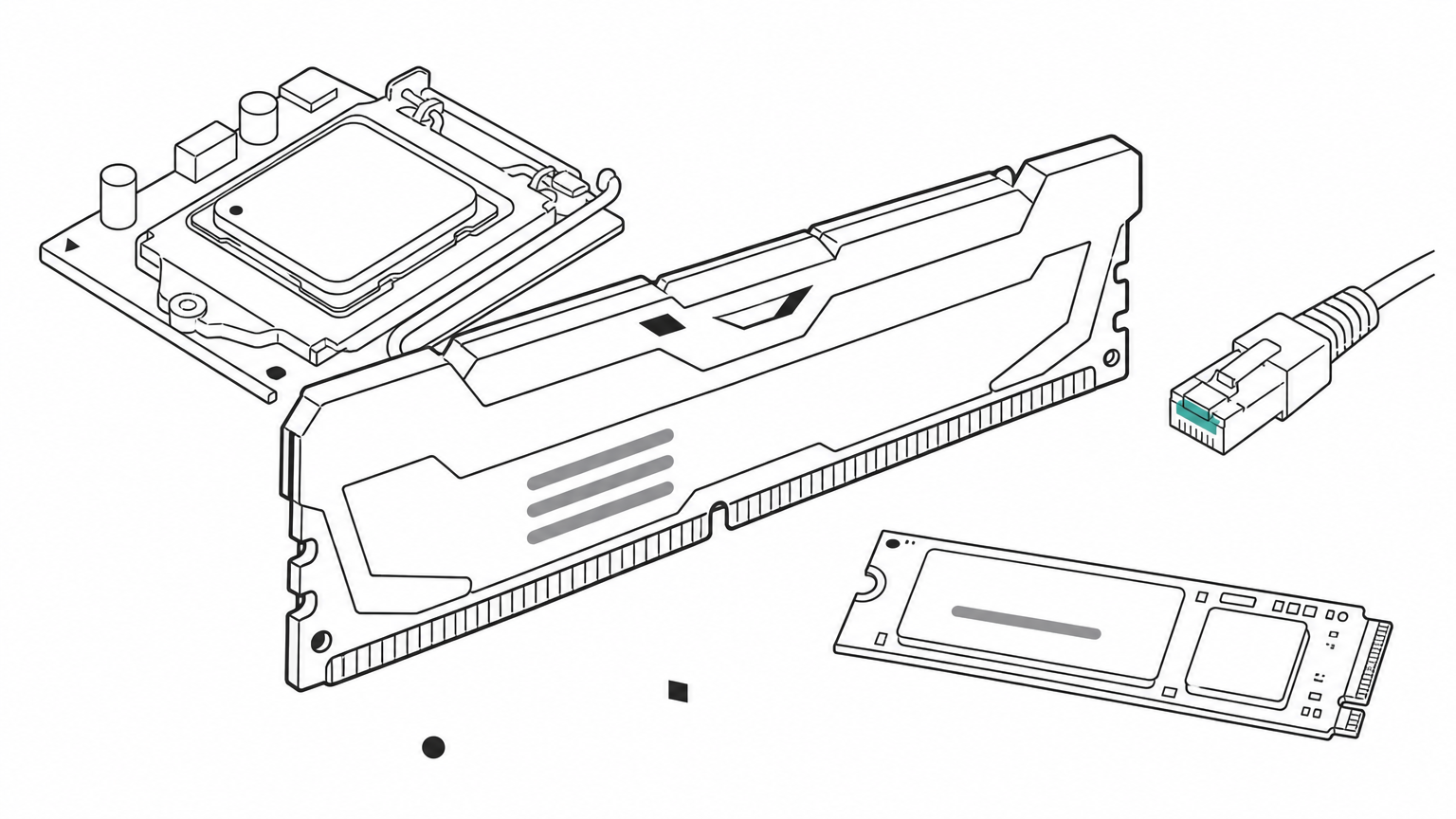
A workload consumes up to five kinds of resources: compute, memory, storage, network, and for some jobs, accelerators such as GPUs. Every workload uses all of them to some degree, but one or two usually decide how much infrastructure you need.
The five resource types
The table shows what each resource does and which workloads lean on it most.
| Resource | What it does for the workload | Typical heavy user |
|---|---|---|
| CPU | Runs application logic and handles requests | Web servers, batch processing |
| Memory | Holds active data close to the processor | Databases, in-memory analytics, LLM serving |
| Storage | Keeps data and delivers it at a given throughput | Data warehouses, backups, training datasets |
| Network | Moves data between users, services, and nodes | Video streaming, distributed training, real-time apps |
| Accelerators (GPUs) | Run massively parallel math | Model training, inference, rendering, simulation |
Finding the bottleneck
Every workload has a resource profile, and the scarcest resource sets your sizing. A web store is usually limited by CPU and database I/O. Large language model inference is typically limited by GPU memory and memory bandwidth, because the model weights must fit in memory and be read repeatedly to generate each token. Large-scale training adds a network constraint, since GPUs exchange data constantly.
Find the bottleneck by measuring, not guessing. Track utilization of each resource under real traffic, and record the peak as well as the average. A server that shows 30% average CPU and 95% memory is a memory workload, and buying more cores will not help.
A workload is only as fast as its scarcest resource, so profile all five before you buy capacity.
Types of workloads with real examples
Workloads fall into types by how they behave, how they handle state, and how their demand changes over time. The same system often mixes several types, so expect to classify more than one.
Types by behavior
| Type | How it behaves | Example |
|---|---|---|
| Transactional | Many short, interactive operations from concurrent users | E-commerce checkout, payment processing |
| Batch | Non-interactive jobs processed in bulk, often off-peak | Payroll, billing runs, report generation |
| Analytical | Complex queries over large data sets | Data warehousing, business intelligence |
| Database | Reads and writes that other applications depend on | Order records, customer profiles |
| Real-time | Immediate processing with tight latency limits | Stock trading, live video, fraud checks |
| High-performance computing | Parallel simulation and heavy math | Weather modeling, molecular simulation |
| Test and dev | Unpredictable, short-lived, frequently reprovisioned | Compiling code, running unit and load tests |
Hybrid workloads combine these. A real-time analytics product ingests events transactionally, runs analytical queries on them, and produces nightly batch reports, so each stage needs different infrastructure.
Types by state and usage pattern
Two more labels matter in cloud planning, because they decide how easily a workload scales.
- Stateful: keeps data between sessions, such as a database. Scaling is harder because the data must be moved or replicated.
- Stateless: treats each request as new, such as an API that transforms input. Scaling is easy because you add copies.
- Static: uses a roughly constant amount of resources on a regular schedule.
- Dynamic: changes its resource use with demand, and suits elastic capacity that grows and shrinks.
AI workloads: training, fine-tuning, and inference
AI work splits into three workloads that behave very differently. Training is a long, scheduled run that needs many GPUs with fast links between them and ends when the model is done. Fine-tuning is a smaller version of the same pattern with a shorter run and fewer GPUs. Inference is the opposite, a transactional or real-time workload where each request is largely independent, traffic rises and falls, and latency matters.
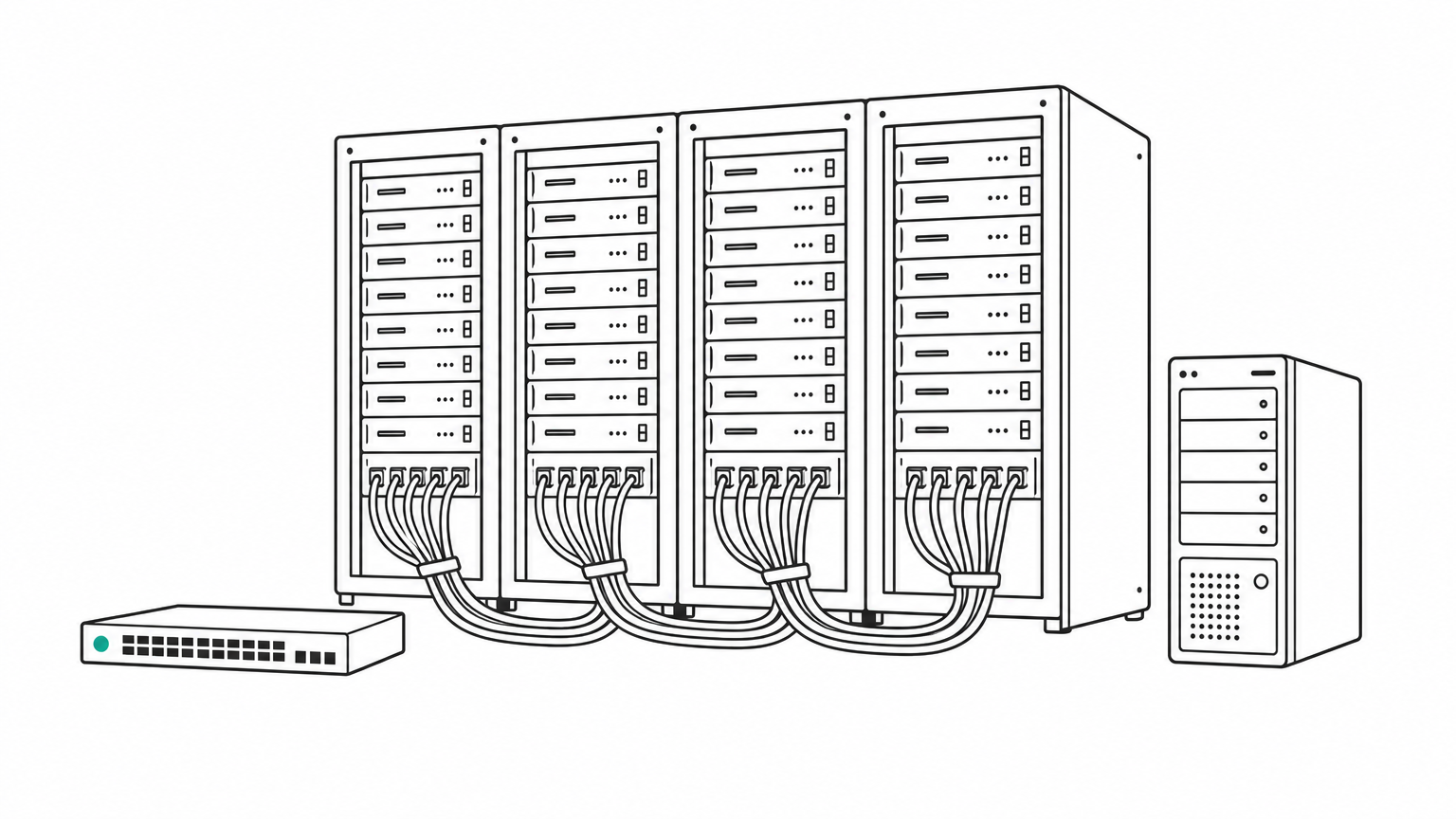
That difference maps onto infrastructure choices. Serverless inference, which Geodd bills per token, suits dynamic workloads such as API products, because capacity scales with traffic. Dedicated GPU access, which Geodd offers as single-tenant bare metal with SSH access, suits fixed-capacity needs such as training and custom runtimes. Bare metal comes without an orchestration or runtime layer, so your team owns the operating environment and the software stack.
Training is a project with an end date, inference is a service with a traffic curve, and they rarely belong on the same capacity plan.
How to assess and place your workloads
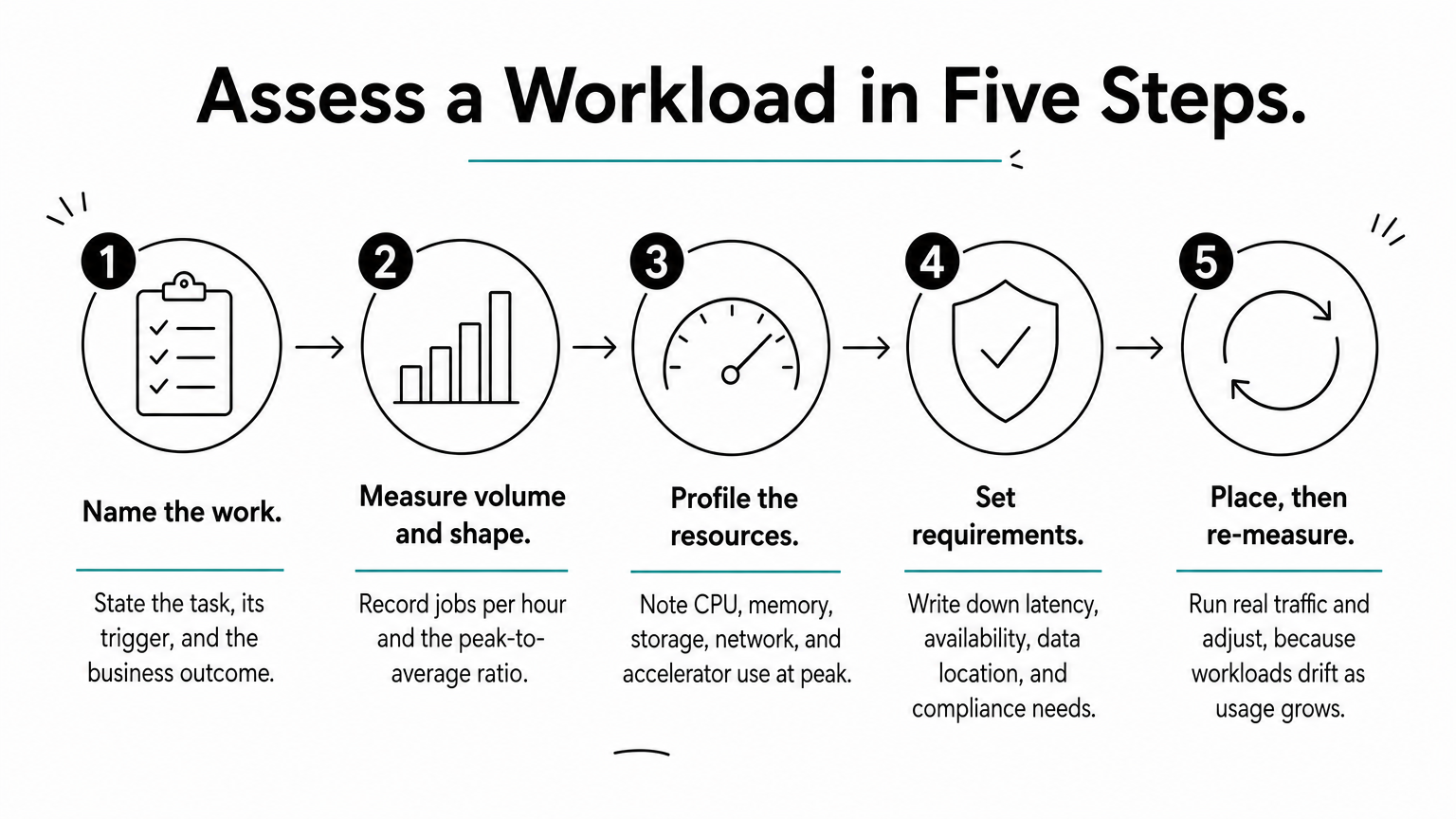
To assess a workload, describe the work, measure its shape, profile its resources, set requirements, and then pick a placement. You can do this in an afternoon for one workload, and it prevents most over- and under-provisioning.
A five-step assessment
- Name the work. State the task, who or what triggers it, and what business outcome depends on it.
- Measure volume and shape. Record requests or jobs per hour, the peak-to-average ratio, and how the pattern repeats across a day or month.
- Profile the resources. Note CPU, memory, storage, network, and accelerator use at peak, and name the bottleneck.
- Set requirements. Write down latency targets, availability needs, data location rules, and security or compliance constraints.
- Place it, then re-measure. Choose the environment, run real traffic, and adjust. Workloads drift as usage grows.
A worked example: document summarization
Take a funded SaaS team adding document summarization to its product. It expects 50,000 requests per day, each with about 3,000 input tokens and 500 output tokens. Assume traffic lands in 10 business hours and each request takes about 8 seconds.
- Daily tokens: 150 million input and 25 million output.
- Monthly tokens over 30 days: 4.5 billion input and 750 million output.
- Average rate: 50,000 requests over 36,000 seconds, about 1.4 requests per second.
- Requests in flight: about 11 on average, and about 33 at a 3x peak.
The profile is dynamic, stateless, and latency-sensitive, with a memory-bound accelerator underneath. That points to serverless inference first. You can multiply the monthly token counts by the per-token prices on the model's page to estimate the bill. If traffic later turns flat and heavy enough to keep GPUs busy around the clock, or you need stronger isolation, price a dedicated setup against the serverless total. One planning detail to check early: on Geodd, rate limits are shared across API keys for each model, so splitting traffic across keys does not add capacity.
Choosing where to run
| Placement | Fits workloads that | Watch for |
|---|---|---|
| On-premises | Need tight data control, low latency, or fixed, predictable demand | Upfront cost and your own maintenance |
| Public cloud | Vary in demand or need fast provisioning | Costs that climb with sustained heavy use |
| Hybrid | Mix sensitive, steady jobs with spiky, elastic ones | Connectivity and management across environments |
Keeping workloads healthy after launch
Placement is not the end. Monitor utilization and latency continuously, autoscale the dynamic parts, and prioritize business-critical workloads so a test job cannot starve production. Distribute requests with load balancing, schedule heavy batch jobs off-peak, and scan for sprawl, meaning forgotten workloads that still consume resources.
Characterize the workload first and choose the platform second, and revisit both when traffic changes.
Workloads in Kubernetes, Visual Studio, and plain English
The word keeps its core idea in each setting, but the exact meaning shifts with the tool. Check which sense you are reading before you reuse a definition.
Kubernetes and Visual Studio
In Kubernetes, a workload is an application running on the cluster, executed inside one or more Pods. You rarely manage Pods directly. You use workload resources that manage them for you:
- Deployment: runs stateless applications and handles rolling updates.
- StatefulSet: runs stateful applications that need stable identity and storage.
- DaemonSet: runs one Pod on each node, as a log collector does.
- Job: runs a task to completion.
- CronJob: runs Jobs on a schedule.
These line up with the types above, since Deployments are the stateless pattern and Jobs are the batch pattern. In Visual Studio, the word means something else. A workload there is a bundle of tools, SDKs, and components for a kind of development, such as ASP.NET and web development, chosen in the Visual Studio Installer. It describes what you install, not what you run.
Everyday meaning and synonyms
Outside IT, workload means the amount of work assigned to a person or machine in a period of time, as in a teacher's heavy workload. IT borrowed that sense and applied it to computers, so "IT workload" is the same word with context added. Spell it as one word: workload for one, workloads for several.
Synonyms depend on the sense. In everyday English you might say caseload, load, assignment, or volume of work. In IT, close substitutes are job, task, processing load, and demand. Each loses something: "job" implies a discrete batch, "task" a single action, and "load" only the aggregate pressure. Use workload when you mean both the work and the resources it needs.
Start with the workload, then pick the platform
A workload is the computing work your systems perform plus the CPU, memory, storage, network, and accelerator capacity that work consumes. Types, states, and usage patterns tell you how it behaves, and a short assessment tells you where it should run. Get that description right and sizing, cost estimates, and placement mostly follow.
If you are sizing an AI workload now, write down the request volume, token lengths, peak concurrency, and isolation needs before you talk to any provider. Then you can compare serverless and dedicated inference against real numbers, and see which model fits your traffic and your budget.