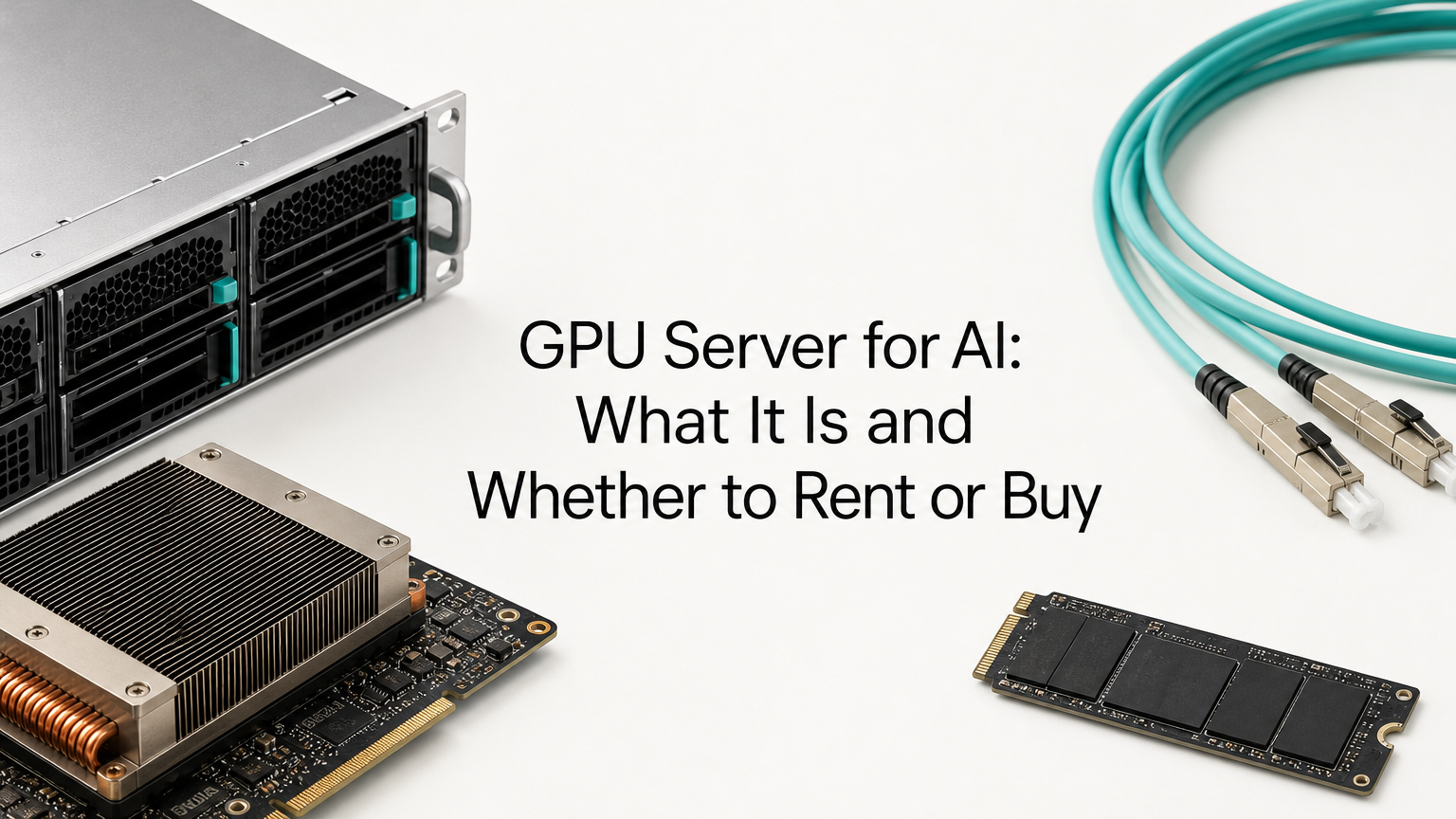
A GPU server is a server built around one or more data-center GPUs, with the CPUs, memory, storage and networking needed to keep those GPUs busy. A CPU runs a few complex tasks quickly. A GPU runs thousands of simple calculations at the same time, which is what neural networks need. That is why an AI GPU server trains and serves models far faster, and at a lower cost per result, than a CPU-only machine.
Most teams do not want a GPU server for its own sake. They want one because a training run, a fine-tune or a production model has outgrown the hardware they have. This article explains why these servers matter for deep learning, how to size one, what it costs to rent or buy, and how to set one up. It also covers the cases where you can skip the server entirely.
Geodd rents dedicated bare-metal GPU servers and also runs a hosted inference API, so we see both sides of this decision. The advice below points you to the option that fits your workload, not the biggest box.
Why a GPU server matters for AI and deep learning
A GPU server matters because deep learning is mostly matrix multiplication, and a GPU performs those operations in parallel across thousands of cores. A CPU can run the same math, but a training job that takes days on CPUs can finish in hours on GPUs. Inference benefits too, because serving a large language model to many users at once depends on the same parallel throughput.
How a GPU server differs from a CPU server
A GPU server still has CPUs. They run the operating system, load data and schedule jobs, while the GPUs do the heavy math. The difference is where the compute and the fast memory sit.
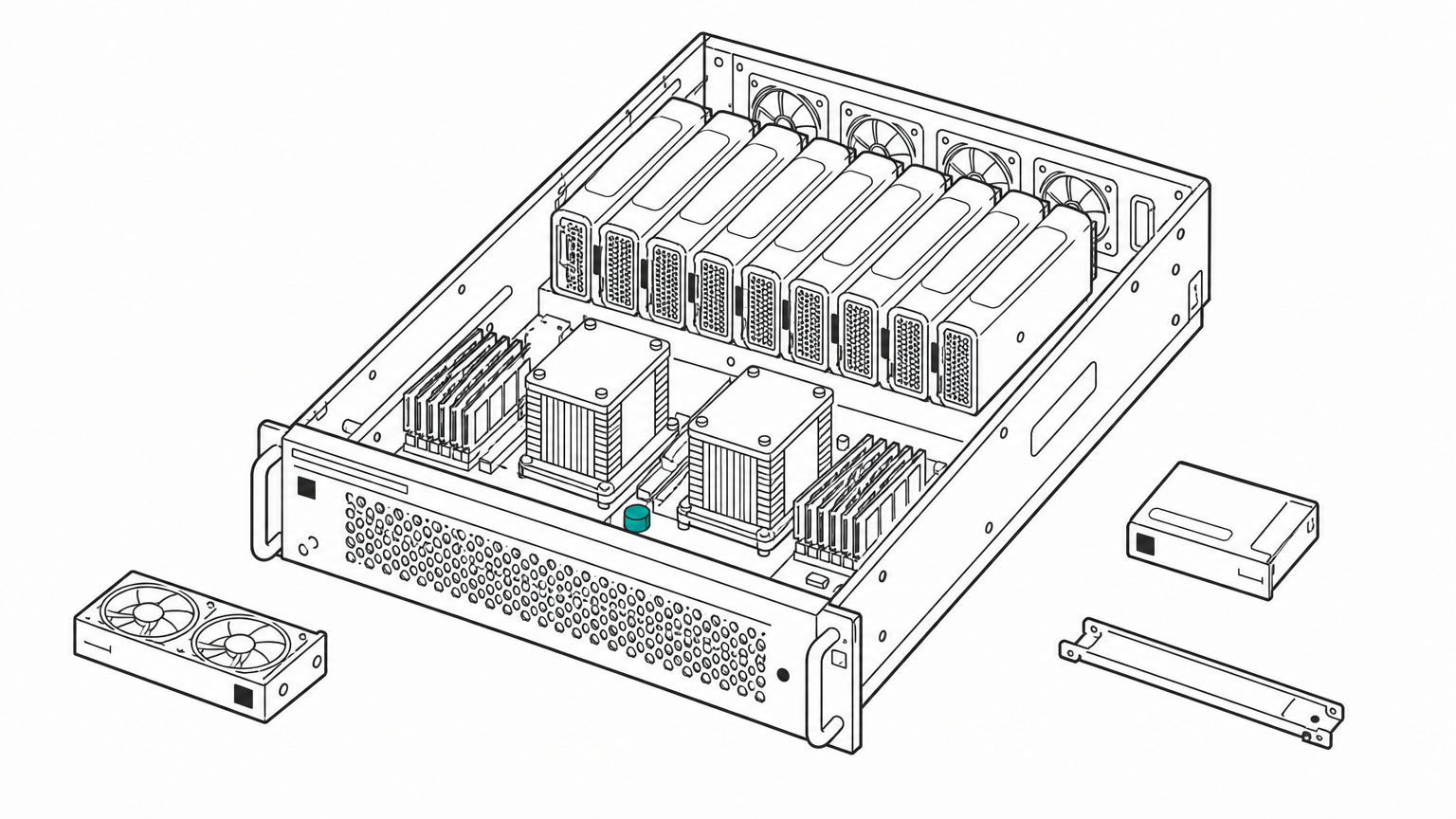
| CPU server | GPU server | |
|---|---|---|
| Core design | Tens of powerful cores per socket | Thousands of simpler cores per GPU |
| Best at | Databases, web apps, sequential logic | Training, inference, simulation, rendering |
| Memory | System RAM | System RAM plus high-bandwidth memory on each GPU (141GB HBM3e on an H200) |
| Cost per hour | Lower | Higher, but lower per result on parallel work |
Training, fine-tuning and inference stress different parts
The three main AI workloads limit your server in different ways, so the same machine is not right for all of them.
- Training from scratch: limited by GPU memory, the speed of the links between GPUs, and the network between servers. Runs last days or weeks.
- Fine-tuning: limited mainly by GPU memory. Runs are shorter and often fit on one to eight GPUs.
- Inference: limited by memory for model weights and the KV cache, then by throughput and latency under real traffic.
Size a GPU server for the job it will run, because training is bound by memory and interconnect while inference is bound by memory and throughput.
How to choose a GPU server for deep learning
Choose a deep learning GPU server by working out GPU memory first, then checking the interconnect, storage and network around it. Memory decides whether your model runs at all. Everything else decides how fast it runs.
Start with GPU memory
Model weights take about 2 bytes per parameter at 16-bit precision. A 70-billion-parameter model therefore needs about 140GB for weights alone. That does not fit on one 80GB H100 or one 141GB H200 once you add KV cache headroom. For inference, plan on 2x H200 (282GB) or 4x H100 (320GB).
Training costs far more. Mixed-precision training with the Adam optimizer needs roughly 16 bytes per parameter for weights, gradients and optimizer states. For the same 70B model that is about 1,120GB before activations, which is essentially the full 1,128GB of an 8x H200 node. At that scale you shard across nodes or use parameter-efficient methods such as LoRA.
If a model needs more memory per GPU, the Blackwell parts help. The B200 offers 180GB per GPU and the B300 offers 288GB, though both are reservation-only.
Check the interconnect, storage and network
After memory, look at how the parts talk to each other.
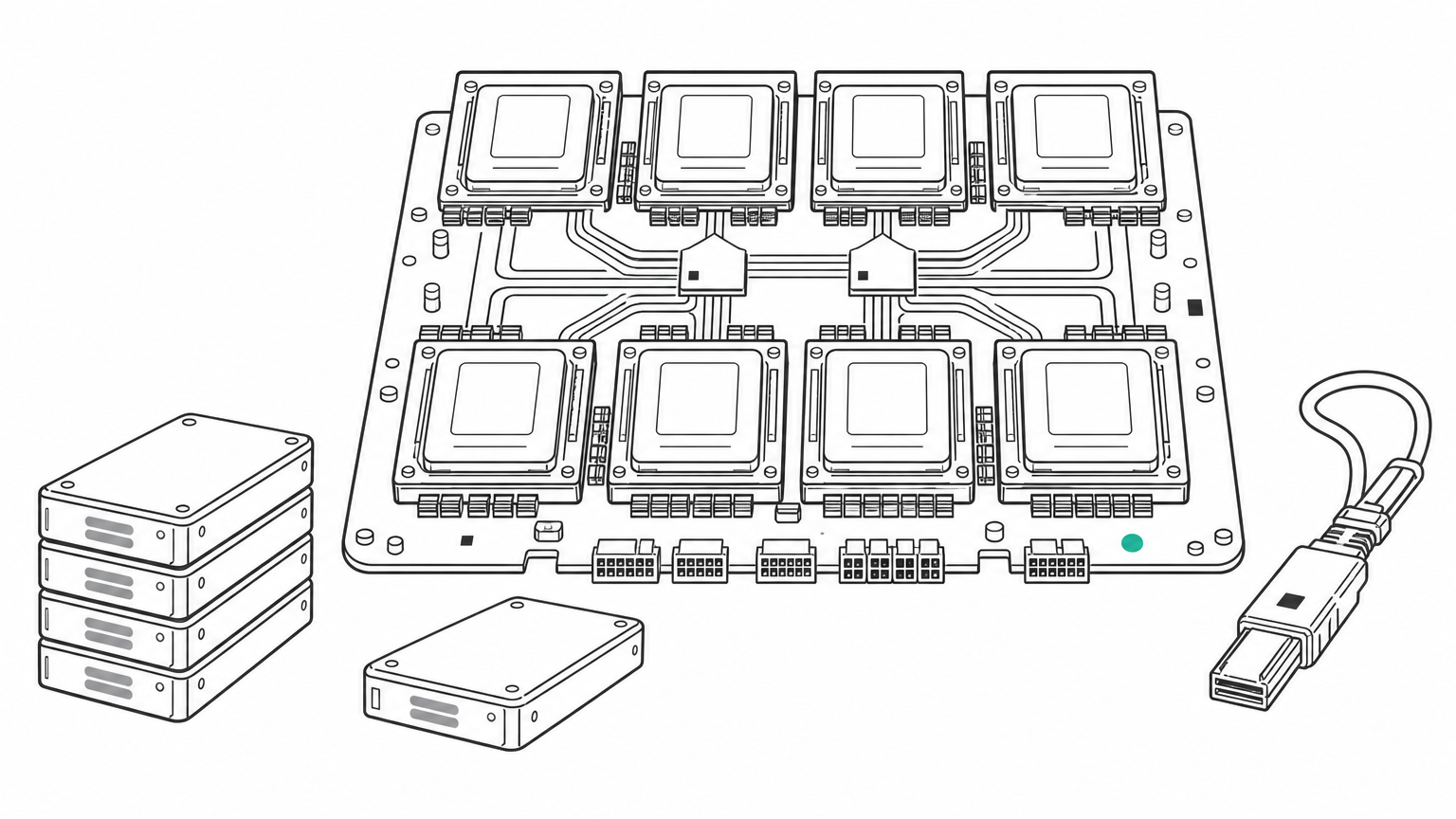
- GPU-to-GPU links: SXM boards connect GPUs over NVLink, which is much faster than PCIe. Multi-GPU training and large-model inference gain the most from it.
- System RAM and CPU: enough of both to keep data loaders from starving the GPUs.
- Local NVMe storage: fast disk for datasets and checkpoints, sized to your data plus several checkpoints.
- Server-to-server network: needed only for multi-node training. InfiniBand or fast Ethernet matters here, and it is irrelevant for a single node.
Memory decides whether a model fits on a GPU server, and the interconnect decides how well it scales.
How much a GPU server costs: renting versus buying
A GPU server costs from about $1 per hour to rent for a single L40S and from well above $100,000 to buy an eight-GPU AI system. Retail listings for eight-GPU systems from major vendors start in six figures, before power, rack space, networking and staff.
What renting looks like in practice
Hourly rental turns a capital purchase into a project cost. These are Geodd's published rates for dedicated GPU configurations.
| Configuration | Total GPU memory | Rate per hour |
|---|---|---|
| 1x L40S | 48GB | $1.00 |
| 8x L40S | 384GB | $8.00 |
| 1x H100 SXM5 | 80GB | $3.00 |
| 4x H100 SXM5 | 320GB | $12.00 |
| 1x H200 NVL | 141GB | $3.50 |
| 8x H200 NVL | 1,128GB | $28.00 |
| 8x H200 SXM | 1,128GB | $29.00 |
B200 and B300 servers are reservation-only, with pricing on request and a lead time of 3 to 7 weeks, subject to availability and shipping. Published pricing does not guarantee immediate capacity in every configuration, so confirm before you plan around a deadline.
When to rent, reserve or buy
A worked example shows the trade-off. A 200-hour fine-tuning project on an 8x H200 SXM node costs 200 × $29 = $5,800. Running that same node around the clock for a year costs 8,760 × $29 = $254,040.
Rent by the hour when your usage is bursty, a project has a deadline, or you are still testing which GPU fits. Reserve capacity when you need a Blackwell GPU or a fixed block for months. Buy only when you can keep the hardware busy most of the year and can run it, which means power, cooling, networking, spares and the staff to operate them.
Ownership beats renting only at sustained high utilization, so estimate your real GPU hours before you commit to hardware.
How to set up a GPU server, and when to skip one
To set up a GPU server, provision the machine, install a matching driver, add CUDA and your framework, and verify that the GPUs are visible. On bare metal you own that whole stack. If you only need to run a model inside a product, a hosted API can replace the server.
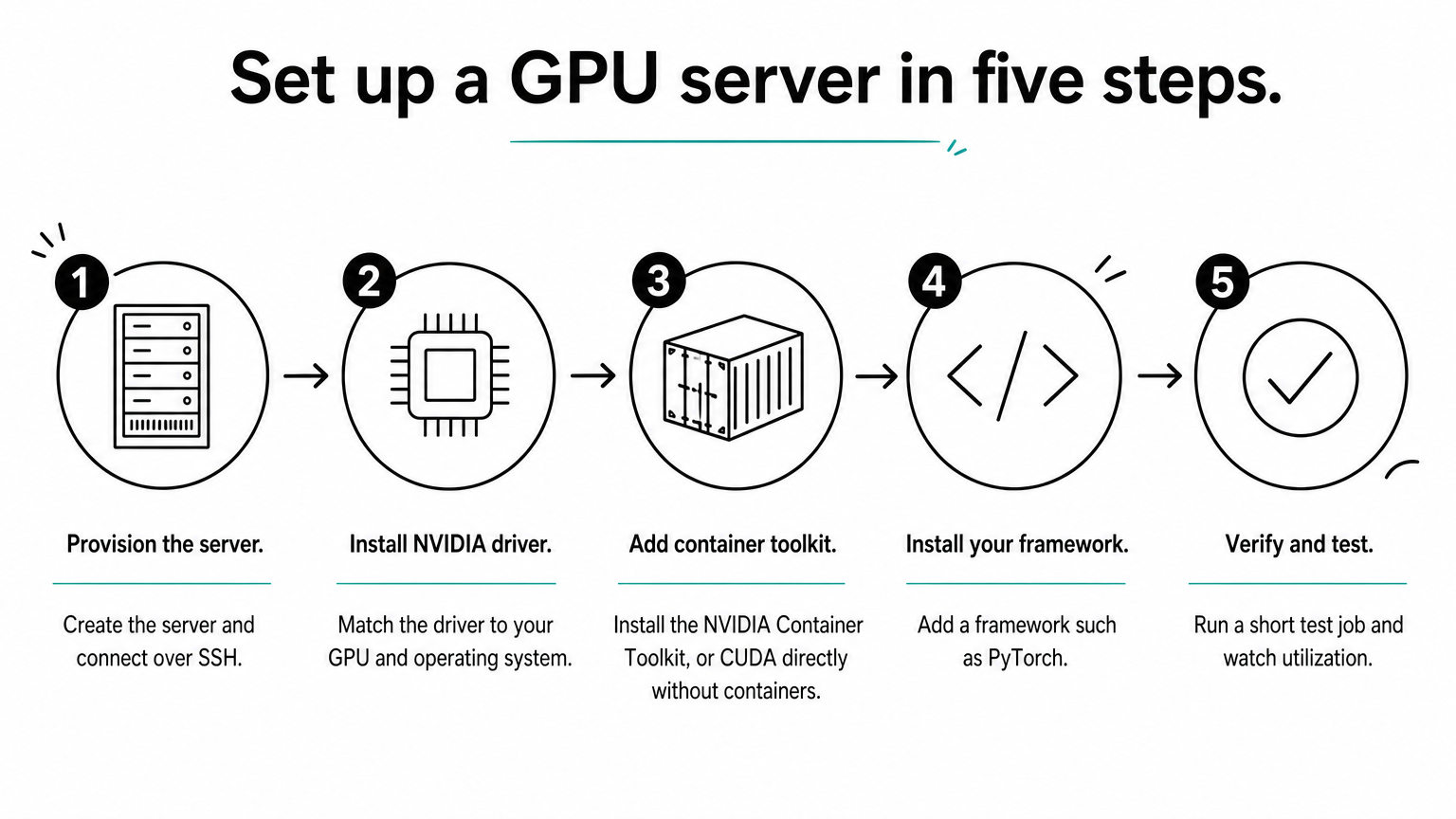
Setting up a GPU server for deep learning
- Provision the server and connect over SSH. On Geodd's dedicated GPU access, deployment takes about 60 seconds and you get server-level access.
- Install the NVIDIA driver that matches your GPU and operating system.
- Install the NVIDIA Container Toolkit, or install CUDA directly if you do not use containers.
- Install your framework, such as PyTorch.
- Verify the setup, then run a short test job and watch utilization.
nvidia-smi
docker run --rm --gpus all nvidia/cuda:12.4.1-base-ubuntu22.04 nvidia-smi
python -c "import torch; print(torch.cuda.is_available())"
Bare metal means you control the OS and runtime, and you are responsible for patching, credentials and backups. Geodd's dedicated GPU access includes no orchestration or runtime layer, so budget engineering time for that.
When an inference API is enough
If your goal is to call an open model from an application, you probably do not need a server. A serverless API bills per token, needs no drivers and leaves no idle GPU hours. Geodd's inference service offers this through an OpenAI-compatible API, with dedicated inference when you need isolation and fixed capacity.
Rent a GPU server when you train or fine-tune your own models, run custom runtimes, or have steady load that justifies reserved hardware.
If you only need model output, pay per token. Rent a GPU server when you need control of the hardware.
Choosing between a server and an API
A GPU server is a CPU-hosted machine whose GPUs do the parallel math behind AI. For deep learning, size it by GPU memory first, then check the interconnect, storage and network. Rent for bursty or deadline-driven work, reserve for Blackwell capacity, and buy only if you can keep the hardware busy.
If you have a defined workload, a budget and a timeline, you can compare dedicated GPU rental options and request capacity for H200, H100 or a reserved Blackwell node.