Create Instance
Deploy a high-performance GPU instance in seconds.
1. Open Deploy Pad
Click Deploy Pad in the top menu to open the console.
2. Go to Dedicated GPU
In the left sidebar, click Dedicated GPU.
3. Start Creating an Instance
Click Create Instance to open the deployment form.
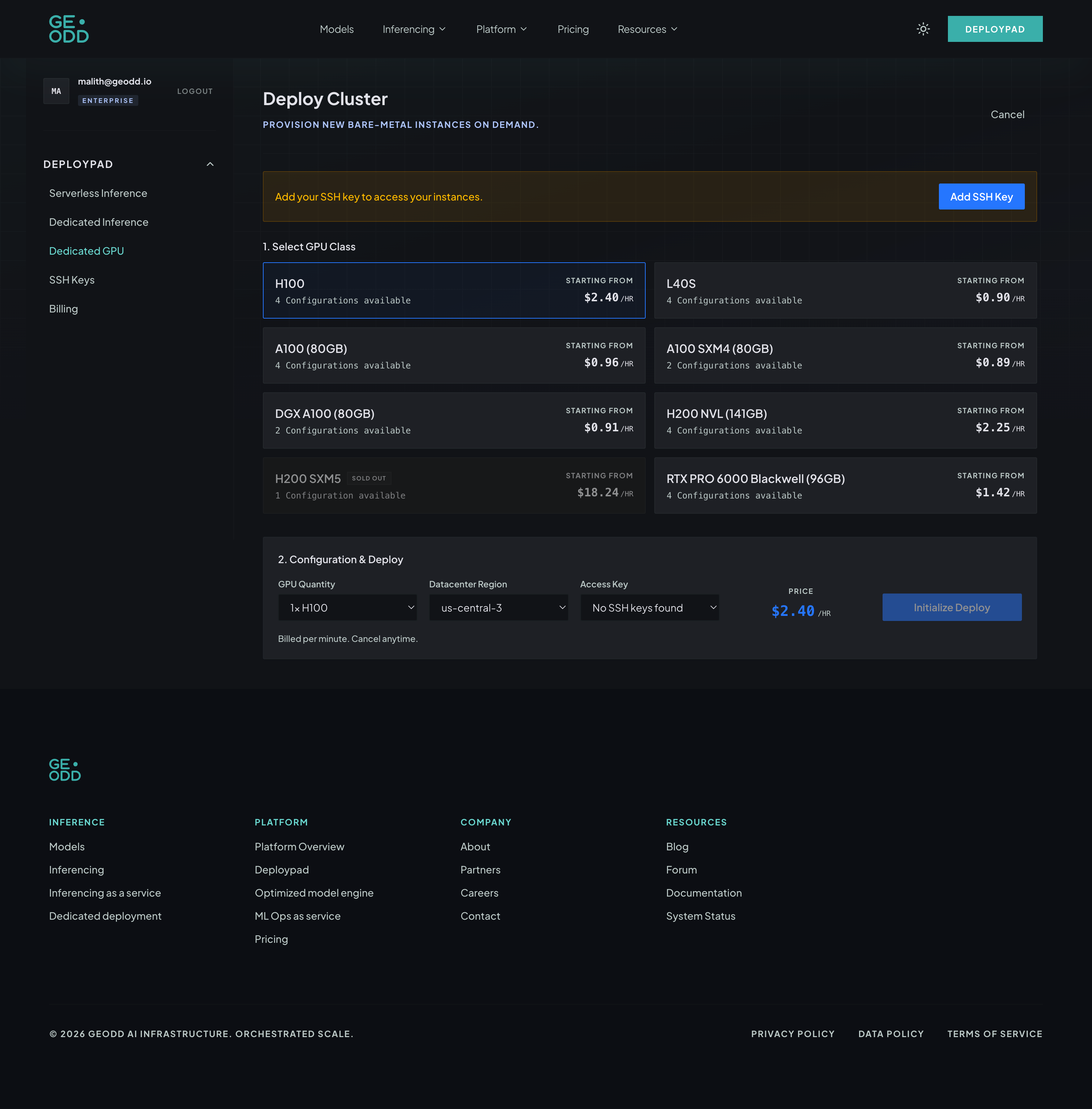
4. Select Your GPU
Choose your preferred GPU class — A100, H100, H200, L40S, or RTX PRO 6000. Each card shows available configurations and starting price per hour.
5. Configure Deployment
Pick the GPU quantity, datacenter region, and the SSH key you want to use for access.
6. Initialize and Deploy
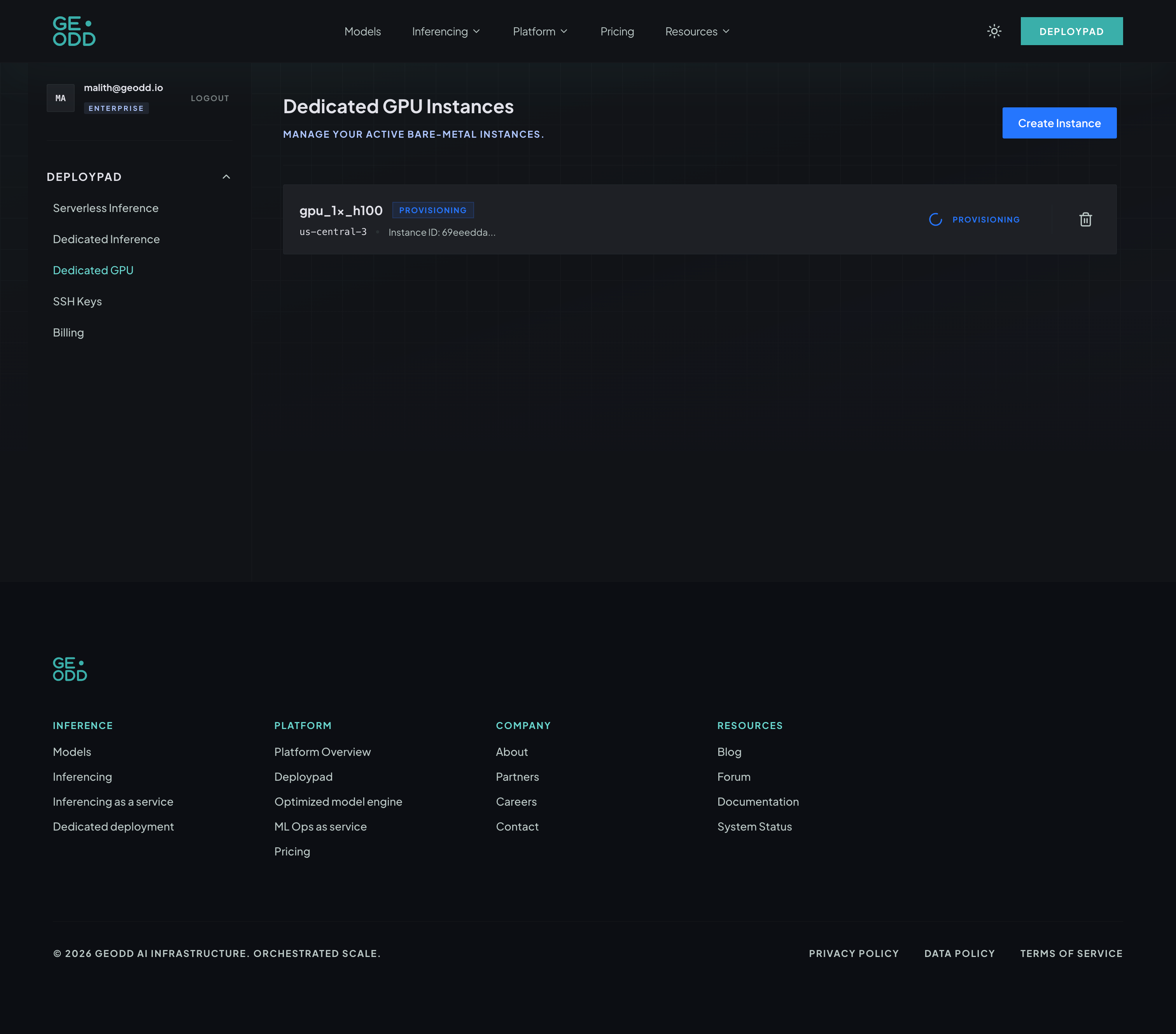
Review the price estimate, then click Initialize Deploy. Your instance will be ready in 60 seconds to 5 minutes depending on the GPU type.
Previous
Connect to InstanceNext
Getting Started