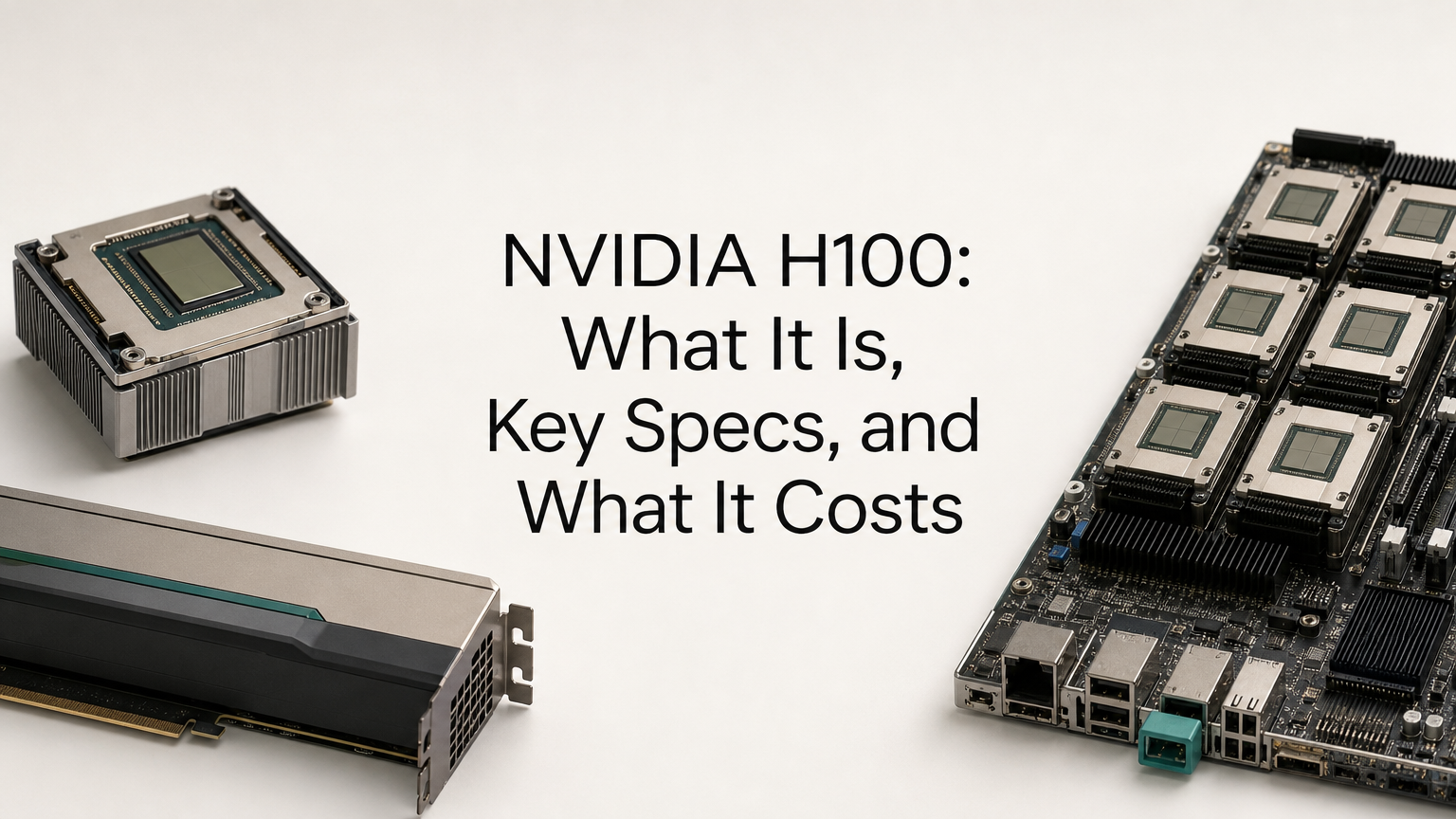
The NVIDIA H100 is a data center GPU built on the Hopper architecture and released in 2022 to train and serve large AI models. It carries 80GB of high-bandwidth memory (94GB on the NVL version), fourth-generation Tensor Cores, and a Transformer Engine that runs transformer layers in FP8 precision. It comes in three forms (SXM, PCIe, and NVL). It is sold to businesses and cloud providers, not to gamers.
This guide covers why the H100 became the reference chip for AI work, how its specs differ by variant, and how to size one against a real model. It also covers what the H100 costs to buy or rent in 2026, with worked numbers you can reuse.
Geodd runs dedicated H100 capacity alongside a token-priced inference API.
Why the NVIDIA H100 matters for AI workloads
The H100 matters because it was the first mainstream GPU designed around low-precision transformer math, and it set the standard for large-model training and serving. NVIDIA claims up to 4X faster GPT-3 175B training and up to 30X faster inference on the largest models versus the A100. Those are projected, best-case figures. Teams more commonly report roughly 2X to 3X on real training jobs.
What the Hopper architecture changed
Three changes do most of the work. The Transformer Engine switches layers between FP8 and higher precision automatically, which cuts memory use and raises throughput without a manual accuracy fight. Fourth-generation NVLink gives 900GB/s of GPU-to-GPU bandwidth on the SXM version, so multi-GPU training scales better.
The third is memory. The SXM card pairs 80GB of HBM3 with 3.35TB/s of bandwidth. Hopper also adds Multi-Instance GPU (MIG), which splits one card into up to 7 isolated slices, and hardware-based confidential computing.
The H100 is a memory-bandwidth and low-precision machine, which is exactly what transformer workloads need.
Where the H100 earns its price
The H100 pays off in a few specific jobs:
- Training or continued pretraining of large models across multiple GPUs
- Fine-tuning models in the 30B to 70B range
- Production inference for large language models where latency and throughput both matter
- High-performance computing that needs fast FP64 and large memory
It is a poor fit for small models. If your weights fit in 24GB to 32GB, a consumer card delivers far more compute per dollar. It is also not a gaming card. It is built for data center racks and has no display outputs to speak of, and its price is many times that of a flagship gaming GPU.
NVIDIA H100 specs by variant
The H100 comes in SXM, PCIe, and NVL variants, and the differences in memory type, bandwidth, power, and interconnect matter more than the shared Hopper label suggests. Here are the figures side by side.
| Spec | H100 SXM | H100 PCIe | H100 NVL |
|---|---|---|---|
| GPU memory | 80GB HBM3 | 80GB HBM2e | 94GB HBM3 |
| Memory bandwidth | 3.35TB/s | ~2TB/s | 3.9TB/s |
| FP8 Tensor Core (with sparsity) | 3,958 TFLOPS | 3,026 TFLOPS | 3,341 TFLOPS |
| Max power (TDP) | Up to 700W | 350W | 350-400W |
| MIG instances | Up to 7 | Up to 7 | Up to 7 |
| Interconnect | NVLink 900GB/s, PCIe Gen5 | PCIe Gen5 128GB/s | NVLink 600GB/s, PCIe Gen5 |
| Form factor | SXM module | PCIe dual-slot | PCIe dual-slot, air-cooled |
How to read the numbers
The headline TFLOPS figures assume structured sparsity, which only some workloads can use. Dense throughput is half the listed figure, so SXM FP8 is about 1,979 TFLOPS without sparsity. Use the dense number when you compare against other cards or your own benchmarks.
For inference, bandwidth often matters more than raw compute. Token generation reads the model weights from memory on every step, so the 3.35TB/s of the SXM card is the spec that most directly sets decode speed at large batch sizes.
SXM, PCIe, and NVL in practice
SXM modules sit on 4-GPU or 8-GPU baseboards inside HGX and DGX H100 systems. They draw up to 700W each and need a compatible server. PCIe cards fit standard servers at 350W, so they are far easier to deploy, but they have slower memory and no 900GB/s NVLink fabric.
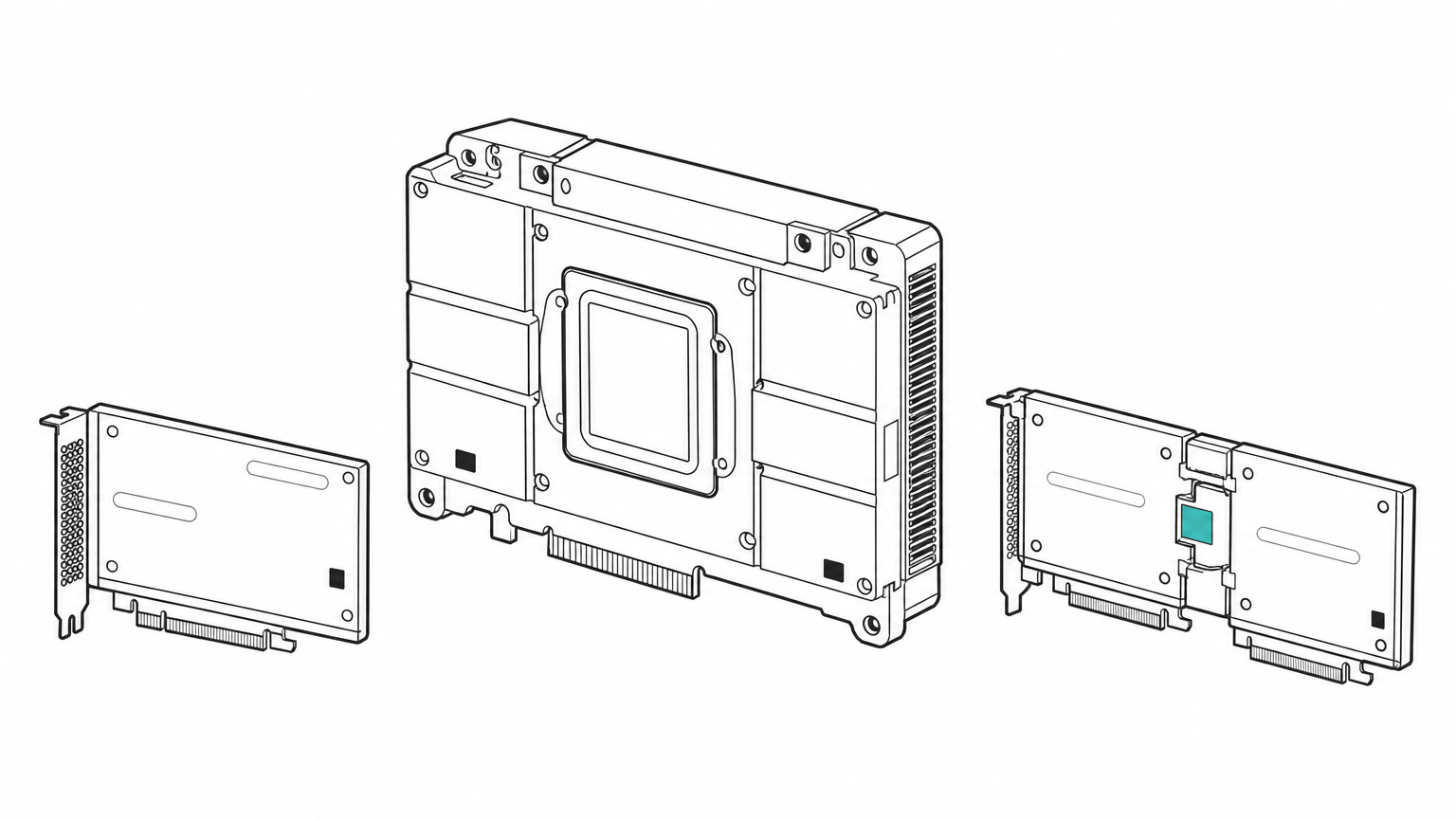
The NVL is a PCIe design with more memory per card. A bridged pair gives 188GB, which NVIDIA positions for models up to 70B parameters, such as Llama 2 70B. It cites up to 5X the performance of A100 systems on that model.
Pick the variant by memory and interconnect, not by the shared H100 name.
How to choose and size an H100 for your model
Start with your model's memory footprint, then pick the variant that holds it with room to spare. Most bad H100 purchases come from skipping this step. Teams buy by FLOPS and then discover the weights plus cache do not fit on one card.
Size memory before you pick a variant
Weights need roughly parameters multiplied by bytes per parameter. FP16 uses 2 bytes, FP8 uses 1, and 4-bit quantization uses about 0.5. The table shows weights only.
| Model size | FP16 | FP8 | 4-bit |
|---|---|---|---|
| 8B | 16GB | 8GB | 4GB |
| 32B | 64GB | 32GB | 16GB |
| 70B | 140GB | 70GB | 35GB |
Take a 70B model. In FP16 it needs 140GB, so it spans two 80GB cards. In FP8 the weights take 70GB of an 80GB H100, which leaves only about 10GB for the KV cache. That cache grows with context length and concurrent requests, so a single card handles short contexts and few users at best. Two GPUs, or an NVL pair with 188GB, give far more headroom.
Pick the variant
Work through these checks in order:
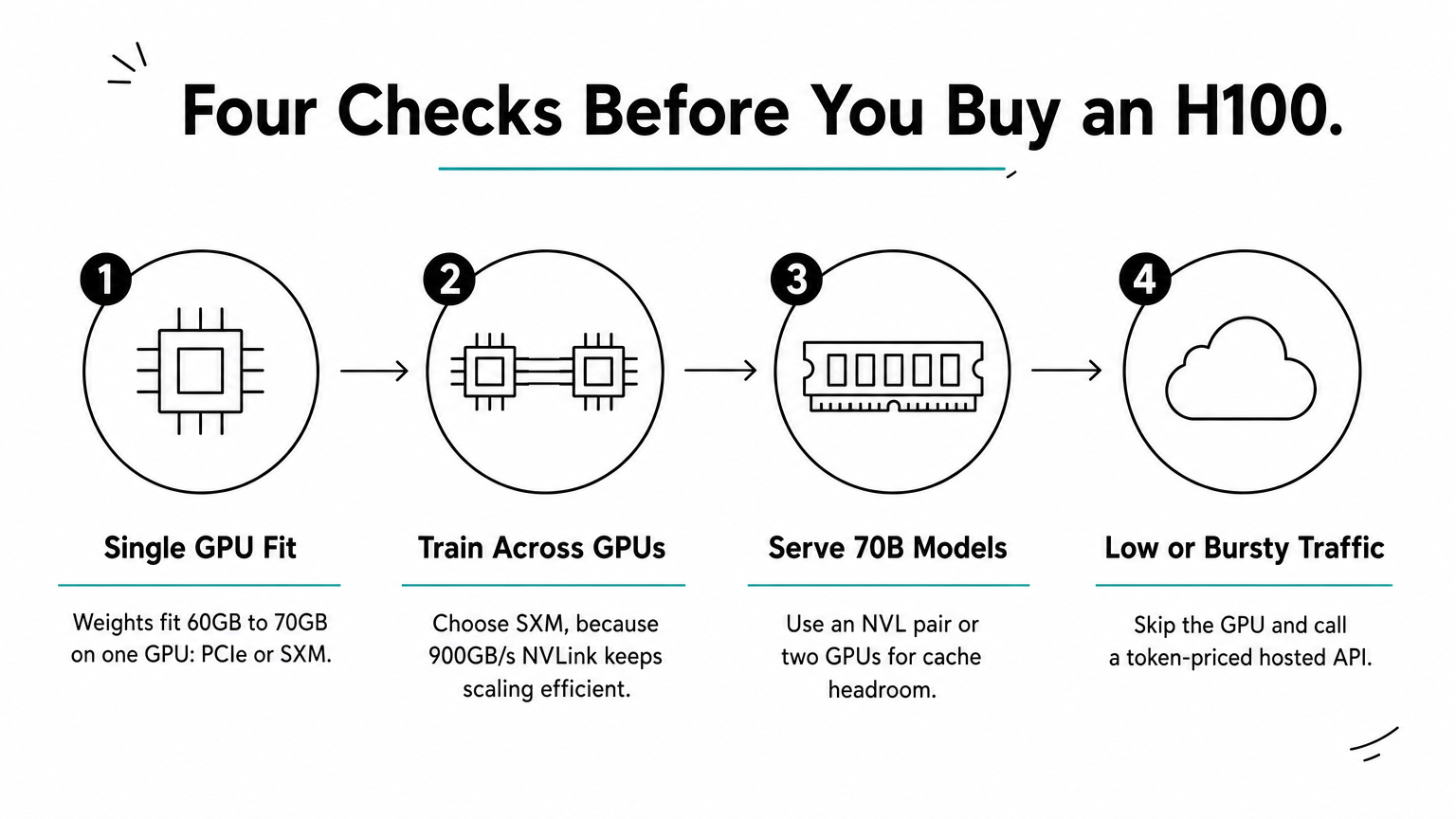
- If the weights fit in about 60GB to 70GB and you run one GPU, a PCIe or single SXM card is enough.
- If you train across several GPUs, choose SXM, because NVLink at 900GB/s keeps scaling efficient.
- If you serve a 70B-class model and need cache headroom, use an NVL pair or two GPUs.
- If traffic is low or bursty, skip the GPU entirely. Calling a hosted model through a token-priced API avoids paying for idle hardware.
Size the weights first, then add cache headroom, and only then compare variants.
H100 vs A100 and H200
The A100 has no FP8 support, and the H200 is the same Hopper compute with much more memory. The H100 sits between them.
| A100 80GB | H100 SXM | H200 | |
|---|---|---|---|
| Memory | 80GB HBM2e | 80GB HBM3 | 141GB HBM3e |
| Bandwidth | ~2TB/s | 3.35TB/s | ~4.8TB/s |
Choose the H200 when your model or context length needs more than 80GB. Choose the A100 when FP8 throughput is not needed and price matters most. For everything in between, the H100 is the default.
What an NVIDIA H100 costs to buy or rent
A standalone H100 PCIe card sells for roughly $25,000 to $30,000, an 8-GPU DGX H100 system runs about $250,000 to $400,000, and cloud rental runs a few dollars per GPU hour. Street prices move with supply, so treat these as ranges.
Buying: card, server, and used
SXM modules are usually sold only inside complete systems, so the card price is only part of the bill. You also pay for the server, power, cooling, networking, and the people who run it. Used prices peaked at $80,000 to $120,000 per card in 2023 and have since eased, but they still tend to sit above list price.
A few listings advertise an "H100 96GB." NVIDIA's own datasheet lists 94GB for the NVL, so verify the exact part number before you pay.
Renting: hourly rates and a worked break-even
Published on-demand rates for H100 instances in 2026 run from about $2.89 per hour for PCIe to about $4.39 per hour for SXM. Now work an example. One PCIe GPU running nonstop for a 720-hour month costs 720 × $2.89, about $2,081. At 8 hours a day it costs about $694.
Against a $25,000 card, nonstop rental takes about 12 months to break even. Against a $30,000 card it takes about 14.4 months. That is before you add the server, power, and cooling for owned hardware, so renting wins for most teams unless utilization stays near 100% for years.
Geodd's dedicated GPU access is bare metal and single tenant, billed hourly with SSH access. Ready in 60 seconds to 5 minutes, depending on the GPU type. Standard H100 80GB machines come in two sizes:
- 1x H100: 20 vCPUs, 128GiB memory, 1,200GB storage
- 2x H100: 40 vCPUs, 256GiB memory, 2,500GB storage
Export rules and availability
The H100 is not banned for general sale, but US export controls restrict shipping advanced AI chips to China and some other destinations. If you plan to move hardware across borders, check the current Commerce Department rules first. Lead times for owned hardware through authorized channels have been unpredictable, which is another point in favor of renting.
Rent until your GPUs run near-continuously for a year or more, then price the full cost of ownership.
Bottom line on the H100
The H100 is a Hopper-generation data center GPU whose strengths are fast memory, FP8 transformer math, and NVLink scaling. Choose SXM for multi-GPU training, PCIe for simple deployment, and NVL when a 70B-class model needs the extra memory. Size the weights and cache first, since that decides how many cards you need.
Buying costs about $25,000 to $30,000 per PCIe card before the server around it, and renting at a few dollars per hour is the better fit for most teams. To try one without the capital outlay, you can rent NVIDIA H100 80GB GPUs from Geodd, from single GPUs up to dedicated clusters of 128 to 500 GPUs.