Connect to Instance
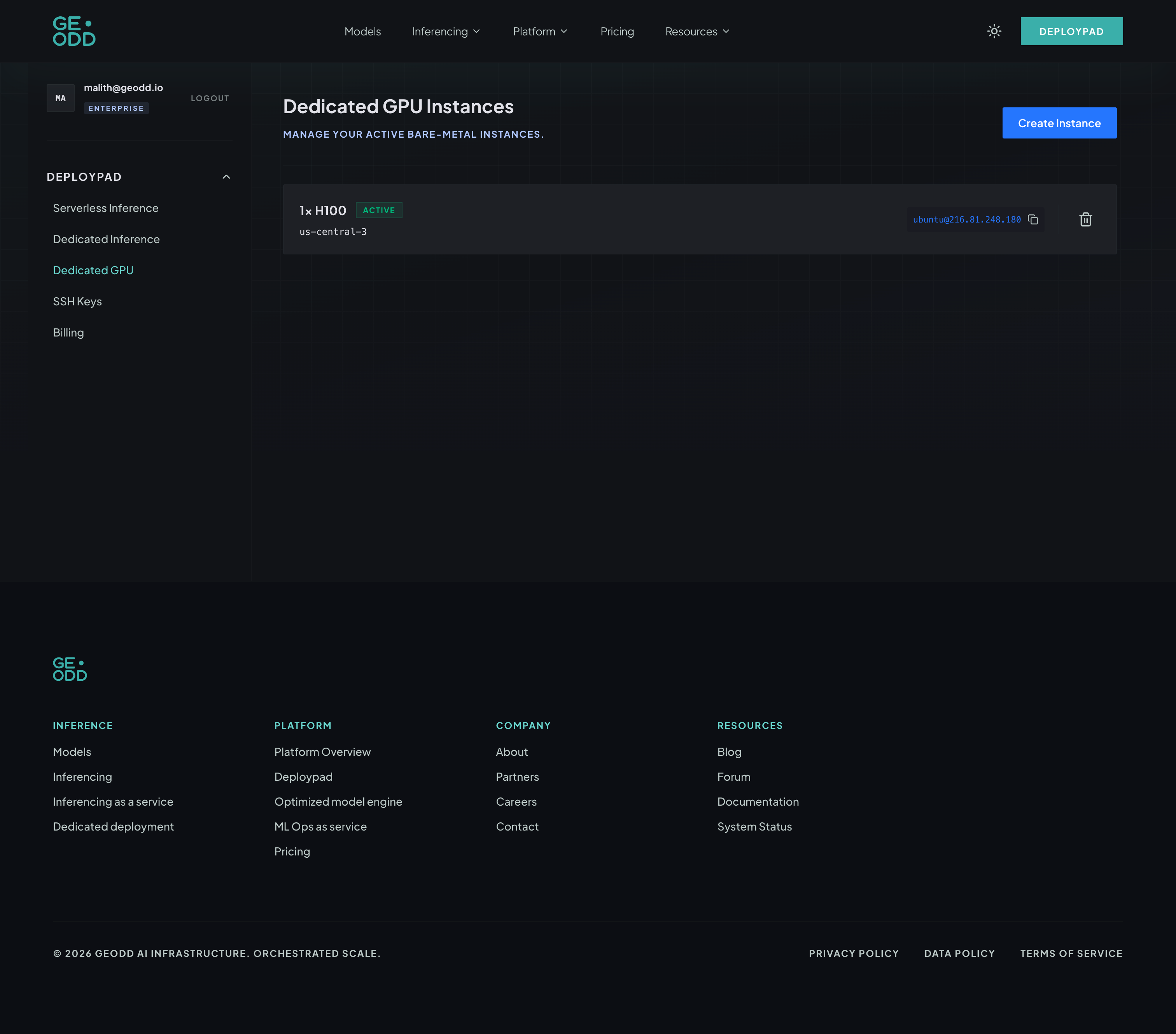
Once your instance is running, you can connect via SSH.
ssh ubuntu@<your-instance-ip>You can find the IP address in the instance details page.
When your instance is active, you will see it listed in the Dedicated GPU Instances panel with a copyable SSH command:
Previous
Preparation - SSH KeysNext
Create Instance